


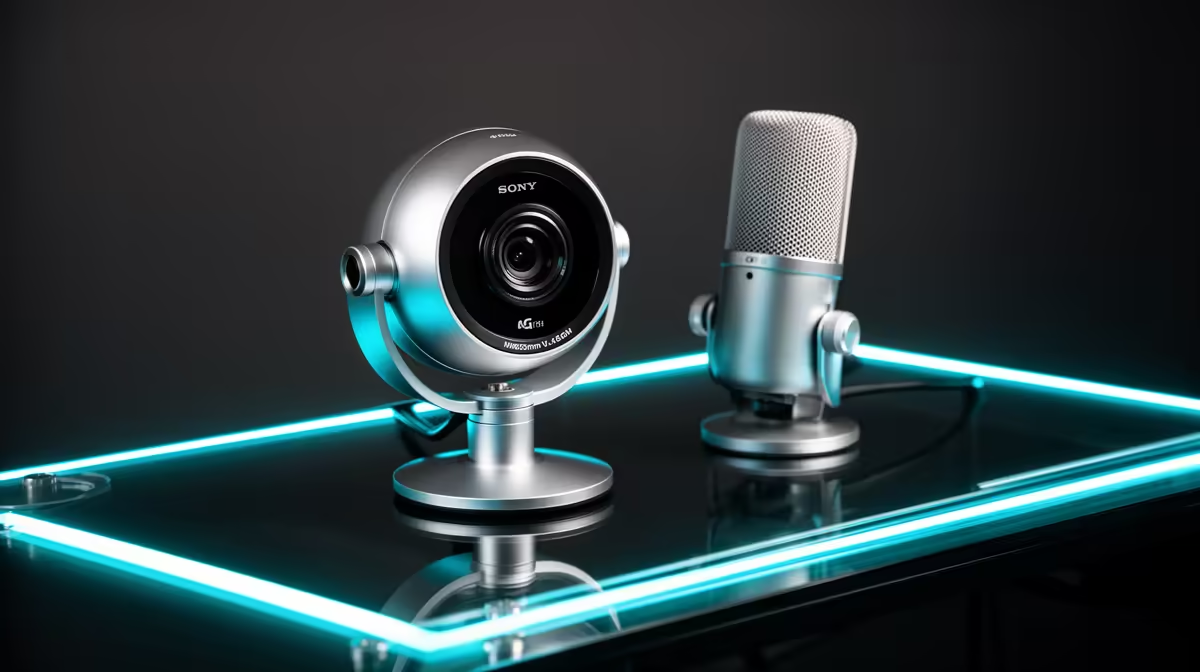
An entry R3,500 streaming kit usually compromises somewhere, but the microphone is not automatically the first part to replace. Test voice, light, camera, mount and capture. Keep every piece that works. Upgrade the component that creates the clearest audience-facing failure.
Quick Answer
Record a full scene with speech, typing, movement and gameplay. Replace the microphone first when voice remains distant, muffled or noisy after correct placement. Replace or reposition the light when the camera is noisy. Change the webcam when focus and exposure fail under good light. Add capture only when the source path needs it.
Use Evetech's streaming essentials to compare each replacement in isolation. The webcam range lets you judge a camera step after lighting is fixed.
Build the Baseline Recording
Use the normal room, time and PC load. Speak softly, normally and loudly. Type and move as you do live.
Record the webcam under the included light and check focus, exposure, colour and motion.
Save the clip. Every replacement must beat it at matched loudness and final stream size.
Fix Placement Before Replacement
Move the mic 10 to 20cm from your mouth as a starting point. Aim the correct side at your voice and lower gain.
Place the key light above eye line and off to one side. Move the webcam close to eye level.
A bundle part used well can beat a standalone upgrade left in the same poor position.
When the Microphone Comes First
Viewers need understandable speech through the whole stream. A standalone USB mic can add fuller tone, monitoring and better control.
Include a stand or arm. A dearer mic across the desk can capture more room than the bundle mic on a headset boom.
Choose XLR only when an interface and future signal path have a job.
Keep the Original Light and Stand
A ring light or small panel can remain useful as fill or background light after a larger key arrives. Test flicker and colour.
The original tripod or arm can hold a phone, small light or secondary camera when its rating supports it.
Do not discard working parts merely because the bundle label feels entry-level.
When the Webcam Comes First
Upgrade after good light when the current camera still loses focus, clips highlights or cannot supply the required frame mode.
Compare at the actual face-box size. Extra 4K detail can vanish when the stream shows a small 720p source.
Check driver support and settings persistence. Convenience can be the real gain.
Capture Card Priority
A console or second device needs a capture path into OBS. If gameplay cannot appear, the card is functional before the microphone upgrade.
Check passthrough, capture resolution, refresh, HDR, audio and USB bandwidth.
PC gameplay on the same machine can use game capture and does not need a card.
Test the PC and Upload
No peripheral fixes OBS render, encode or network drops. Open the Stats window during a private stream.
Fix game and scene load for rendering lag, encoder settings for encoding lag and the connection for network drops.
Keep the R3,500 kit while the infrastructure is the limit.
Price One Replacement at a Time
Use an exact named item from the approved July 2026 pack for rand claims. The old bundle total does not set the value of each part.
Include arm, cable, interface or mount. Sell the old part only when its condition and compatibility are clear.
Finish and test one job before spreading the budget.
Decide What Happens to the Old Part
Keep the bundle microphone or webcam until the replacement passes a full stream. It can become a backup source after that.
If you sell it, describe the model and condition honestly and include only the accessories that belong to it. Wipe stored settings or memory cards where the device has them.
Do not count a hoped-for sale in the replacement budget before a buyer exists. The new part must fit the cap on its own.
Review the Upgrade After a Week
Use the new part through several normal streams. Track setup time, audience comments, dropped frames and editing cleanup.
A microphone that sounds better and takes twenty minutes to position may need a different arm. A webcam that looks sharper and loses its settings after each boot has a workflow cost.
Compare the same baseline clip again. Keep the upgrade only when the gain survives daily use and the old kit is no longer the easier tool.
FAQ
Do entry kits cut the microphone first?
Some do, but the exact kit can compromise light, camera or mounting instead. Record the full scene.
Does a mic upgrade need an interface?
No for USB. XLR microphones need a suitable interface and cable.
Can the old light remain?
Yes when it is stable, flicker-free and useful as key, fill or background light.
Save one full baseline from the R3,500 kit, correct placement and replace only the part that still produces the clearest audience-facing fault.











