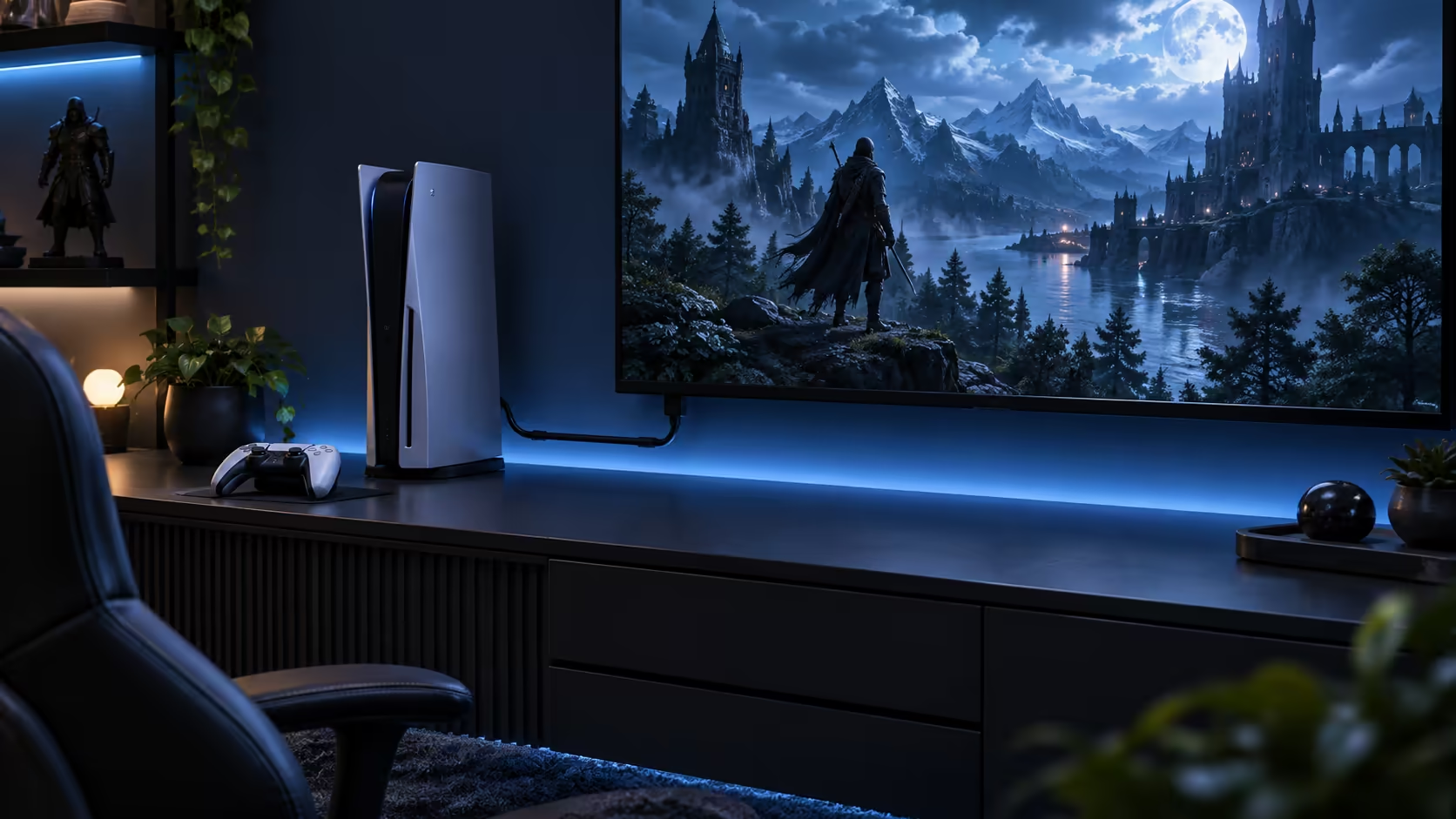
A 1.8m HDMI cable is the length that quietly disappears into a setup instead of becoming part of it. Long enough to reach from a console on a shelf to the screen above it, or from a tower under a desk to a monitor arm, without ever needing a loop of slack coiled somewhere out of sight. Anything much shorter starts to strain a socket; anything much longer just becomes something to tidy away later.
Quick Answer
A 1.8m run reaches a console on a shelf under the screen, or a PC tower beside a desk monitor, without leaving a loop on the floor. Anything shorter strains the socket, and anything longer becomes clutter you end up bundling with a cable tie anyway. The Anker lead at this length is R299 and handles 8K at 60Hz over the same run.
📏 Measure before you assume 1.8m is right
Most consoles and towers sit within about a metre of the screen they feed, whether that is a shelf directly beneath a wall-mounted TV or a case tucked next to a monitor stand on a desk. A 1.8m cable covers that distance with enough slack to route it neatly around a corner or through a cable channel, rather than pulling the plug tight against the socket every time something on the desk gets nudged.
Where the distance is genuinely longer, such as a console cabinet across the room from the screen, measure the actual path the cable will follow, not the straight-line distance. A run that has to go up the back of a cabinet, along a skirting board and back up behind a mounted panel is often twice the distance it looks like from a tape measure held in a straight line. The cable range lists both the 1.8m length and longer options if that measurement comes back bigger than expected.
🧹 A tidy run is a reliable one
Cable strain at the connector is one of the more common reasons an HDMI lead starts dropping signal intermittently rather than failing outright, and a run that is too short for the distance it covers puts that strain on every day. Leave enough length for the connector to sit at a natural angle rather than being pulled sideways, and route any excess in one loose loop rather than several tight ones, since tight coils stress the copper inside more than a single gentle bend does.
Choosing a gaming desk that already has a grommet hole or a routing channel built into the top turns this into a five-minute job, letting the 1.8m length lie flat under the surface instead of hanging where it can be knocked.
🖥️ At a desk, the tower decides the length
On a desk, the practical distance is between the graphics card's HDMI output and the monitor's input, which for a tower sitting on the floor beside or under the desk usually falls comfortably inside 1.8m. Where the tower sits further away, such as inside a closed cabinet, check that distance specifically before assuming the standard length will reach; a gaming setup with the tower positioned away from the monitor is one of the more common reasons a shorter cable gets returned for a longer one.
📺 In the lounge, the shelf usually wins
A console sitting on a shelf directly under or beside a television is the setup a 1.8m cable was built for, reaching the input with slack to route it out of sight behind the unit rather than across the front. Where the console lives in a separate cabinet away from the screen, the run is longer and worth measuring properly before ordering, since a cable stretched to its limit is the one most likely to work loose when the shelf gets dusted or the console gets moved to swap a disc.
The Anker 1.8m lead carries 8K at 60Hz and 4K at 120Hz at 48Gbps for R299 with a warranty you can act on locally, so the length decision does not cost anything in bandwidth either way; it is purely about which distance fits your unit.
Frequently Asked Questions
Is 1.8m too short for a wall-mounted TV?
Only if the equipment sits far below the mount. Measure the actual path up the wall and back down to the shelf, including slack for the bracket, rather than the straight-line distance between the two points.
Does a longer cable lose signal quality at short-run distances?
No, provided it carries the same bandwidth rating. A well-made 3m cable performs identically to a 1.8m one at 1.8m of actual use; the shorter length is chosen for tidiness, not signal strength.
Should I coil excess cable tightly to keep it neat?
No. A tight coil stresses the internal copper more than a single loose loop does, so route any slack in one gentle bend rather than several tight wraps.
Can the same 1.8m cable move between a desk setup and a lounge unit?
Yes. The connector and rating are identical regardless of where the cable lives, so a single 1.8m lead can be moved between a desk and a shelf unit as needed.
Ready to tidy up your console, TV or desk cabling?
Measure the actual cable path first, then pick a length that reaches with a little slack rather than none.