


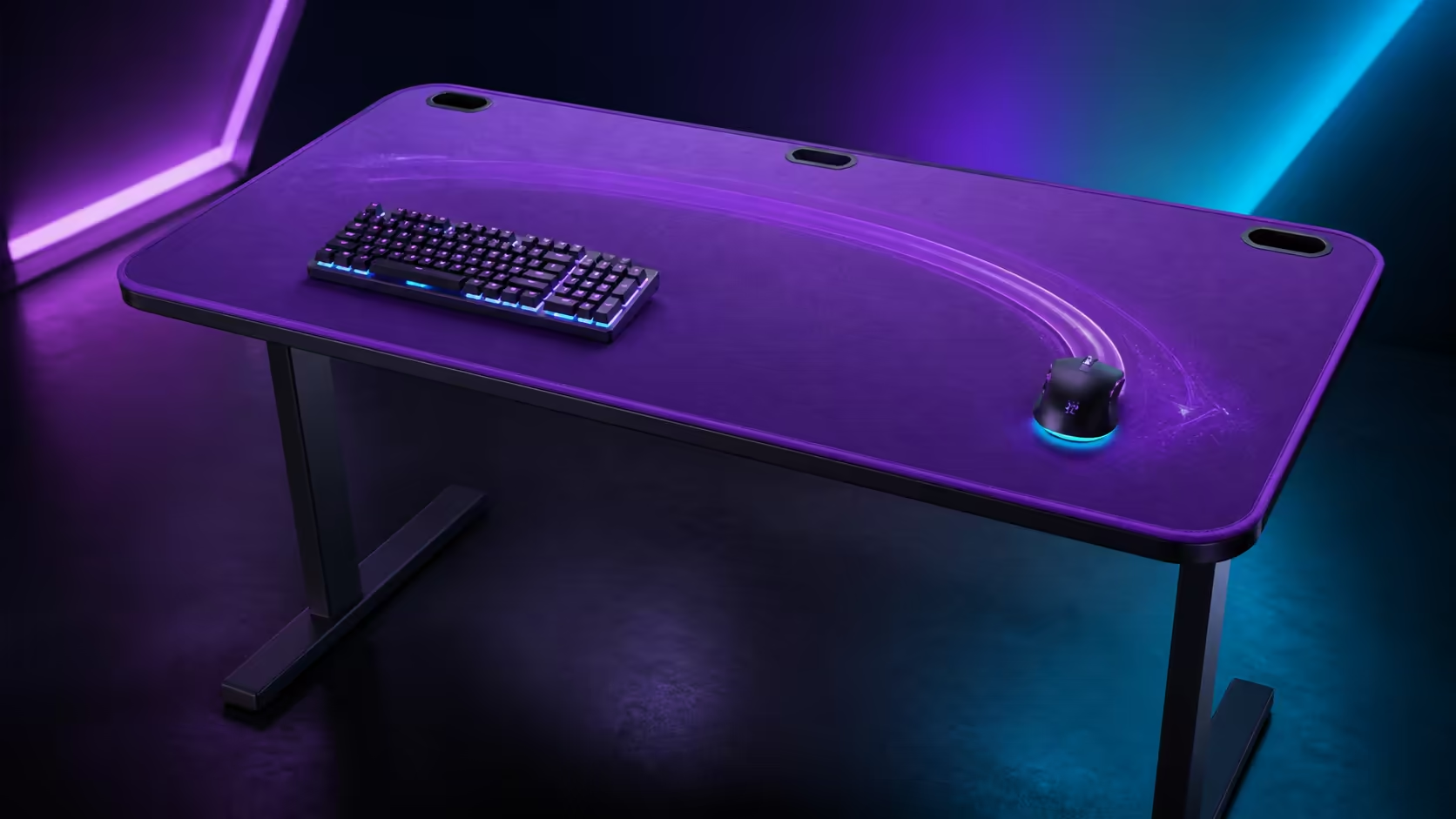
Mouse control becomes easier to repeat when the tracking texture stays consistent from the first movement to the widest sweep. Using full-surface microfiber for consistent tracking removes the boundary of a small mat. The purple AROZZI Arena Medium delivers that surface at R3,599.
Quick Answer
The R3,599 AROZZI Arena Medium uses a full-surface microfiber mousepad, giving the sensor one continuous texture across the usable top. Consistency still depends on clean mouse feet, stable settings and keeping the sweep clear, while the machine-washable surface provides a route back to a clean baseline.
🖱️ Establish a repeatable control test
Use the same sensitivity and complete slow tracking, fast turns and precise stops across the centre and outer area. Note initial friction and whether the forearm crosses an edge. Do not change mouse settings while comparing surface positions.
The AROZZI Arena Medium in purple places microfiber beneath both mouse and keyboard. Its R3,599 price also includes the desk's cable-management and steel-leg features.
Keep the sweep free
Move speakers, chargers and controllers beyond the marked movement boundary. A broad pad cannot create room if stand bases or stationery occupy it. Centre the keyboard section used for play so the mouse hand is not pushed towards an edge.
📏 Use width and depth together
Mark the furthest left, right and forward positions reached during a realistic session. Preserve a little margin beyond those points. Surface depth supports the forearm and prevents the mouse meeting a monitor foot during upward movement.
Compare desk dimensions in Evetech's gaming desk category. Judge each candidate with the same input and stand templates rather than desktop width alone.
Include keyboard stability
The shared microfiber layer can also reduce keyboard movement and change typing sound. Check all keyboard feet and keep crumbs from accumulating beneath them. A stable keyboard position helps the mouse return to the same centre each session.
🧼 Protect tracking through maintenance
Dust and oils can change glide gradually. Remove loose debris, clean the mouse feet carefully and use the machine-washable pad's intended care method for deeper cleaning. Water resistance helps with prompt spill response but does not justify leaving liquid beside electronics.
Explore the Arozzi gaming setup selection for coordinated input-zone ideas. Keep cleaning access in the layout even when the visual arrangement looks complete.
Allow the microfiber to dry fully before it returns to the desk. Reinstall it flat and run the same tracking test to confirm the baseline.
🎯 Tune the whole seated position
Set chair height so the shoulder relaxes and the forearm reaches the pad naturally. Align the keyboard and primary screen with the body. A continuous surface cannot correct a twisted posture or excessive reach.
Coordinate seating and peripherals with the desk through Evetech's broader gaming setup range. Test the full system through work and gaming, not only a few cursor movements.
Review wear and shared use
After a week, compare glide in high- and low-use areas. Shared users should repeat the same drill at their saved chair and keyboard positions. Keep a familiar task as the long-term check whenever the pad is washed or equipment moves.
Separate sensor problems from surface problems
If tracking changes, inspect the sensor opening, mouse feet and wireless or cable connection before blaming the microfiber. Test on a clean central area with the same settings. Change one factor, repeat the drill and note whether the symptom follows the mouse or the location.
A cable catching the keyboard or cutout can create sudden resistance. Preserve a relaxed loop or use the wireless arrangement intended for the mouse. Keep charging hardware outside the broad sweep.
Test work tasks as well as games
Drag small spreadsheet selections, edit a precise timeline and move between two screens. These actions reveal fine control that a fast game drill may miss. Compare forearm comfort through a long typing block as well.
The best full-surface arrangement supports both roles without moving the keyboard every time. Save the final input positions in a photograph so cleaning and shared use return to the same geometry.
Build a small consistency log
Record the mouse setting, chair position and one familiar precision task after the surface is cleaned. A short note is enough. If control feels different later, repeat that task before changing several settings at once. The log turns a vague impression into a comparison between the same movements.
Include the state of the mouse feet and whether a charging lead was attached. Those details can alter drag independently of the microfiber. A repeatable test protects useful settings from unnecessary adjustment.
Use the outer surface deliberately
The far edges are not wasted simply because the mouse does not reach them during ordinary play. They can hold a parked controller or a small work item, provided nothing can slide into the active sweep. Move that object away before a low-sensitivity session that calls for broader turns.
This zoning preserves the benefit of full coverage: the active area can expand temporarily without meeting a mat seam. It also avoids treating the entire top as permanent storage, which would cancel the flexibility the continuous layer provides.
Frequently Asked Questions
Why can one continuous surface improve tracking?
It removes the transition between a small mat and the surrounding desktop across the measured sweep.
Does microfiber guarantee better aim?
No. It provides a consistent layer, while technique, settings, cleanliness and placement still shape control.
Can the keyboard sit on the microfiber?
Yes. The Arena Medium's pad covers the surface beneath both keyboard and mouse.
What happens when the surface gets dirty?
Glide may change, so remove loose debris and machine-wash the pad according to its care guidance.
How much is this desk?
The purple AROZZI Arena Medium costs R3,599.
Want the same tracking texture from careful aim to the widest turn? Get the Arena Medium from Evetech, preserve a clear sweep, and use one familiar drill to protect consistency after every clean.











