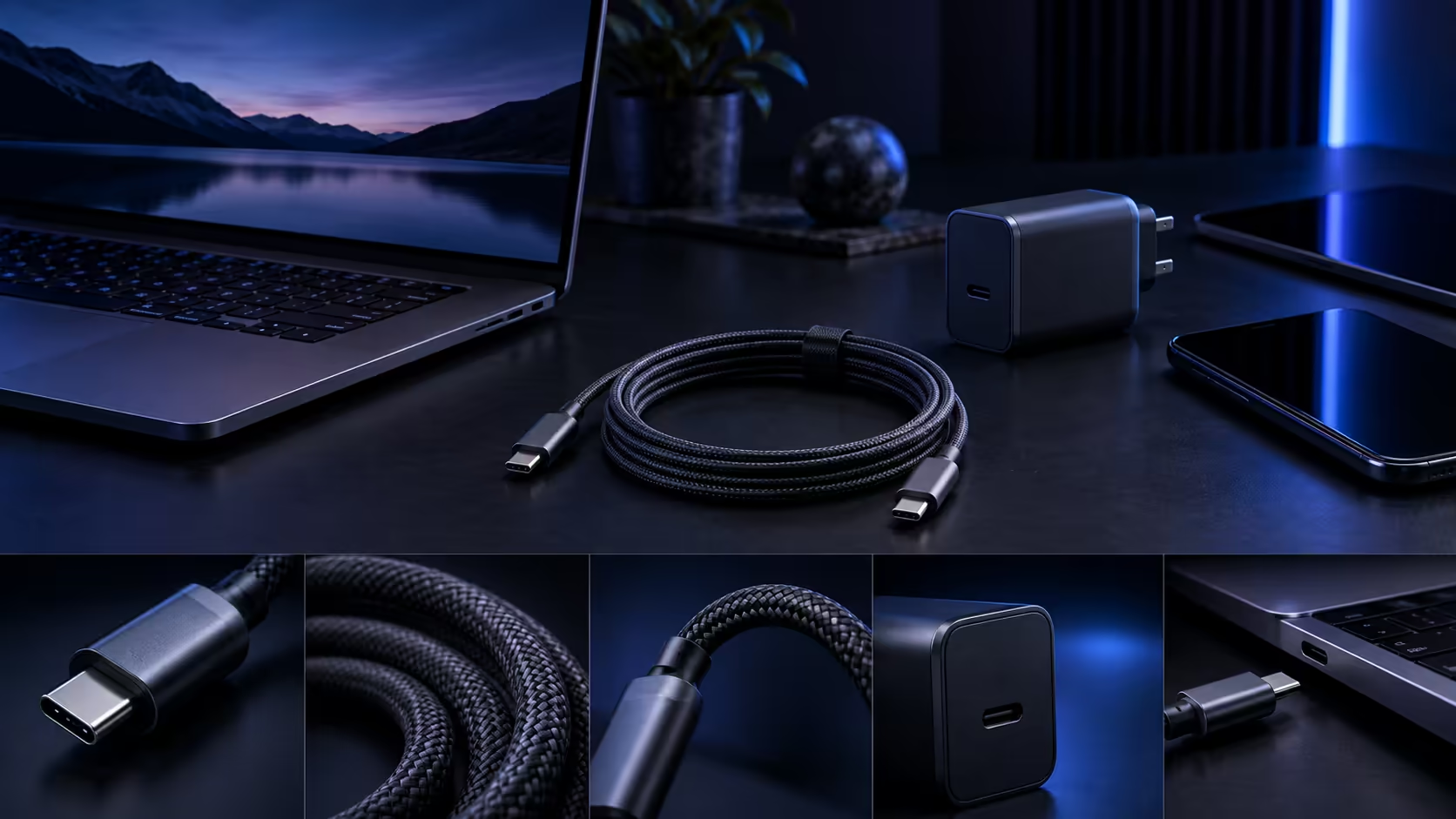
South African laptop buyers choosing a USB-C charging cable tend to focus on the wrong details first, checking the braid colour before confirming the one number that actually decides whether the laptop charges at full speed at all.
Quick Answer
Check the charger's wattage first, because anything above 60W means a 5A e-marker is compulsory. Then match the length to where your plug sits and confirm warranty cover is handled locally. The R399 Anker 544 clears the technical side without customs paperwork.
🔌 Start with your charger's actual wattage
Before browsing the comprehensive cable range, look at your laptop's charger for its printed wattage figure, since that number determines which cable class you actually need. Above 60W specifically, a genuine 5A e-marker chip becomes compulsory, not optional, because a standard 3A cable simply has no physical way to carry more than that, no matter how much power the charger sitting behind it could otherwise push through.
📏 Match the length to where you actually charge
Measure the real distance from your laptop's usual spot to the nearest socket, whether that is a desk, a bedside table, or a spot in a shared lounge, rather than guessing at a length that seemed reasonable. A 1.8m cable suits most typical South African room layouts, while a shorter 0.9m option fits a bag or a dock sitting close to the machine.
🇿🇦 Confirm the warranty is handled here, not abroad
Buying a USB-C cable through a local seller means a fault becomes a straightforward courier exchange, rather than a shipment sent overseas and a wait for a response, which matters given how often a charging cable develops an intermittent issue rather than an obvious one. This is worth checking specifically before an import purchase that looks cheaper on the surface, since customs and shipping costs on a return often erase whatever was saved upfront.
🎒 What buyers overlook when comparing options in person
Standing at a shelf comparing two similar-looking cables, it is tempting to judge them by connector shell thickness or braid pattern, both of which say nothing about the amp rating or certification underneath. Picking up the packaging and reading the printed figures directly, rather than trusting a visual impression, is the only reliable way to tell a genuine 5A option apart from one that only looks the part.
🧾 A quick example from a typical purchase
Picture buying a cable for a laptop whose charger is printed with "100W" on its base. That single figure tells you the cable needs a genuine 5A e-marker, since anything less pins the connection at 60W regardless of how capable that charger is. From there, a quick measurement of the desk and a check of the seller's warranty terms are all that remain before the purchase is a safe one.
🛒 The checklist, in the order that actually matters
Confirm your charger's wattage first, then buy a 5A, USB-IF certified cable if that figure sits above 60W. Match the length to your actual socket distance, and pick a seller whose warranty is theirs to sort out on home soil, not a courier form to another country. Our laptop specials page is worth browsing if the laptop itself is still an open decision alongside the cable.
Frequently Asked Questions
Do all South African laptop chargers exceed 60W?
No, plenty of smaller, lighter laptops charge at 60W or below, where a standard 3A cable already suffices, so checking your specific charger's rating remains the necessary first step.
Does 1.8m usually reach comfortably in a typical South African bedroom or lounge?
Generally yes, since most sockets sit within that reach of a typical desk or bedside table, though measuring the actual distance is worth doing before assuming.
Does buying locally really matter for a cable specifically?
Yes, since charging cables are one of the more common items to develop an intermittent fault, making a local warranty claim considerably more useful than an overseas one.
Should I buy the cable and the laptop from the same place?
It is convenient but not required, since a properly rated cable works with any compatible laptop regardless of where each item was purchased separately.
Does the room a laptop usually charges in affect which cable class to buy?
Not the class itself, only the length, since a lounge or bedroom with a socket further from the desk simply calls for the longer 1.8m option rather than a different current rating.
Is it worth checking a cable's rating again after buying a new laptop?
Yes, since a new laptop can easily draw a different wattage from the last one, and confirming the existing cable still matches avoids a slow-charging surprise right from day one of ownership.
Do second-hand laptops sold locally usually come with a matching cable already?
Not reliably, so checking the wattage the specific machine actually needs and buying a properly rated cable separately is worth doing rather than trusting whatever cable happened to come bundled with it.
Ready to choose the right USB-C cable for your laptop?
Check your charger's wattage first, then match the length and confirm local warranty cover.