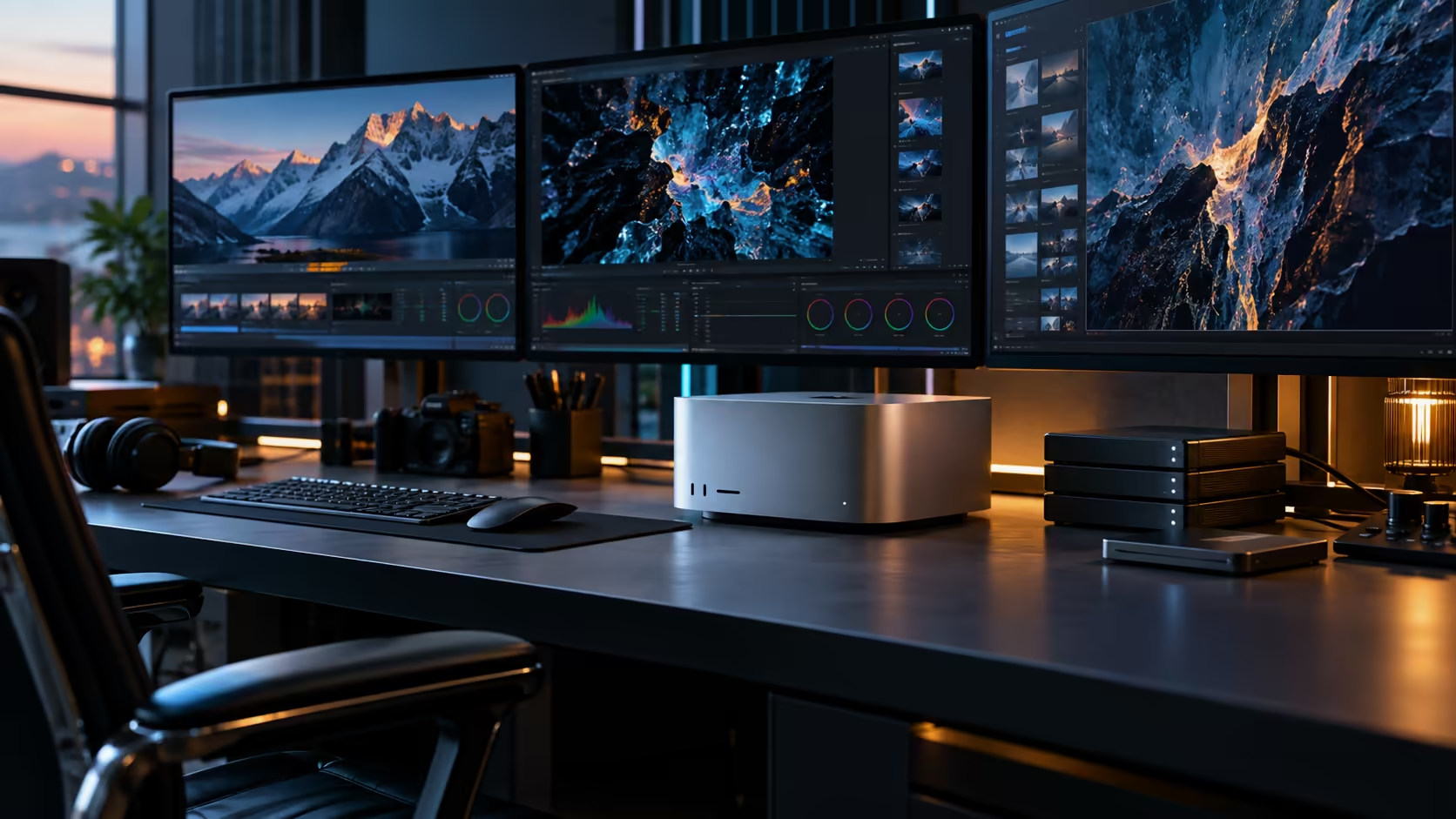
Three things settle whether a Mac Studio M5 Ultra actually fits a South African studio's needs, and none of them is the chip itself. Warranty route, network gear and screen plan decide the outcome long before core counts do.
Quick Answer
Warranty route, network gear and screen plan are the three things worth settling before a R108,999 order for the Mac Studio M5 Ultra goes through. The hardware side is straightforward: 96GB shared memory, a 1TB SSD, six Thunderbolt 5 ports and 10Gb Ethernet on the back.
🇿🇦 Warranty route: decide this before, not after, a fault
This is the single most consequential decision that has nothing to do with the machine's specification sheet.
Buying from a South African supplier keeps a repair local, sorted within 3 to 5 days instead of a shipment overseas. Privately imported hardware has to travel back to wherever it was bought for the same fix, adding real weeks of downtime on a machine this central to daily output. Confirm the warranty terms before ordering, not after something goes wrong.
🌐 Network gear: the 10Gb port needs its own plan
A single fast port on the back panel does nothing without matching hardware on the rest of the network.
Most South African fibre routers hand out 1Gb LAN ports, so the 10Gb Ethernet port here is a separate local network you build deliberately between your own machines, using a matching switch and cabling rated for the speed. Budget this as its own line item rather than assuming the port alone delivers the benefit without any supporting hardware.
📦 Storage: plan for what a 1TB drive can't hold
The internal SSD covers a working project comfortably, but demanding studio work fills it faster than the number suggests.
Camera-original footage, large render caches and simultaneous projects all draw down the internal 1TB quickly, so a NAS for shared archive storage, connected over that same 10Gb link, is worth planning alongside the machine rather than as a reactive purchase once storage runs tight.
🖥️ Screen plan: match panels to the actual work
A halo workstation deserves screens that don't undersell it, but that doesn't mean buying the largest array available.
Check each candidate from the monitor range against your actual workflow, colour-critical work justifies a higher-tier panel; general studio management and communication tools don't need the same specification. Confirm the Mac Studio M5 Ultra's simultaneous display ceiling before committing to a specific screen count on this R108,999 machine, since the port layout alone doesn't guarantee every connected panel runs at once at your chosen settings.
🧑🤝🧑 Making these three decisions as a team, not alone
A studio purchase at this price rarely benefits from one person deciding everything in isolation.
Whoever manages the studio's finances should own the warranty comparison on this R108,999 purchase, since that's where local versus imported pricing actually gets weighed properly. Whoever handles IT or network infrastructure should own the switch and cabling decision. And whoever does the colour-critical or client-facing work should have the final say on the screen plan, since they're the one who'll notice if a panel falls short during real use.
🔧 Revisiting these decisions after the first month
None of these three plans has to be perfect on day one.
Warranty terms are fixed at purchase, but network gear and screen plans can both be adjusted once real studio use reveals what's actually needed. Treat the first month, roughly 30 days, as a genuine trial period for network and display decisions specifically, rather than assuming the initial guess has to be correct forever, and budget a small contingency for the adjustments that trial period is likely to reveal.
Frequently Asked Questions
What matters most when planning a Mac Studio M5 Ultra purchase for a studio?
Warranty support, network hardware for the 10Gb port, and a realistic storage and screen plan, all of which matter more day to day than the chip's raw specification.
Does the 10Gb Ethernet port work with a standard home router?
No. A typical local fibre router hands out 1Gb LAN ports at best. The 10Gb link is a separate wired network you build between your own devices with a matching switch.
Is local warranty support more important for a studio than for a home user?
A studio often has limited backup capacity, so a machine sitting in transit for an overseas repair can stall real production work. A local warranty resolves faults far faster.
Is 1TB of internal storage enough for a demanding studio?
Often not on its own for heavy camera footage or large render caches. Budget a NAS or external drive into the launch order rather than bolting it on once storage already feels tight.
Who should decide on the display setup for a shared studio machine?
Whoever does the colour-critical or client-facing work, since they're best placed to judge whether a panel is genuinely good enough for real use rather than just adequate on a spec sheet.
Ready to settle warranty, network and storage plans before your Mac Studio M5 Ultra order?
Work through all three alongside the machine's specification before committing.