


Where to Cut When Your Gaming PC Build Runs R3K Over
Quick Answer
When a gaming PC list is R3,000 over budget, cut appearance, unused motherboard features and excess storage before touching the parts that meet your game target. Keep a safe, suitable power supply. Protect the CPU and GPU balance until a benchmark proves one can step down.
The cleanest rescue uses several small trims. One dramatic downgrade can turn a well-planned PC into a machine you want to upgrade on day one.
Freeze the Performance Target
Write the three games, resolution, settings and acceptable frame-rate range at the top of the list. Mark the CPU and GPU pairing that produced the evidence for it.
Those two parts are protected, but they are not sacred. If independent tests show a cheaper processor delivers the same frame-rate range with your graphics card, take the saving. If the target survives a lower GPU tier, that is a valid choice. Make the cut with data.
Do not use a broad percentage split. A competitive 1080p build and a graphics-heavy 1440p build need different balances.
Cut the Look First
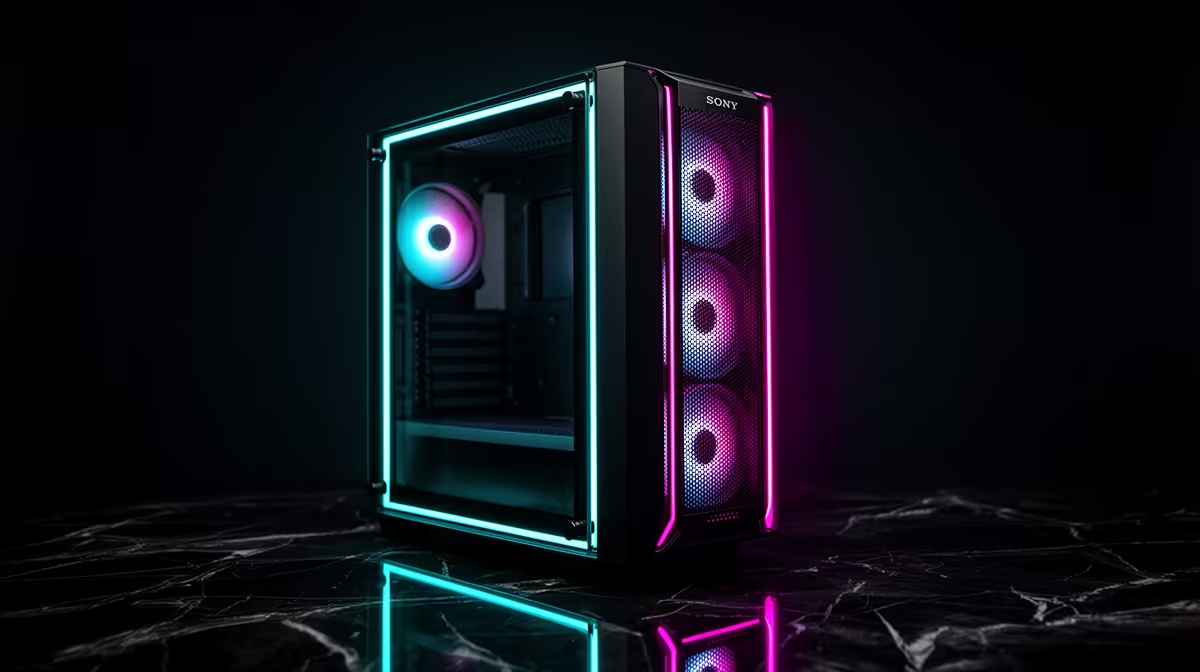
RGB fans, cable extensions, a showcase cooler and a premium colour theme can consume the first chunk. Keep enough airflow and a compatible cooler, then strip the decorative versions.
Choose a simpler case with a clear intake, dust filters and the required clearance. Check graphics-card length, cooler height and motherboard format. A plain case that holds safe temperatures performs the same game work.
Move custom sleeves, extra lighting and display panels to a later wish list. They are easy to add after the PC has proved itself.
Trim Features You Will Not Connect
A motherboard can lose premium audio, extra high-speed ports, multiple expansion slots or elaborate lighting controls when your desk will never use them. Keep the correct socket, memory support, storage slots, network path and stable CPU support.
Wi-Fi is worth protecting when Ethernet is unavailable. A board without Wi-Fi plus a good adapter may cost more than the model you cut.
Reduce the cooler only within the processor's needs. Check sustained temperature and noise expectations. A smaller suitable air cooler can save money without changing game performance.
Right-Size Storage and Memory
A 1TB SSD can step down to 512GB when the board has a clean expansion slot and you can manage a small library. Keep enough space for Windows, your regular games, updates and working headroom.
Do not drop a new general gaming build below a useful memory floor to preserve lighting. Keep a matched kit and intended channel layout. Delay 32GB when real workload evidence says 16GB is enough.
Premium memory speed can also yield to a supported mainstream kit. Compare game results on your platform before paying for the faster label.
Keep the Power Foundation
The power supply is a poor place for a blind cut. Preserve the required capacity, protections, connectors and a reputable exact model. Wattage alone cannot tell you whether a cheaper unit is suitable.
You can remove excess capacity intended for an imaginary flagship upgrade. Size for the current system and one upgrade you can name, with reasonable headroom.
Keep enough case fans for a clear front-to-back path. Cutting a decorative fan pack is different from leaving hot parts without intake.
Compare Complete Alternatives
Open gaming PC deals and find a named system close to your target. Compare its CPU, GPU, memory, SSD and supporting parts with the rescued list.
Use PC best sellers for another balance. A complete configuration may reveal that your self-build has duplicated cooling, overbought the board or forgotten the operating system.
Make a cut log. Write the old part, new part, saving and expected effect. Stop when the total fits, then run compatibility checks again.
Recheck the Physical Build
A cheaper case or motherboard can change dimensions and connections. Confirm the cooler mount, graphics-card clearance, front USB header, fan plugs and storage positions against the revised list.
Trace power from the wall to the motherboard and GPU. Count the native connectors and keep modular cables with their own power supply.
Then price the whole desk once more. Windows, Wi-Fi, a display cable or a missing input device can reopen the R3,000 gap if they were left outside the first list.
FAQ
Should the GPU ever be cut?
Yes when exact-game evidence shows the lower tier still meets your resolution and frame-rate range. Cut settings or expectations on paper before spending.
Is a smaller SSD a safe saving?
It can be when the core library fits with headroom and the motherboard leaves an easy expansion path.
Can I reduce the power-supply wattage?
Only after checking the complete load, connectors, transient guidance and exact unit quality. Keep reasonable headroom for the named build.
Protect your three-game target, log each saving from appearance and unused features first, and recheck compatibility when the R3,000 gap is closed.











