


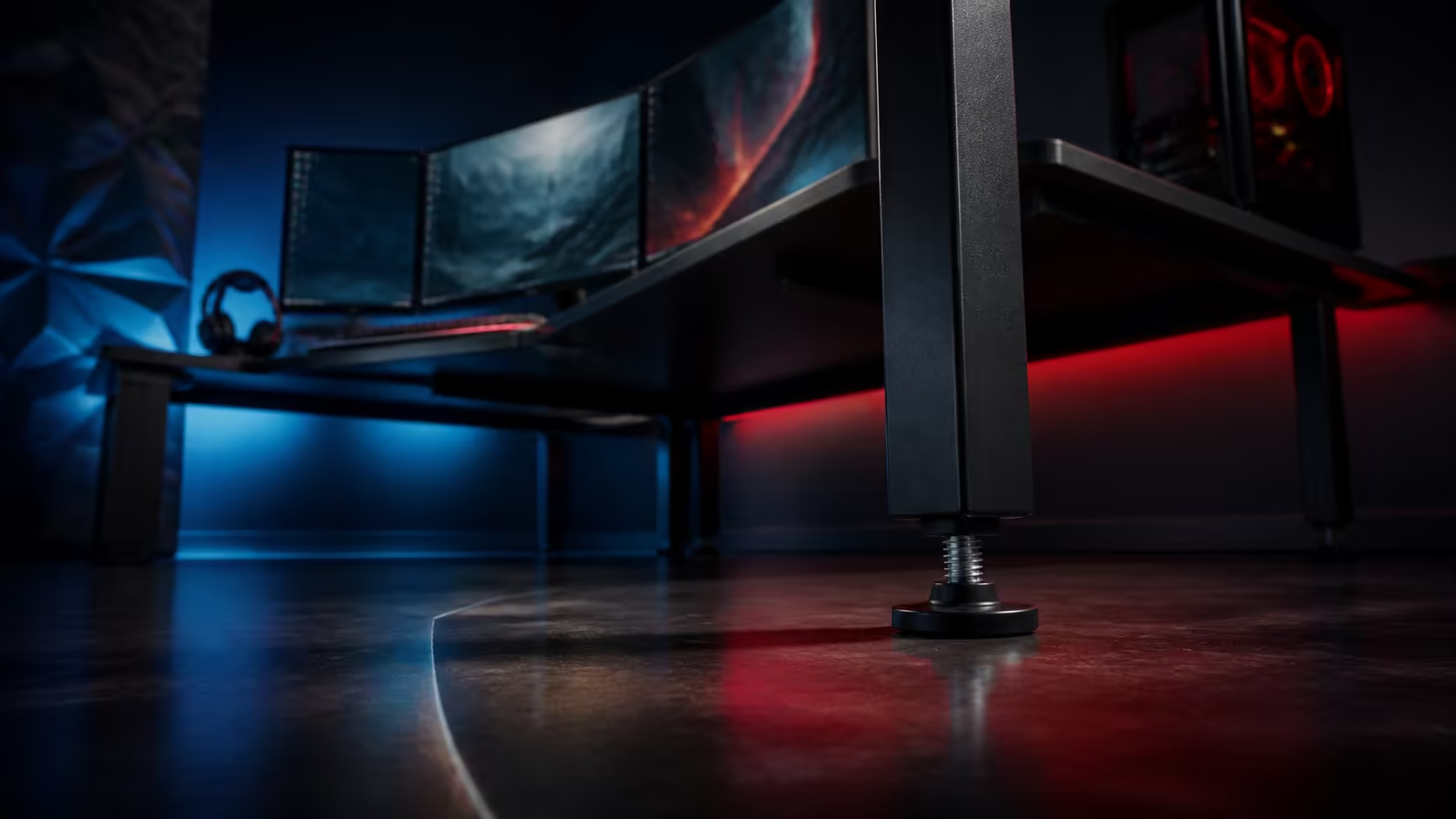
A desk that feels unstable can be reacting to uneven flooring, loose assembly, an unbalanced load or cables pulling at the frame. Why a gaming desk feels unstable or uneven is best diagnosed from the floor upward before heavy equipment is moved repeatedly. Evetech gaming desks range from about R2,499 to R8,499 across the category.
Quick Answer
Use roughly R2,499 to R8,499 as the Evetech gaming-desk category reference. Clear the desk enough to work safely, check every foot on the floor, adjust levelling points in small steps and inspect assembly plus load placement. Re-test after monitors, the PC and cables return because the final weight can change stability.
⚖️ Identify rocking and frame movement
Press gently near each desk corner and watch which foot lifts. Rocking usually points to uneven floor contact, while movement that remains with all feet planted may involve assembly, frame flex or equipment movement on the surface.
Test the empty or safely lightened desk first. Evetech's gaming desk category helps buyers compare live straight-desk designs and prices, but the diagnosis must follow the exact frame and floor in front of them.
Mark the suspect foot with tape so repeated testing does not shift attention to another corner.
Distinguish desk wobble from monitor shake
Type or move the mouse while watching both the surface and monitor. A flexible monitor arm can shake even when the desk feet remain stable. Test the screen stand or arm separately before adjusting the whole frame.
🦶 Level on the final floor surface
Clean beneath every foot and remove cables, mat edges or debris. Adjust the foot that loses contact in small increments, then repeat the corner press. Avoid turning every leveller without a stable reference.
Carpet can compress after the desk is loaded. Allow the setup to settle and re-test later. On hard flooring, use the protection and contact method intended for the desk and surface.
Check chair movement and nearby contact
A chair, drawer or wall touching the frame can feel like desk movement. Roll through the normal path and confirm that nothing catches a leg, brace or cable bundle.
🔧 Inspect assembly and load balance
Follow the desk's assembly guidance when inspecting fasteners and frame joints. Do not exceed intended tightening or improvise structural changes. Check that cross-members and legs sit in their correct positions.
Add equipment in stages. Place monitor stands centrally, then the PC and accessories, pressing each corner after every step. Evetech's Arozzi gaming setup selection can inspire balanced placement across the usable surface.
Avoid concentrating heavy equipment on a distant return or unsupported edge. Keep frequently moved devices within the stable working area.
🧵 Remove cable tension from the diagnosis
Short power or display cables can tug monitors and the frame when equipment moves. Loosen ties temporarily, create service loops and confirm that wall or PC connections are not pulling the desk towards one side.
Use Evetech's gaming setup category to plan the desk with monitors, chair and accessories. Rebuild cable routes only after the physical stability baseline is restored.
Run a full-session acceptance test
Type, move the mouse through broad sweeps and adjust monitors normally. Note whether movement appears at a specific action or location. Recheck feet after an hour and after the next room cleaning or equipment move.
Record the final leveller positions and equipment layout. If movement returns, restore this baseline one factor at a time instead of changing frame, feet and monitor mounts together.
Test on carpet and hard flooring thoughtfully
Carpet can compress unevenly beneath a loaded desk, so initial stability may change after several hours. Recheck each foot after the frame settles and after a heavy device is moved. Keep the chair mat or carpet edge away from desk contact points.
Hard flooring reveals gaps more directly but can allow a desk to slide during testing. Use the contact and protection approach intended for the frame and floor, then repeat the corner press without forcing the desk sideways.
Inspect the room, not only the desk
Check whether a skirting board, wall, drawer or nearby cabinet touches the frame. A desk leaning lightly against an obstruction can rock differently when the user types. Leave a small service gap and repeat the test free of outside contact.
Confirm that the floor itself does not change abruptly beneath one leg. Move the empty outline only when safe and compare contact before loading equipment again.
Build a maintenance schedule
After the first week, inspect feet, fasteners, monitor mounts and cable loops according to their instructions. Repeat after moving the desk, changing monitors or performing a deep clean. These events can alter load and floor contact.
Keep a note of the successful layout and first symptom. If wobble returns only during monitor adjustment, investigate the mount and cable tension before touching the levelling feet.
Ask another regular user to repeat the typing and mouse tests. Different pressure and chair position can reveal movement that one person misses. Note whether the frame, surface or screen begins moving first during each repeated action.
Frequently Asked Questions
What is the first instability test?
Press gently near each corner and identify whether one foot lifts from the floor.
Can a monitor arm cause visible shake?
Yes. Test the mount separately because screen movement does not always mean the desk feet are unstable.
Should levelling be checked before equipment returns?
Perform an initial check with a light surface, then repeat after the complete load is installed.
What do gaming desks cost at Evetech?
The category runs from approximately R2,499 to R8,499.
Can tight cables make the desk feel unstable?
They can pull equipment or the frame during movement, so preserve service slack and retest.
Ready to trace every wobble to floor contact, load or movement instead of tightening at random? Compare Evetech gaming desks, establish a light-frame baseline, and add equipment back only after each contact point stays planted.











