Start with evidence from your own machine before swapping any part. Below is an ordered, South African gaming checklist for the symptom in the heading, written so each step is something you can verify yourself before booking a repair or buying a replacement.
Quick Answer
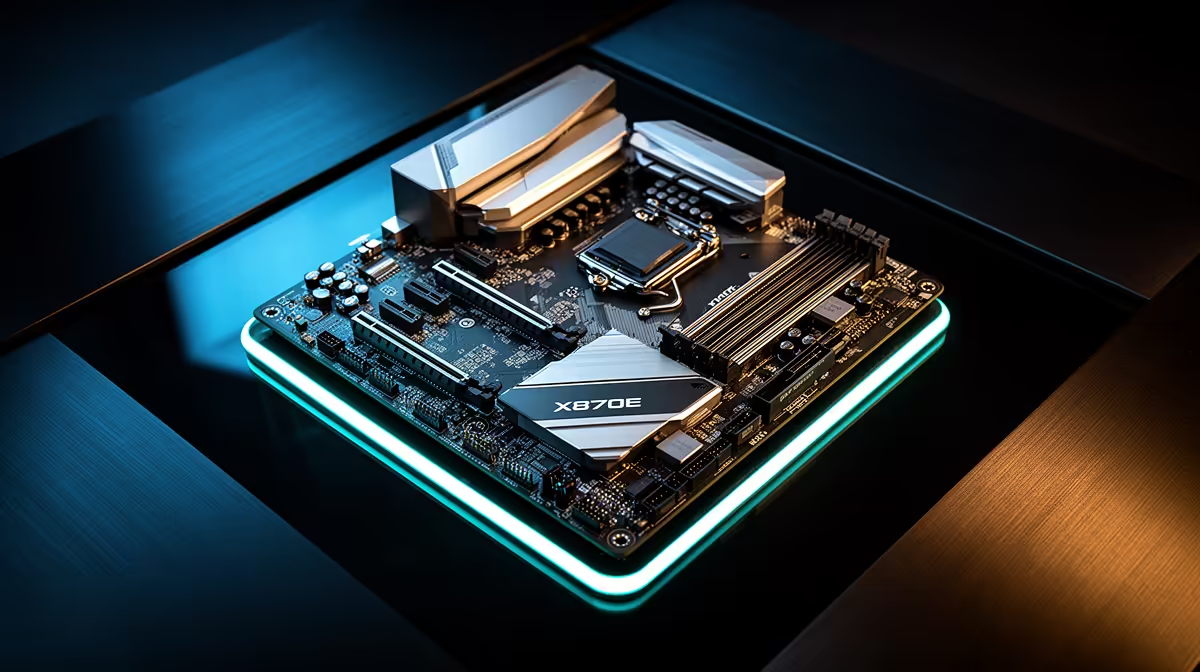
Start with evidence from your own machine before swapping any part. This usually comes down to drivers, an unstable EXPO profile or background load rather than a faulty X870E motherboard. Run a fixed 20-minute test after each change and keep the one that holds at a steady frame rate or a stable temperature under 85C.
Driver and BIOS hygiene
Roll the GPU driver back to the last stable release, then do a clean reinstall using DDU so leftover files do not clash. Update the chipset package straight from the AMD or Intel site rather than trusting Windows Update to pick the right version.
RAM and EXPO checks
Drop to two sticks in the correct A2 and B2 slots if four-DIMM configs refuse to post cleanly. Run a short MemTest86 pass overnight to rule the 32GB kit in or out before blaming anything else.
PSU and connector checks
Verify the PSU wattage matches the load; a high-end card wants real headroom, so a 1000W unit is a sensible floor for top builds. Verify the PSU wattage matches the load; a high-end card wants real headroom, so a 1000W unit is a sensible floor for top builds.
FAQ
Is it safe to keep using the PC like this?
If it shuts down or blue-screens, stop heavy loads until you find the cause. Repeated hard crashes can corrupt the boot drive, so back up your data before deep testing.
Can a single bad cable cause this?
Yes. A half-seated 8-pin or a marginal DisplayPort cable can trigger shutdowns, flicker or stutter that look exactly like a dying component, so reseat and swap cables before spending anything.
Does heat explain random crashes?
Often. A CPU sitting at 95C or a GPU hotspot past 100C will throttle or shut down to protect itself, so log temperatures across a full session rather than reading one quick number.
Confirm the part before you buy
Once the checklist points at a single component, browse the matching X870E motherboards on Evetech and replace only what failed the tests.