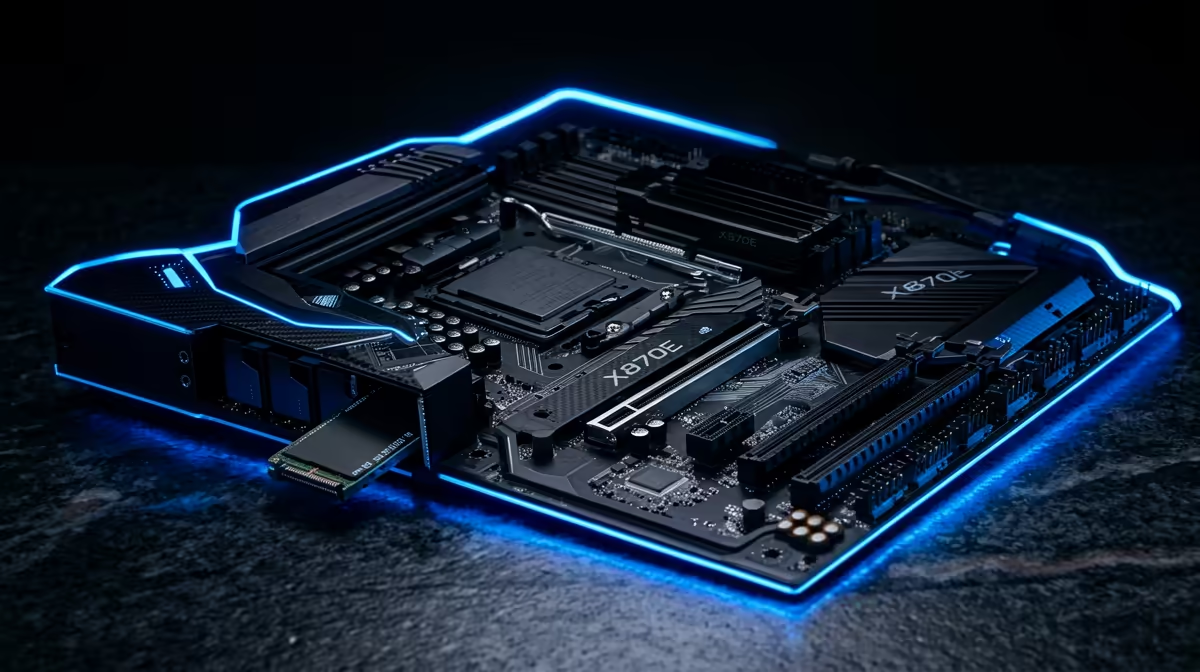
A X870E motherboard won't boot after a BIOS update SA that goes dark after a firmware update feels like a dead build, but for SA gamers in Stellenbosch it is usually a recoverable settings issue rather than a hardware failure.
Quick Answer
If your X870E motherboard won't boot after a BIOS update SA setup will not boot after a BIOS update, the fix is almost always BIOS Flashback or a CMOS clear, not new hardware. Power off, hold the BIOS Flashback button for 3-5 seconds with the flash drive in the marked USB port, and 90% of these no-boot cases recover in under 10 minutes. Do not buy a replacement board or peripheral before you try the clear.
First checks: power, port and POST
Confirm the basics before anything drastic. Reseat the 24-pin and 8-pin EPS power connectors, then look for the motherboard debug LEDs. A lit CPU LED points at a microcode mismatch from the update; a DRAM LED points at memory training; a VGA or BOOT LED points elsewhere. If your X870E motherboard won't boot after a BIOS update SA gear sits behind a hub or front-panel header, plug it straight into a rear USB 2.0 port, because flash and recovery tools are most reliable there.
BIOS Flashback by brand
Use the rear flashback button, not the OS. The button name differs by vendor: ASUS calls it BIOS FlashBack, MSI calls it Flash BIOS Button, Gigabyte calls it Q-Flash Plus, and ASRock calls it BIOS Flashback. Format a USB drive as FAT32, drop the renamed BIOS file from the support page on it, plug it into the labelled port, and hold the button until the LED blinks steadily then stops. A full reflash takes 3-8 minutes; do not cut the power while the LED is active.
Roll back EXPO/XMP and the update itself
- Enter BIOS and load Optimised Defaults. 2. Disable EXPO/XMP so memory runs at JEDEC 4800MHz. 3. Save and reboot to confirm a clean POST. 4. If it boots, re-enable the memory profile and test again. 5. If the new firmware is the culprit, flash the previous stable version from the vendor archive. Working through these steps in order, rather than all at once, isolates the cause without guesswork. A reliable USB drive matters here; a R150 8GB FAT32 stick avoids half-written flashes.
FAQ
Why won't my X870E motherboard won't boot after a BIOS update SA boot after a BIOS update?
A BIOS update resets firmware settings and can leave stale memory training or a peripheral mismatch that blocks POST. Clearing CMOS and disabling EXPO/XMP fixes the large majority of cases without new parts.
Is BIOS Flashback safe to use?
Yes. Flashback writes firmware directly through a dedicated controller with the CPU and RAM out of the loop, so it is the safest recovery path. Use a FAT32 drive and the exact file from the vendor support page.
Should I replace the hardware?
Not yet. No-boot after an update is a firmware state problem in most cases, not a dead component. Try the CMOS clear and Flashback first; only consider a warranty claim at Evetech if the board shows no debug LED activity at all.
Stuck after a recovery attempt? Bring the board and your X870E motherboard won't boot after a BIOS update SA to Evetech for an in-store diagnostic before you spend on replacements; most no-boot tickets clear in one session.