


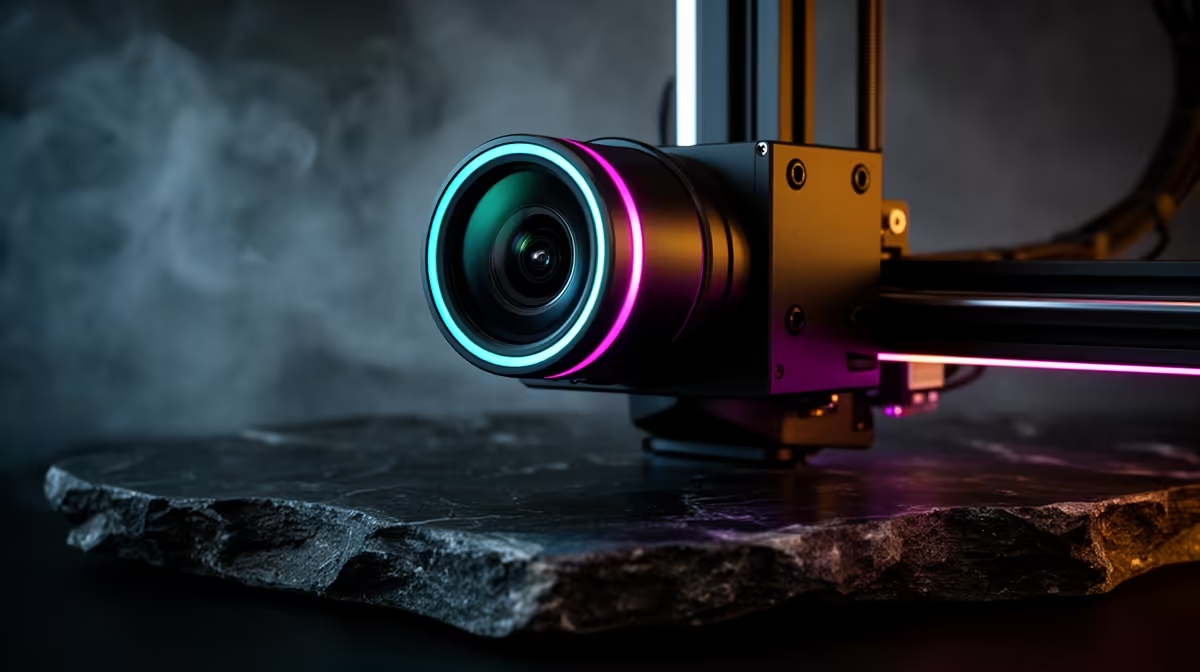
Few things sting like walking back to a 3D printer after eight hours to find a tangled bird's nest where a model should be, a full spool of filament gone to waste. The Creality SPARKX i7, shown at CES 2026, tackles that exact pain with an onboard AI camera that watches the print as it happens and steps in before the spool is ruined.
Quick Answer
The SPARKX i7's AI camera detects three common failure modes in real time: filament tangling, air printing where nothing is extruding, and bed-adhesion failures where the model lifts or detaches. When it spots one, it alerts you or pauses the printer automatically, so a single early fault no longer burns through an entire roll of material.
What the camera is actually looking for
The camera sits with a clear view of the build plate and nozzle, feeding frames to an on-printer model trained to recognise what a healthy print looks like versus a failing one. Three patterns trigger it. Air printing shows as the nozzle moving normally while no plastic lands, usually a sign the extruder has jammed or the spool ran dry. Bed-adhesion failure appears when a corner curls up or the whole first layer peels and starts dragging. Filament tangling shows as the feed stalling or snapping as the spool knots on itself. Catching any of these in the first minutes is the difference between a quick restart and a wasted night.
Why real-time detection changes the maths
A failed print that runs unattended wastes filament, hours of machine time, and often a layer of nozzle gunk you then have to clean. By pausing the moment a fault appears, the i7 turns a ruined eight-hour job into a two-minute fix and restart. For anyone running overnight prints or leaving the machine going during a work day, that protection adds up fast across a month of jobs. You can see where the i7 fits in the broader 3D printer lineup at Evetech as more AI-assisted machines arrive.
Is camera monitoring worth it for a home maker?
If your prints are short and you sit beside the machine, you already are the failure detector. The value climbs sharply once prints stretch past an hour or run unattended, which describes most functional and multi-part jobs. Keeping a few spare nozzles and a clean build surface on hand still matters too, and those small consumables sit in our printing accessories and best sellers.
Frequently Asked Questions
Does the AI camera need an internet connection to work?
The detection runs on the printer itself, watching frames locally, so the core failure-catching does not depend on a constant connection. Remote alerts to your phone are where a network link comes in.
Will it stop a print for a false alarm?
Any vision system can occasionally misread a frame, but the i7 is tuned to act on sustained failure patterns rather than a single odd frame, which keeps needless pauses low. You can usually resume a paused job if it was a false trigger.
What failures can it not catch?
It targets visible faults like tangles, non-extrusion, and lifting. Internal issues such as under-extrusion hidden inside a wall or a slowly clogging nozzle that still lays plastic are harder for a camera to flag early.
Can older Creality printers get this feature?
The AI camera is built into the i7's design. Add-on camera kits exist for some machines, but the integrated, tuned detection shown at CES 2026 is part of the i7 itself rather than a universal retrofit.
Want a printer that watches your prints so you do not have to? Explore the latest 3D printers at Evetech and find one built for longer, hands-off jobs: https://www.evetech.co.za/components/3d-printers-130











