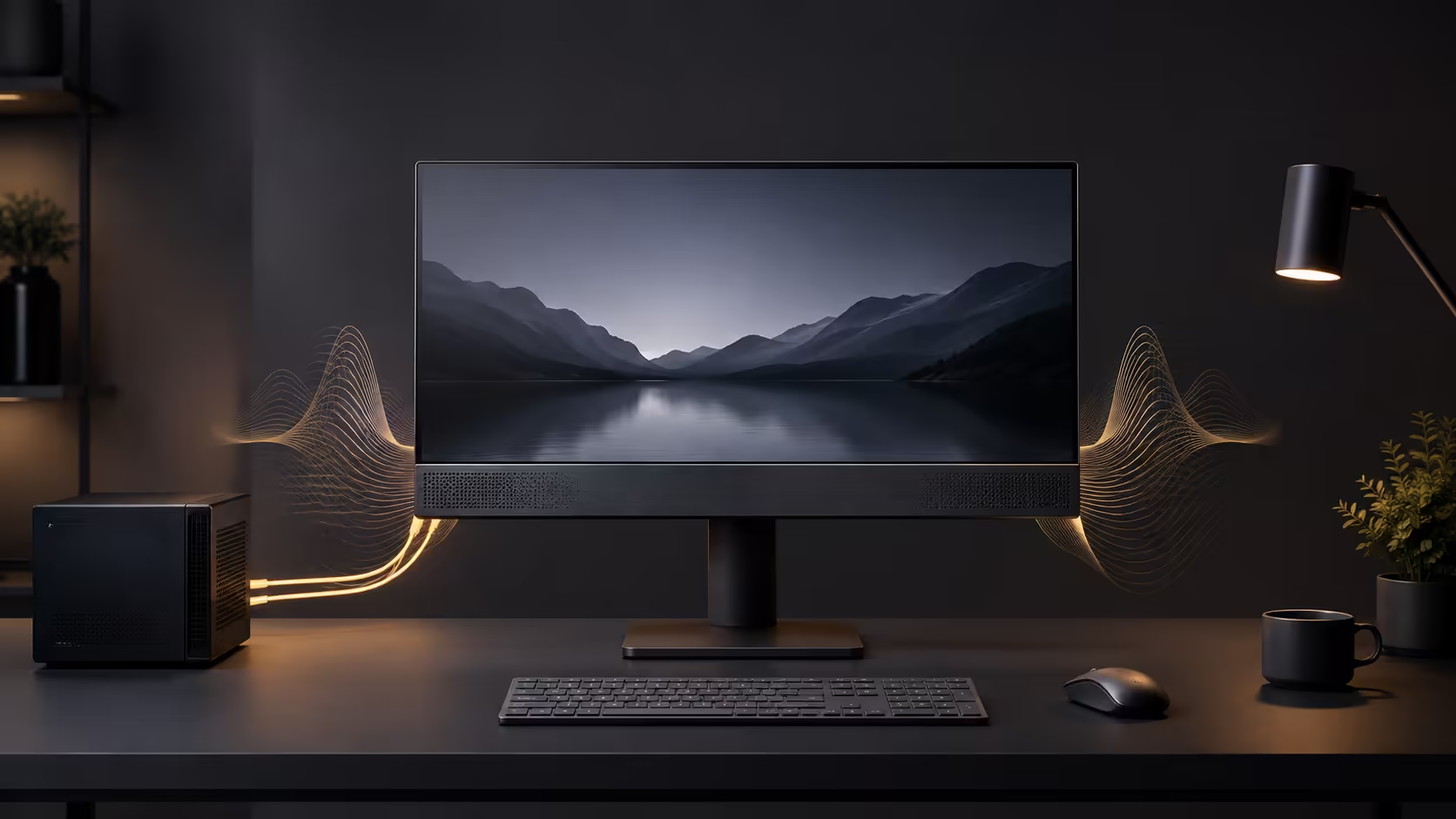
A monitor with built-in audio can clear a small desk and handle calls, alerts and everyday video without separate boxes. Silence after connection is usually not a mystery. Either the display lacks speakers, the cable path is not carrying audio, Windows selected another output, or the monitor volume is muted.
Quick Answer
Before buying a monitor with speakers, confirm that the specification explicitly lists built-in speakers and their power. HDMI and DisplayPort can carry audio, but Windows must select the display as the output device. Open Sound settings, choose the monitor, play a test tone, then inspect the monitor's on-screen volume and mute controls. A 3.5mm socket may be an output for headphones rather than proof of internal speakers.
🔊 Verify the hardware before changing Windows
Product pages often group several related audio terms together. A monitor may have a headphone output, a line input, a microphone or speakers, and these are not interchangeable. Look for a line such as two 2W speakers in the official specification. If only audio out is listed, sound must leave through headphones or external speakers.
The physical connection matters next. HDMI normally carries video and audio in one cable. DisplayPort can do the same. A DVI or some adapter arrangements may provide picture without sound, and a USB-C connection depends on the capabilities of the computer, cable and monitor. Test with a direct known-good cable before diagnosing a dock.
The office monitor collection is a practical place to filter displays, but the individual product specification remains decisive.
🪟 Select the complete audio path
Windows can keep using laptop speakers, a headset or a disconnected device after the display is attached. Click the sound output control and choose the monitor or the graphics device associated with its HDMI or DisplayPort connection. The name may refer to the monitor, graphics card or display audio service.
Play a test tone at a moderate level. Then open the monitor menu and check volume, mute and selected input. Some models store different audio settings for each input. A computer restart can also reload the display-audio driver after a new connection is detected.
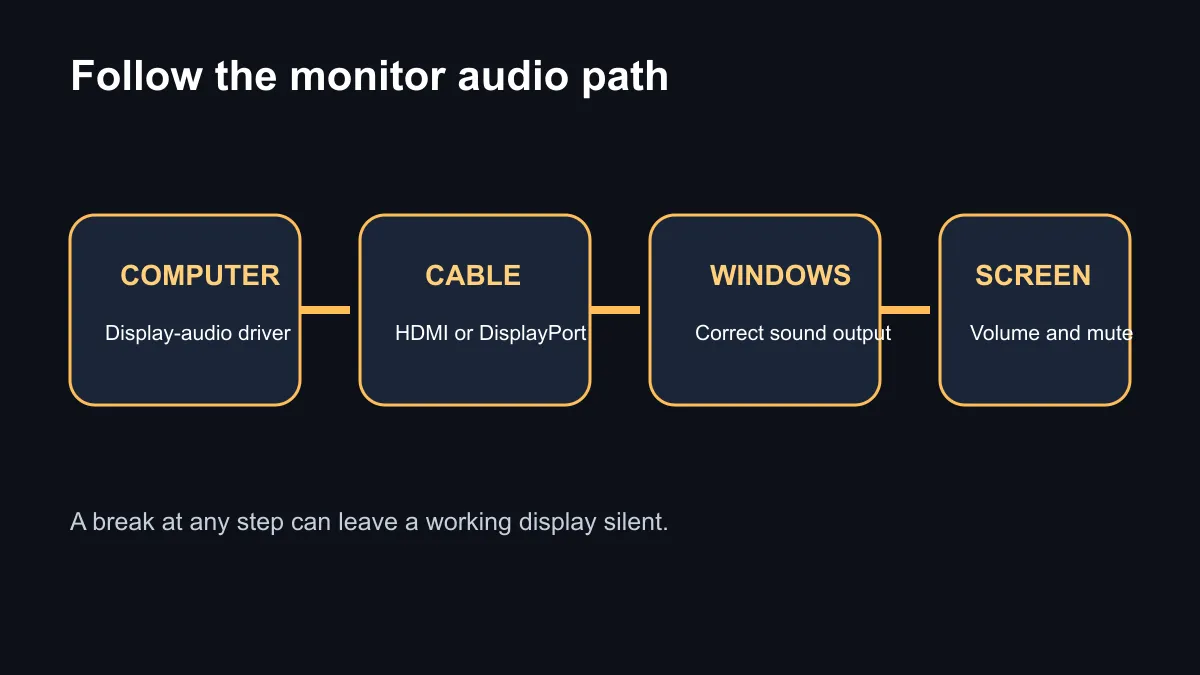
If the output does not appear, update the graphics driver because HDMI and DisplayPort audio often travel through the graphics device. Inspect Device Manager for a disabled display-audio component. Swap the cable or port and bypass any hub to isolate the failure.
💰 Buy for convenience, not room-filling sound
Small built-in drivers work well for speech, system alerts and casual viewing. Limited cabinet volume reduces bass and stereo separation, so competitive gaming, music and films may still benefit from a headset or dedicated speakers. Integrated audio is best understood as a space-saving baseline.
The read-only catalogue query found relevant monitor results from R1,599. A UPERFECT ETouch E7 listing explicitly mentioned dual built-in speakers at R1,999, while an MSI PRO MP275 E2 speaker model appeared at R2,299. Because the broad text filter can also match accessories or general references, verify the exact product page before ordering.
Check current promotions on the monitor deals page, then compare popular models on the monitor best-sellers page. Panel quality, resolution, stand adjustment and ports still matter more than a convenience feature if the screen will be used all day.
For a tidy work desk, a modest speaker monitor can be the right answer. For strong game positioning or bass, plan a separate audio path and treat the built-in units as backup.
Frequently Asked Questions
Do HDMI cables carry sound to a monitor?
Yes, provided the computer, cable, selected input and display support HDMI audio and Windows uses that output.
Why does Windows not show my monitor as an output?
Reconnect it directly, update the graphics driver and confirm the port supports audio. A dock or adapter may interrupt the path.
Does a headphone socket mean speakers are built in?
No. It can simply pass audio to headphones or external speakers, so read the official sound specification.
Are built-in monitor speakers good for games?
They suit casual sound and dialogue. A headset or dedicated pair usually provides clearer positioning and deeper bass.
What should I check on the monitor menu?
Check the active input, mute state and volume. Some displays remember separate audio settings for each connection.
Building a cleaner desk setup? Confirm real built-in speakers and the full audio connection before comparing screen quality, stand design and price.