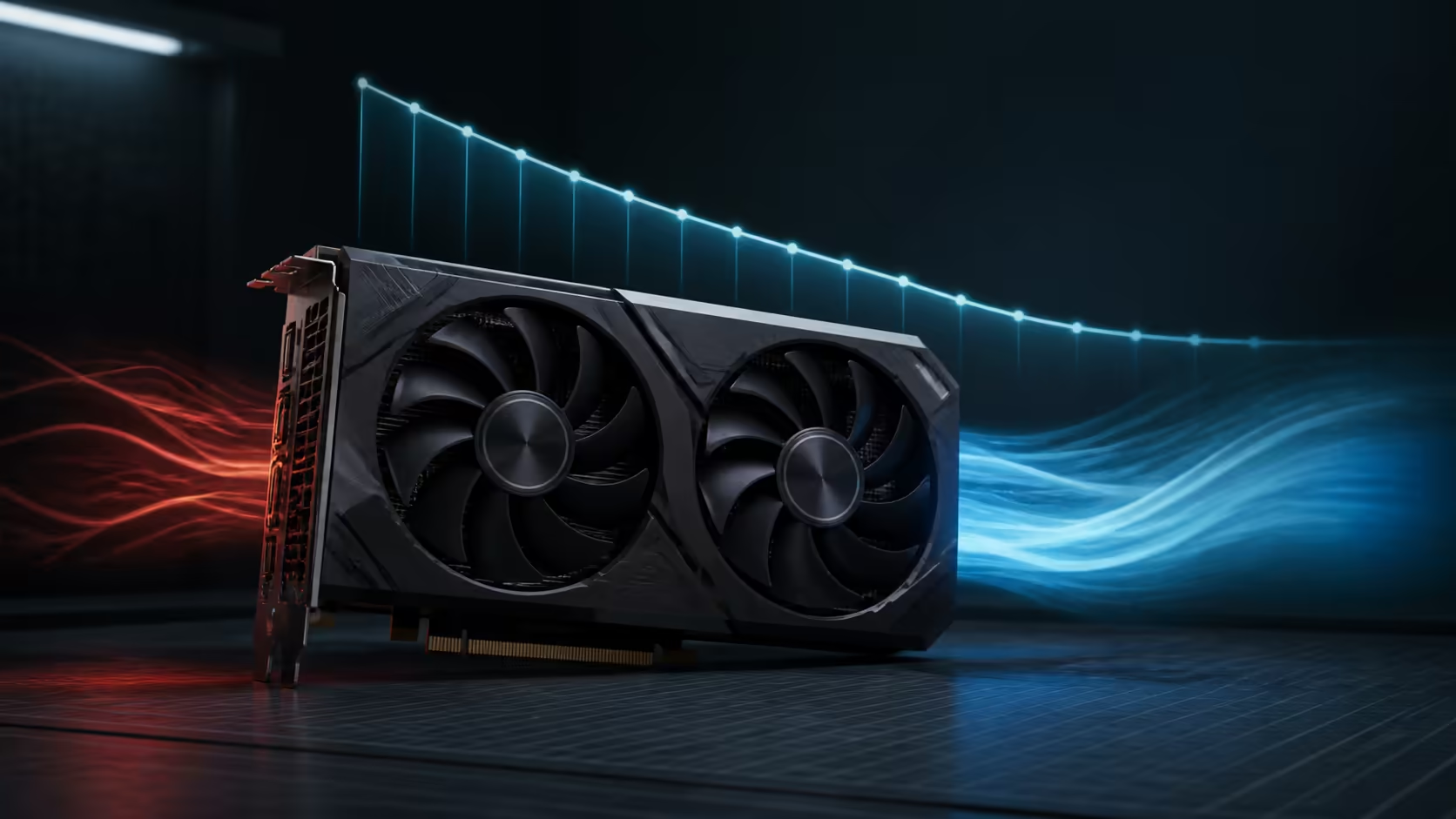
An RTX 5060 undervolt aims to hold a useful clock speed at less voltage than the default curve requests. A successful result can reduce power draw, temperature and fan noise without a large performance loss. The catch is silicon variation: a setting that works on one card can crash another, even when both carry the same model name.
Quick Answer
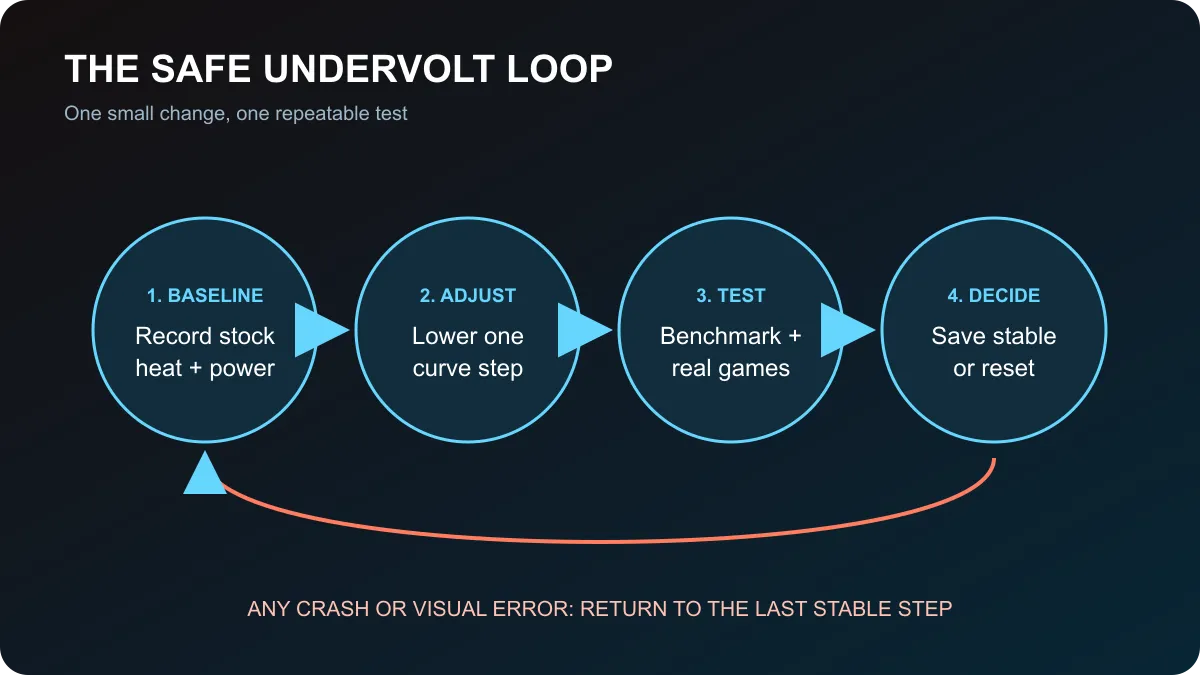
For a safe RTX 5060 undervolt, first record stock performance, power and temperature. Open the voltage-frequency curve in your tuning utility, choose a modest target near the card's normal boost clock, lower voltage by one small step, apply it and test. Keep the change only if repeated benchmarks and several demanding games remain stable. Reset immediately after driver crashes, black screens, flickering shapes or unexplained application exits.
📊 Record a stock baseline first
Run the card at default settings before moving any point on the curve. Use a repeatable benchmark or a demanding game scene for ten to fifteen minutes. Record average clock speed, peak temperature, board power, fan speed and performance. This baseline tells you whether the later curve improves anything and gives you a known-good state to restore.
NVIDIA lists the desktop RTX 5060 at 145W total graphics power, with an 89C maximum GPU temperature and a 550W recommended system power figure. Those are reference specifications, not the temperature or wattage every partner card should reach. Cooler design, case airflow, room temperature and workload all affect the observed values.
The RTX 5060 collection shows how cooler and factory-clock designs vary within the same GPU family.
🔧 Change one curve point at a time
Open the voltage-frequency curve and identify the clock speed the card normally holds during your baseline. Choose a voltage point close to the stock operating range, then set that point to a slightly lower target frequency or flatten the higher-voltage part of the curve according to the utility's documented method. Apply the profile without adding a memory overclock.
There is no universal best voltage. Board power limits, cooler quality and the GPU sample change the result. A conservative first pass should look boring: one small adjustment, one test, one note. If it is stable and measurably cooler, try another small reduction. If performance falls sharply or errors appear, move back toward the previous point.
🧪 Test beyond one benchmark
A short benchmark finds obvious instability but cannot prove a daily profile. Run the same benchmark several times, then test at least two demanding games that stress the card differently. Play for longer than the initial benchmark and include the resolution and graphics settings you normally use.
Watch for a driver reset, black screen, application exit, flashing geometry, coloured specks or a sudden clock drop. Any of these can indicate insufficient voltage. Some instability only appears when the GPU changes rapidly between a menu and full load, so test loading screens and frame-rate changes as well as sustained play.
Save the profile only after this longer test. Do not set it to load automatically until the PC has completed several normal sessions. Keep a written note of the stable voltage and clock pair so you can restore it after a driver update resets the utility.
💰 Put tuning in price context
The live catalogue snapshot included Palit RTX 5060 8GB models at R8,499 and MSI or white-card options from R8,699. These prices can change, but they show that cooler design and factory tuning sit inside a fairly tight entry range. Undervolting can improve noise on a card you already own; it should not be used to excuse a poor cooler, blocked case airflow or an unsuitable power supply.
Check the current graphics card deals before buying, and use the full graphics card range if a different performance tier better matches your resolution.
Reset the curve if the card behaves unpredictably after a driver or game update. A stable default profile is better than a clever profile that fails during important work or competitive play. The goal is lower heat and noise with dependable performance, not the lowest voltage screenshot.
Frequently Asked Questions
Is an RTX 5060 undervolt safe?
A modest software curve change is reversible, but stability is not guaranteed. Change one step at a time and stop after errors.
What voltage should an RTX 5060 use?
There is no universal value. Start close to the stock curve and test small reductions around your card's normal boost clock.
Does undervolting reduce performance?
A stable curve can preserve most performance while lowering power. An aggressive curve can reduce clocks or cause crashes.
How should I test the result?
Repeat a benchmark, then play several demanding games for longer sessions while monitoring temperature, clock speed and errors.
What signals an unstable curve?
Driver resets, black screens, application exits, flickering shapes or unexplained clock drops mean the curve needs more voltage.
Can I restore stock settings?
Yes. Reset the tuning utility to defaults and remove any automatic profile if the system behaves unexpectedly.
Tuning an RTX 5060 for quieter play?
Compare current cooler designs, then test every curve change against a recorded stock baseline.