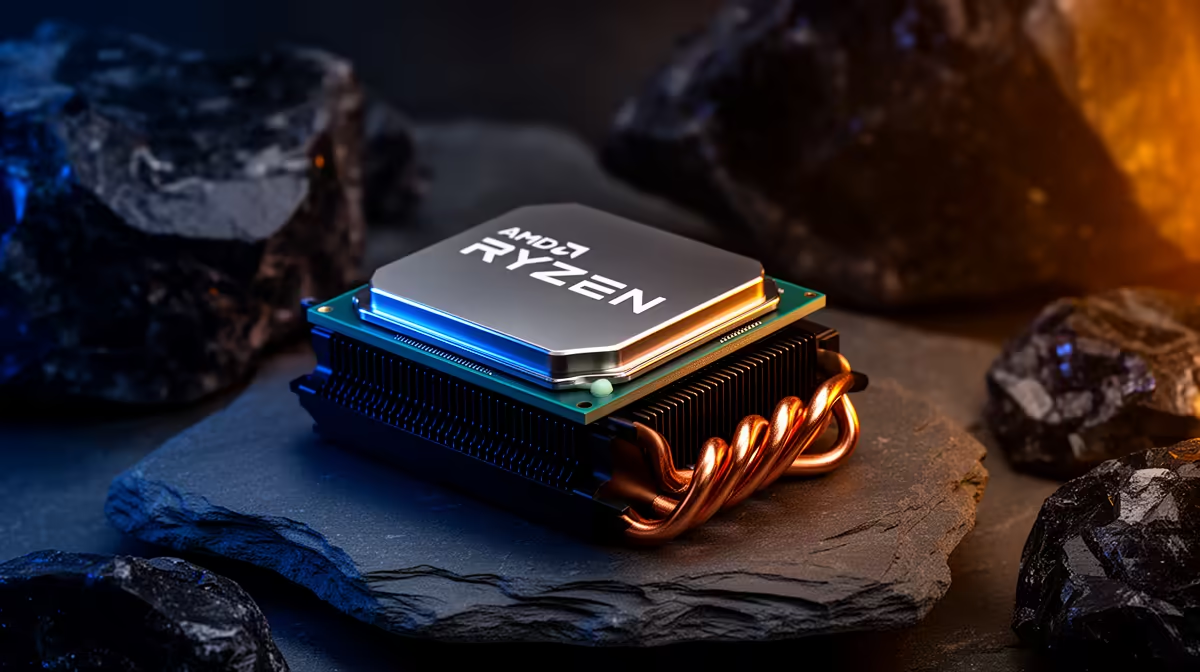
If your Ryzen 7 9800X3D build keeps causing FPS drops mid-match, the fix almost always comes from one measurable change rather than a fresh parts list.
Quick Answer
To stop FPS drops on a Ryzen 7 9800X3D build, verify 8 cores settings, close background load, and retest the same scene. A Ryzen 7 9800X3D runs around R12,800, anchoring a gaming build near R30,000. The cause is usually configuration, not a faulty component.
Tune One Setting At A Time
Change a single option, re-run the identical scene, and write down the frame rate result before touching the next one. Bundling changes hides which one helped and which hurt. This disciplined loop turns FPS drops on a Ryzen 7 9800X3D build from a guessing game into a short, repeatable diagnosis.
Recreate FPS drops With One Repeatable Scene
Pick a single in-game area you can reload on demand and run it the same way each time. Note whether FPS drops arrives during loading, busy fights, online play, or only after the Ryzen 7 9800X3D build warms up. A capable setup can still feel rough when 8 cores settings or background tasks are unsettled, so a fixed scene gives you comparable frame rate readings instead of vague impressions.
Save Time
Lock the in-game preset and resolution first; only then touch one tuning option so you can attribute any gain correctly.
Update Drivers From A Clean State
Install the latest stable GPU and chipset drivers, reboot once, and avoid stacking other changes in the same pass. A clean driver state removes a frequent trigger for FPS drops on a Ryzen 7 9800X3D build. If a recent update introduced the problem, roll back to the previous known-good version and retest the same scene.
FAQ
Should I lower resolution or settings first on a Ryzen 7 9800X3D build?
Test the load pattern first. If the GPU is pinned, drop resolution scale or heavy effects; if the CPU is pinned, settings changes help less. Targeting 8 cores as a reference keeps tuning realistic.
Will updating drivers actually reduce FPS drops?
Often yes, because a clean, current driver fixes scheduling and compatibility quirks behind FPS drops. Install the latest stable release, reboot once, and retest the same scene. If a new driver caused it, roll back to the prior version.
Why does FPS drops only appear after the Ryzen 7 9800X3D build warms up?
That pattern points to thermals or power limits. Log temperatures through your scene, improve airflow, and confirm no part is throttling. frame rate that recovers when cool confirms heat as the cause.
Pin down the limit before you upgrade your Ryzen 7 9800X3D build.
Once your notes show whether frame rate is held back by drivers, display mode, thermals, or load, browse the matching Evetech CPU shortlist with confidence.