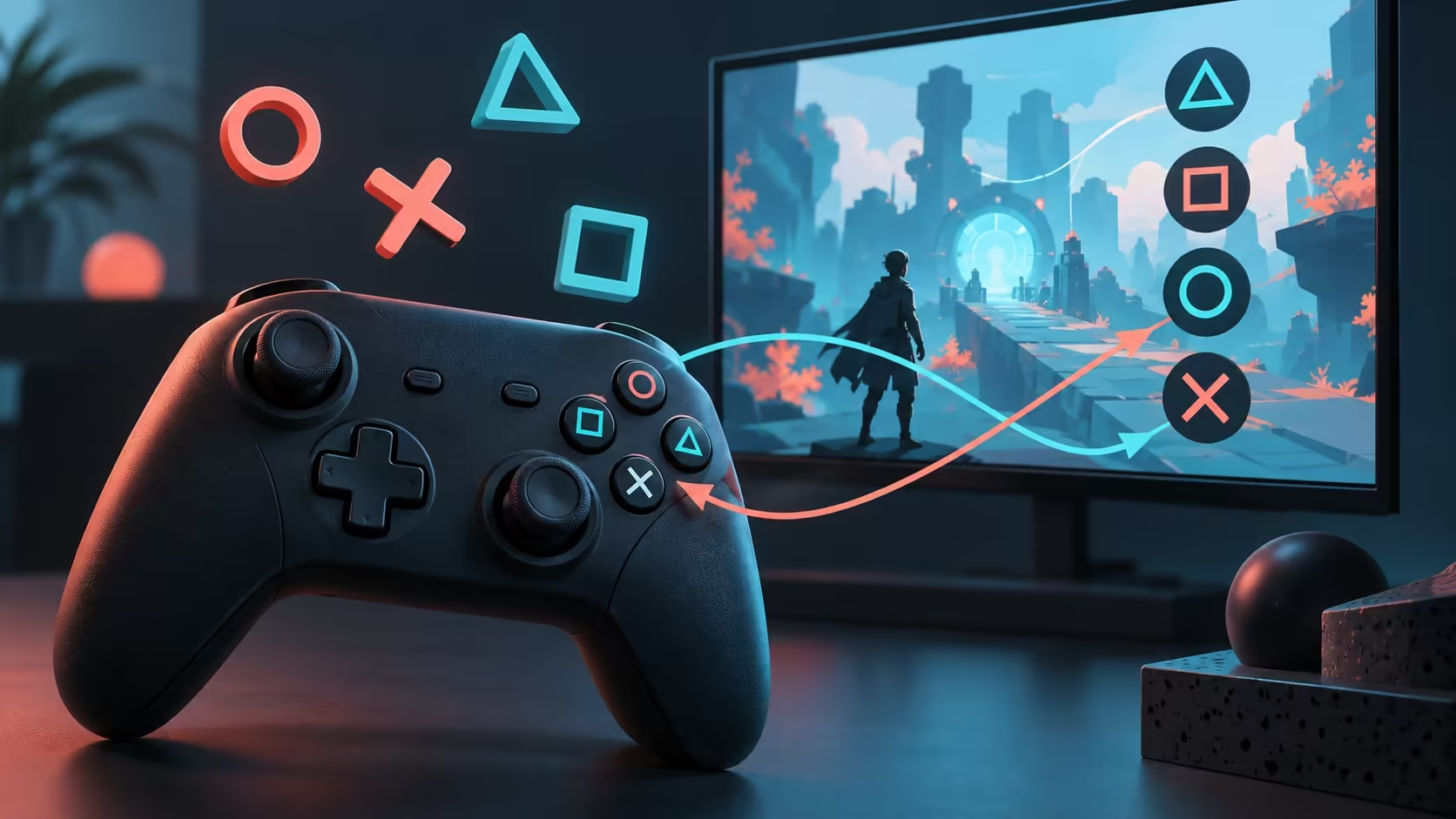
The screen asks for an Xbox button while the controller in your hands has different symbols. Steam controller wrong button prompts can be an interface mismatch even when the action is correct. Before swapping bindings or buying another pad, separate the icon you see from the command the game actually receives.
Quick Answer
Steam Input can present an emulated Xbox controller to a Windows game, so the displayed symbols may differ from the physical device. Matching icons depend on the game's input handling and interface support. Test actions first and keep changes limited to the affected game. MARVO GT-90 was R269 in Evetech stock as checked on 2 October 2026, but buying a replacement does not guarantee different prompts in a game with fixed icons.
🎮 Test actions before changing the layout
Open a safe menu or training area and press each relevant button once. Note the physical position, the symbol on the screen and the action that happens. If the correct action occurs, avoid remapping everything simply to make the artwork look familiar. You could turn an understandable icon mismatch into incorrect controls.
If the wrong action occurs, inspect the current layout instead. Check whether the affected button has been mapped deliberately or whether a community configuration differs from what you expect. Keep a record of your original layout so a test can be undone.
The Gaming Controllers shelf helps with a real compatibility purchase, but its price range cannot diagnose an interface issue. An expensive controller still depends on the game to show suitable glyphs.
🔄 Understand what input translation changes
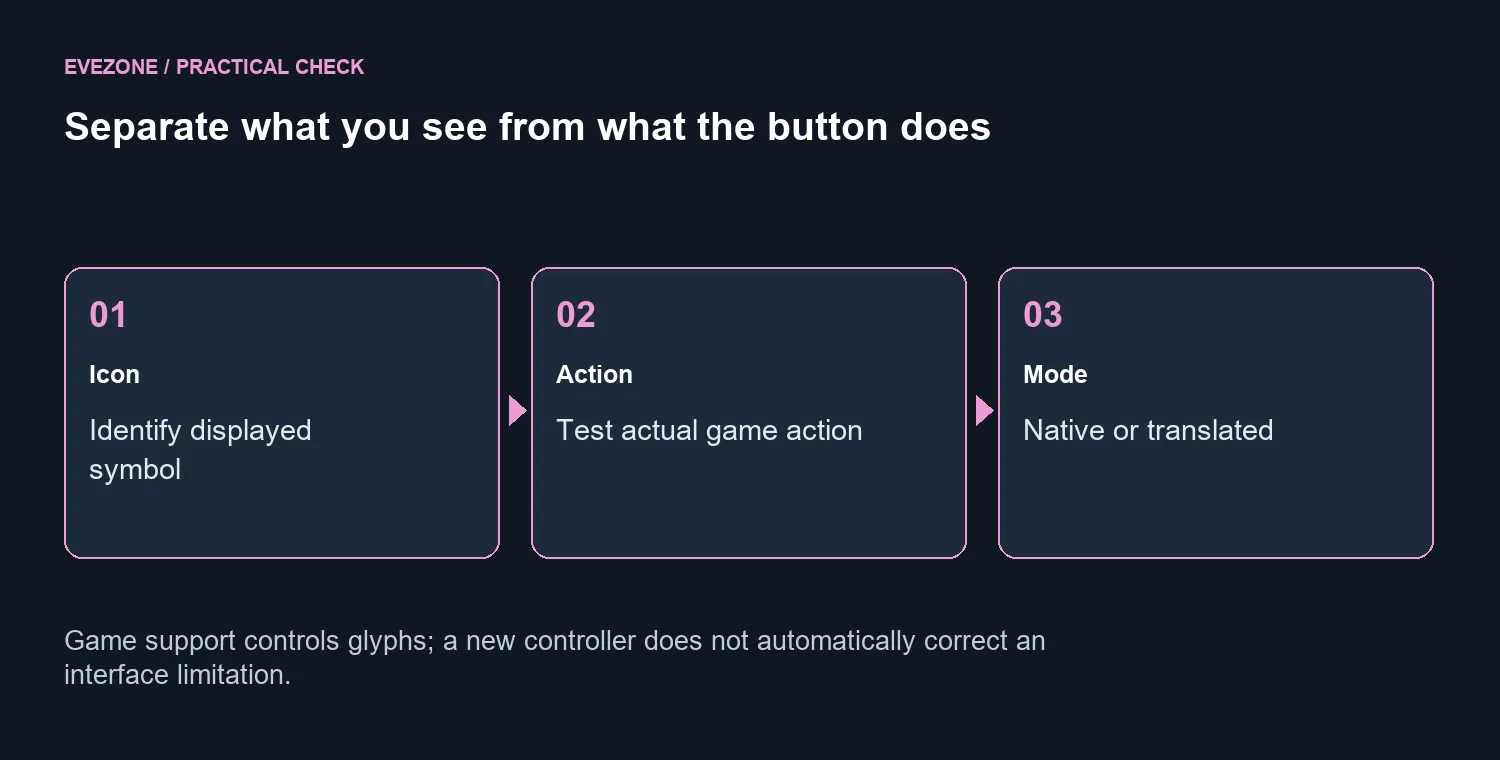
Valve's developer guidance explains that Steam Input can inject an emulated Xbox device into the Windows gamepad input path. That gives a game a familiar input format, but it also explains why the displayed button family can differ from the hardware you connected.
A game needs the relevant input-origin information and icon support to display matching device glyphs. Where that handling is absent or fixed, changing a controller setting cannot create artwork the game does not provide. Check the title's own controls and accessibility options before assuming Steam must be misidentifying the pad.
Legacy bindings can also emit keyboard and mouse events. If the interface keeps showing keyboard prompts, inspect the active configuration for those bindings. A gamepad in your hands can still be sending a keyboard-style command. The difference is the output mode, not the physical shape of the controller.
🧪 Keep the experiment local to one game
If the title supports the controller directly, try a documented per-game input setting and compare the same action again. Do not disable support globally as the first move: another game may need translation to recognise that device. Restore the original setting if the test removes working controls without improving the prompts.
Use the Gaming Keyboards category only if you decide that keyboard control suits this particular game better. That is a preference decision, not proof that the pad is defective.
For a support request, include the game, controller model, connection method and active input mode. Explain separately whether the actions are wrong or only the icons differ. That description is far more useful than a general report that the controller does not work, and it helps avoid a hardware purchase for a limitation in the game's interface.
Frequently Asked Questions
Why can a PlayStation pad show Xbox icons?
Steam Input gamepad emulation can present an Xbox controller to the game. The displayed icons can therefore differ from the physical controller.
Does a wrong icon mean the button is faulty?
No. Check whether the intended action occurs. An icon mismatch and a wrong action require different troubleshooting.
Can every game show the exact controller symbols?
No. Matching glyphs depend on how the game handles input information and its available interface assets.
Should I disable Steam Input globally?
Use a per-game test and record the original setting. Some games need translation for that controller to work at all.
What if keyboard icons keep appearing?
Inspect the active layout for keyboard or mouse bindings. Legacy mode can emit those events even while you hold a gamepad.
Will a more expensive pad fix the icons?
A replacement is not guaranteed to change icons. MARVO GT-90 was R269 with stock recorded on 2 October 2026; game support still controls the prompts.
Keep working controls while you investigate the symbols?
Explore Evetech PC control options around actual game compatibility, and preserve the original layout before making per-game changes.