



Windows 11 may soon let users block an individual desktop program from the camera, microphone or location without disabling access for every app. The controls appeared in Experimental Insider build 26340.9212. They close a long-standing gap for Win32 software, but they are not part of the stable public release yet.
Quick Answer
The experimental feature costs R0 and adds a more precise privacy switch: one app can keep camera access while another loses it. It also introduces permission prompts and lets users revoke access later in Settings. Stable Windows 11 still gives desktop programs more limited individual control, so most users should review the current global settings and wait for a public release instead of installing an experimental build on a main PC.
🔐 What the new controls add
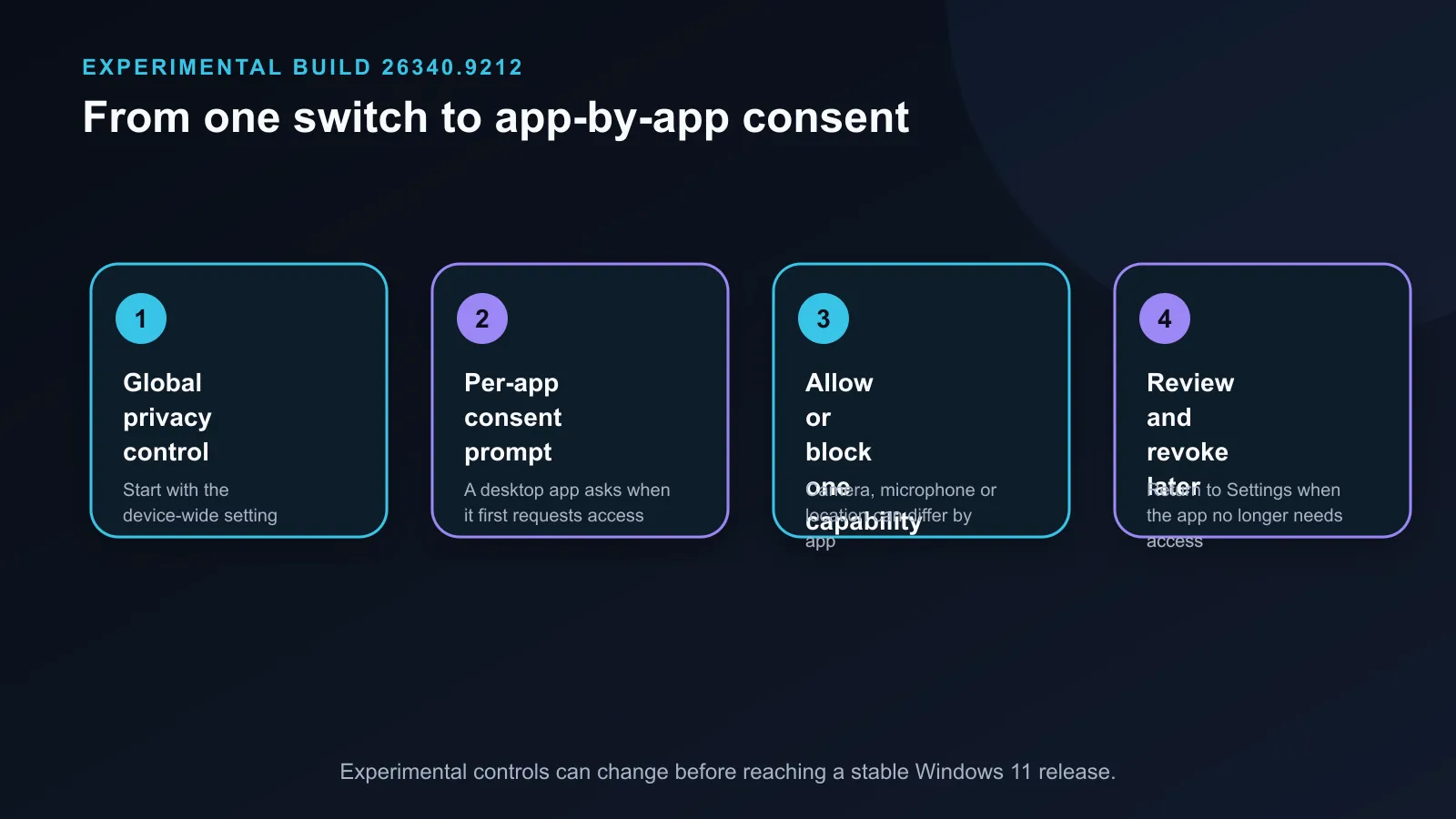
The reported build lists Win32 applications separately for camera and microphone access. A user could allow a video-call program to use a webcam while blocking a browser or game that does not need it. The same build reportedly adds individual location controls, which would let a mapping app work while unrelated software remains blocked.
Permission prompts are the second change. A desktop program asks before using a sensitive resource, and the answer can be changed later. This is closer to the permission model people already recognise on phones.
🧭 Stable Windows still has useful switches
Current Windows 11 already has global controls under Privacy and security. Users can disable camera or microphone access for the device, allow supported apps, and review detected desktop applications that interacted with the hardware. Microsoft notes that desktop programs do not always appear or behave like Store apps in these pages. That limitation is what the experiment is trying to address.
Open Settings, choose Privacy and security, then check Camera, Microphone and Location. Remove access that has no clear purpose. A webcam can stay physically covered when it is not in use, and a microphone can be disconnected or muted at the device level. The Windows operating-system category does not change these rules: the installed build and its update channel decide which controls are present.
🧪 Why most users should wait
Experimental Insider builds can include incomplete features and unrelated faults. Microsoft has not announced a stable release date for the exact per-app design. A feature found in testing can change, move to another channel or disappear before public release.
Use a spare machine or virtual test environment if the control must be evaluated now. Keep a main work or gaming PC on its normal supported channel. Buyers choosing a new webcam or microphone should still check for a physical shutter, hardware mute and a clear activity indicator. Those protections work regardless of whether the experimental Windows control ships.
Frequently Asked Questions
What permissions can the experimental controls manage?
The reported build adds per-app controls for camera, microphone and location access.
Do the controls apply to desktop programs?
Yes. The change targets Win32 applications, which previously had more limited individual controls.
Will apps ask before accessing hardware?
The test includes prompts for sensitive resources, with permissions that can later be revoked in Settings.
Is the feature in stable Windows 11?
No. It was found in Experimental Insider build 26340.9212 and has no confirmed public release date.
Tightening PC privacy today? Review the stable Camera, Microphone and Location pages, then remove access that each app does not need.











