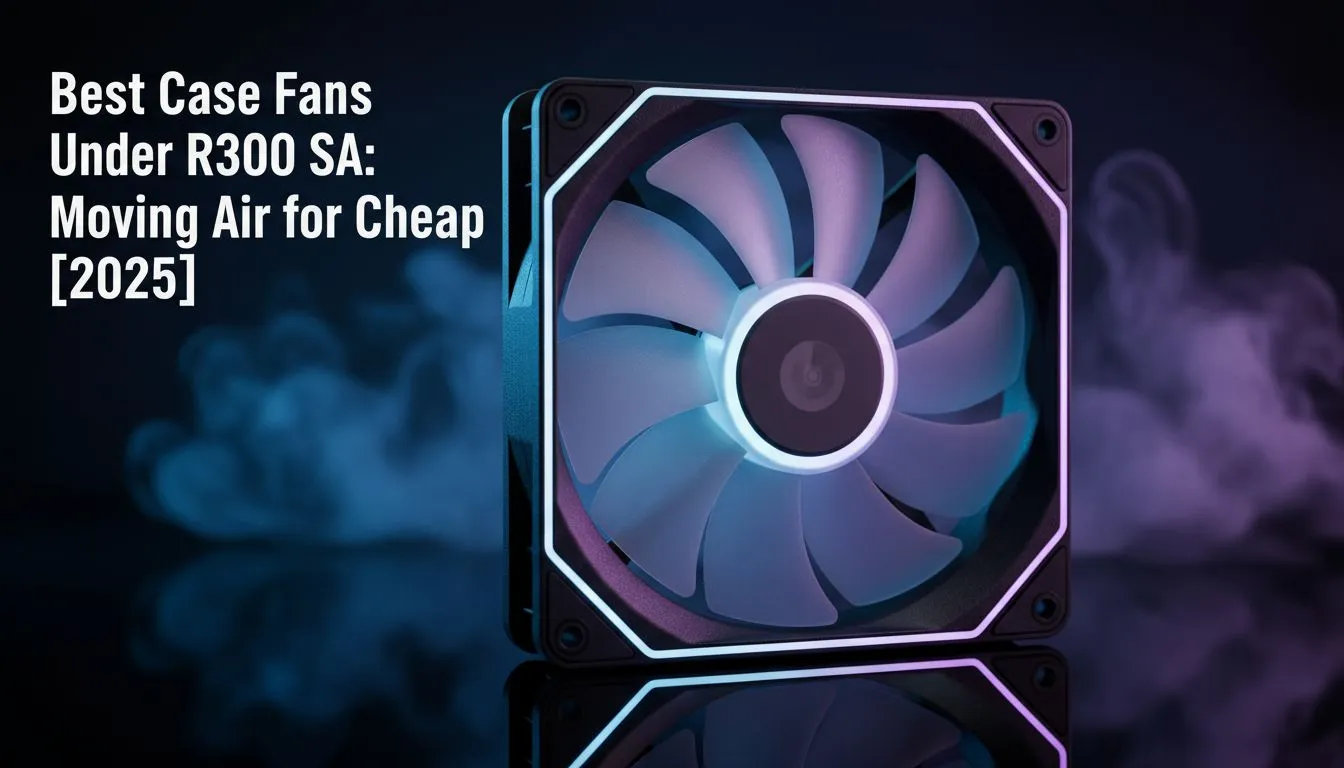
Is your gaming PC starting to sound like a jet engine during a Johannesburg heatwave? Before you splash out on a massive cooler, let's talk about a smarter, cheaper fix. Upgrading your case fans is one of the most cost-effective ways to drop temperatures and boost performance. We're diving into the best case fans under R300 available in South Africa right now, proving you don't need a massive budget to keep your rig frosty. ❄️
Why Your PC Needs More Than Just Stock Fans
Every PC comes with a basic fan or two, but they are often just... okay. Proper airflow is a team sport inside your case. The goal is to create a steady, cool breeze that flows over your critical components—your CPU, GPU, and motherboard—and pushes the hot air out. This simple process prevents thermal throttling, where your parts slow down to avoid overheating.
A good set of budget case fans works hand-in-hand with your primary CPU coolers to create an efficient cooling circuit. Whether you're running traditional air coolers or a more advanced setup, getting the hot air out of the box is non-negotiable for stable performance.
Finding the Best Budget Fans in SA: What to Look For
Shopping for case fans under R300 can feel a bit technical, but you only need to understand a few key specs to make a great choice. Forget the marketing jargon; focus on these three things.
Airflow (CFM)
Cubic Feet per Minute (CFM) measures how much air a fan can move. A higher CFM means more air is being pushed or pulled, which is great for open cases with few obstructions. If your goal is maximum airflow to cool down your whole system, look for fans that prioritise a high CFM rating. Many top brands like Corsair offer excellent options that balance performance and price.
Static Pressure (mmH2O)
Static pressure is a fan's ability to push air through resistance, like a dense heatsink, a dust filter, or a radiator. If you're mounting fans directly onto a liquid cooler (AIO), high static pressure is essential. These fans are designed to force air through tight spaces, ensuring your radiator gets the cooling it needs. For intake fans behind a mesh front panel, they're also a fantastic choice.
Pro Tip: Fan Placement Matters! 🔧
For a balanced setup, aim for neutral or slightly positive air pressure. This means having slightly more intake fans than exhaust fans. A common configuration is two or three fans at the front pulling cool air in, and one at the back and one at the top pushing hot air out. This helps minimise dust buildup too!
Noise Level (dBA)
Nobody wants a PC that's distractingly loud. Fan noise is measured in decibels (dBA). Generally, anything under 30 dBA is considered quiet. The best budget fans find a sweet spot between strong performance and low noise levels. Check the specs before you buy... your ears will thank you later. ✨
Top Picks: Our Favourite Case Fans Under R300
While specific models change, the R150-R300 price bracket is full of high-value gems. You can easily find 120mm fans from reputable brands that offer excellent airflow and reliability without the flashy (and expensive) RGB lighting.
Look for fan bundles or multi-packs, which often provide the best value for money. Getting a 3-pack of quality fans can completely overhaul your PC's cooling for less than the price of a new game. These affordable PC fans are perfect for intake, exhaust, or even mounting on a large 360mm radiator if you choose a model with decent static pressure. It's the ultimate budget-friendly performance boost. 🚀
Ready to Drop Those Temps?
A cool PC is a happy PC. Upgrading your cooling is a smart investment in your rig's performance and lifespan. Explore our massive range of PC cooling solutions and find the perfect fans to keep your system running smoothly.