Colour-space coverage and viewing angle answer different questions about a screen. This 100% sRGB and 178-degree IPS guide shows how to evaluate gamut reach, off-centre behaviour, reflection control and Full HD workspace without turning either number into a universal quality claim.
Quick Answer
The panel covers 100% sRGB, while Omni Visible holds luminance and colour consistent throughout an authentic 178-degree field.
At R2,499, the 18.5-inch 1920x1080 IPS panel covers 100% sRGB and has a 178-degree viewing range. Coverage does not certify accuracy, and a broad angle does not guarantee identical colour or contrast from every position.
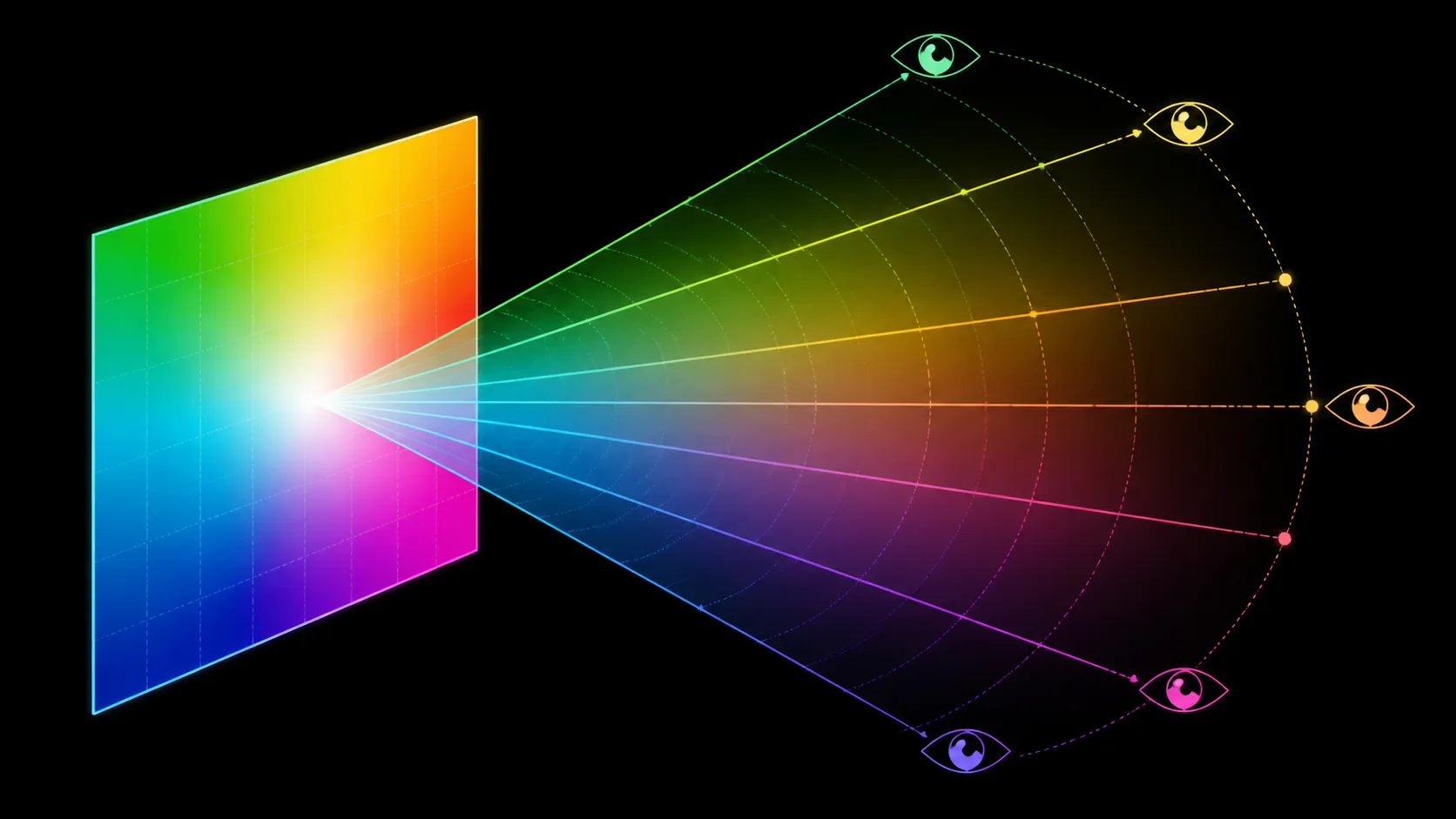
🎨 Place 100% sRGB within a colour workflow
sRGB defines a commonly used colour space for web content, general applications and many digital images. A 100% coverage figure means the panel can reach that gamut range under its specification.
Accuracy asks whether displayed values match intended target values. It depends on the screen's measured behaviour, settings, profile, application and environment. Coverage can be complete while particular colours remain inaccurate.
Begin with a neutral baseline. Set native 1920x1080 output, use a suitable display profile, control room light and open known reference content containing greys, skin tones, saturated colours, gradients and shadow detail.
For casual viewing, compare familiar work and media. For paid colour decisions, use an appropriate measuring instrument and repeatable process. Visual preference is useful but cannot replace numerical verification.
The Evetech portable monitor department helps shortlist exact displays for the level of colour assurance required.
👥 Turn 178 degrees into realistic seating tests
The viewing-angle specification indicates a broad range, but a buyer should not interpret the edge value as identical performance to a centred position. The exact measurement threshold behind a viewing-angle number can differ from the needs of colour work or collaboration.
Place the main viewer squarely in front of the panel. Then move to the seat a colleague, student partner or travel companion would actually use. Watch neutral tones, darker detail, small text and saturated colour.
Record the point where the content remains usable for that task. A presentation may tolerate more variation than a joint photo decision, and a second viewer may need the screen rotated rather than viewed from an extreme side position.
Vertical angle deserves attention too. A low travel table or high stand can change the view even when horizontal seating seems generous. Test the real support and chair height.
🪟 Prevent reflections from contaminating the result
A low-glare paper-like finish covers the UPERFECT screen. Omni Visible adds another reflection treatment, while windows, lamps and bright clothing can still alter the picture from different seats.
Use a dark page to locate reflections at each position. Adjust the screen and light source before comparing colour, because an off-centre reflection can look like a panel shift.
Anti-glare does not establish brightness or outdoor visibility. If the screen will travel into bright locations, test those environments separately and prioritise shade before extreme picture adjustments.
Treat hardware low blue light as a viewing-comfort feature. Save a neutral reference for colour-sensitive work because a comfort-oriented mode can affect appearance.
Keep the same application and source during comparisons. Different image viewers can apply profiles differently and make a seating change look responsible for an application-side effect.
Add a neutral greyscale strip and a low-saturation photograph to the review set. Highly vivid demo images can hide small casts that become obvious in restrained content. Note whether a shift appears gradually or at a particular seat, and photograph the room layout for repeatability without using the photograph itself as a colour measurement.
🖥️ Add resolution, motion and setup constraints
The panel's 1920x1080 grid spreads Full HD across 18.5 inches. Choose scaling that keeps text comfortable at the main and secondary seats. A screen can have broad viewing while still presenting an unsuitable interface size for one user.
The display's 120Hz refresh is paired with 14ms response. These motion facts do not prove colour accuracy or viewing uniformity; score them elsewhere using scrolling, pans and familiar games.
Exact inputs, device compatibility, power, body dimensions, weight, mount support and audio remain model-level setup checks. A 178-degree figure cannot settle physical placement, and 100% sRGB cannot identify a working source route.
Use Evetech monitor accessories after a stand, cable or protection requirement has a defined purpose.
For collaborative work, let the second viewer describe what they need to judge. Reading a spreadsheet, approving layout and checking image colour have different tolerance for angle-related change. Rotate the screen towards the more critical task where possible instead of insisting that both people use equally oblique positions.
Create a final matrix with columns for main-seat colour, side-seat usability, reflection handling, Full HD legibility and the connection plan. The R2,499 choice is stronger when all necessary seats and workflows pass rather than when either headline number is treated as a guarantee.
Review the matrix after changing rooms. Portable screens can move from a controlled desk to a bright shared table, altering reflection direction and the observer's seat. Keep the panel settings unchanged during the first comparison, then record any environmental adjustment separately. This shows whether a previous colour or angle conclusion transfers, or whether it belonged only to one carefully arranged location.
Where colour decisions pass between people, agree on which seat is authoritative and which view is for discussion only. The main evaluator can remain centred while collaborators inspect layout or general appearance from the side. This avoids asking the outer edge of a broad viewing range to serve as the reference for numerical colour approval.
Reopen the same known file after sleep and reconnection. Confirm that native resolution, display profile and application state returned correctly before attributing a new appearance to angle or panel behaviour.
Save the successful profile assignment with the test date.
Name the authoritative viewing seat on that same record.
Record the collaborator's acceptable angle independently from it.
Wide-angle consistency reduces edge darkening when two people share the portable screen or when the panel sits slightly off-axis. NxtLED also aims for vivid accurate colour under changing light, while diffuse reflection keeps glare from corrupting the comparison. For colour-managed work, 100% sRGB defines coverage rather than calibration accuracy; use a suitable measurement process if the project requires a quantified error tolerance.
The glare surface influences colour review too. A concentrated reflection can hide shadow or saturation differences, while diffuse reflection spreads the distraction more gently. Use a neutral room and compare the centre with both edges before approving colour-sensitive work. That process tests consistency without confusing broad viewing-angle performance with a formal calibration certificate.
Calibrated work requires a separate measured profile.
Repeat the colour check after every major room-light change.
Frequently Asked Questions
Which question does sRGB coverage answer?
It indicates how much of the defined sRGB gamut the panel can reproduce, not whether every displayed value is accurate.
Why can side-seat colour still change?
A wide angle threshold can preserve image visibility while colour, contrast or brightness shifts beyond a user's acceptable limit.
How should shared viewing be recorded?
Test actual seats with neutral tones, text and dark content, noting the angle where the intended task remains usable.
Can anti-glare certify outdoor colour work?
No. Reflection treatment is not brightness or accuracy, and changing daylight makes controlled colour decisions unreliable.
What completes the two display specifications?
Native resolution, profiles, room light, motion needs, exact connection, power and physical placement all contribute to the result.
Ready to test gamut and viewing position as separate display qualities?
Build the seat-and-colour matrix, then compare portable IPS monitors and practical setup accessories at Evetech.