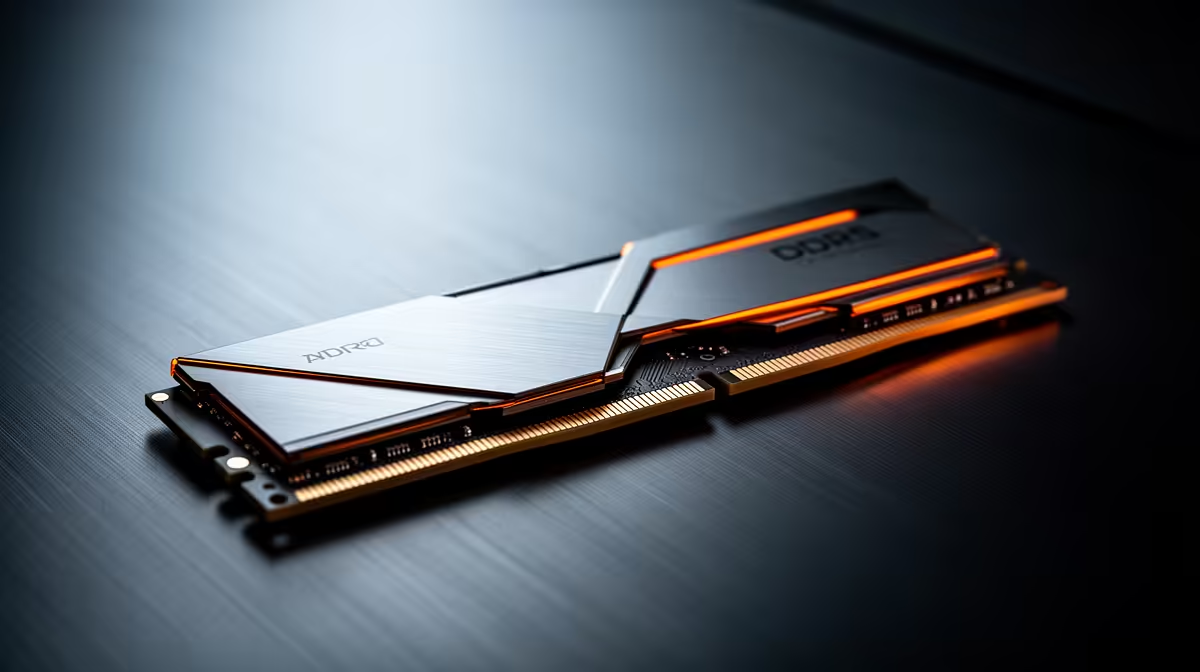
TEAMGROUP VULCAN 32GB current-gen 6000 at R1,460 suits an SA creator who wants smoother multitasking and a more comfortable RAM kit for Canva without jumping into premium pricing. A 16GB setup can handle light edits, but once browser tabs, image assets, uploads, and background apps stack up, 32GB memory is the better everyday choice.
Best memory picks for this workload
The TEAMGROUP VULCAN 32GB current-gen 6000 at R1,460 is the sensible first pick because it gives a full 32GB capacity and a 6000 speed profile at the lowest listed price. That makes it practical for a creator desk where the same machine may handle design work, email, cloud folders, product images, and a few reference tabs at once.
Kingston FURY 32GB current-gen 6400 at R2,300 is the stronger step-up if the build supports 6400 speed and you want extra headroom while staying in a realistic budget band. It keeps the same useful 32GB memory capacity, but offers a faster listed speed for a more responsive desktop setup.
Kingston 16GB current-gen SODIMM at R741 makes sense only when the buyer is upgrading a compatible notebook and needs a lower-cost capacity boost. It is useful for lighter work, but it is not the strongest recommendation here because the listed 32GB options give more room for busy creative sessions.
SA creator desk reality
For a student, freelancer, or small business owner working from a desk in South Africa, the TEAMGROUP VULCAN 32GB current-gen 6000 at R1,460 is the best balance. The Kingston FURY 32GB 5600 at the stated budget,100 is also a 32GB option, but its price makes the R1,460 TEAMGROUP kit much easier to justify for this workload.
The KLEVV CRAS V 32GB 7200 RGB at R6,400 is the premium pick when speed and RGB styling matter more than price. For most design-focused buyers, the better value still sits with the TEAMGROUP 32GB current-gen 6000 option.
Ready to choose the right memory?
Compare the listed memory range and match the 32GB option to your compatible desktop or notebook setup.