Choose 32GB memory for gaming and streaming when a real session approaches the comfortable limit of 16GB, causes paging or leaves too little headroom for broadcast tools. Capacity alone does not raise frames when the game, GPU or processor is the bottleneck.
Measure the full game broadcast
Run the normal title, voice chat, browser, alerts and encoder in a private stream. Record committed memory, paging, frame time and dropped frames across several matches. Close optional applications and repeat so convenience is separated from genuine capacity pressure.
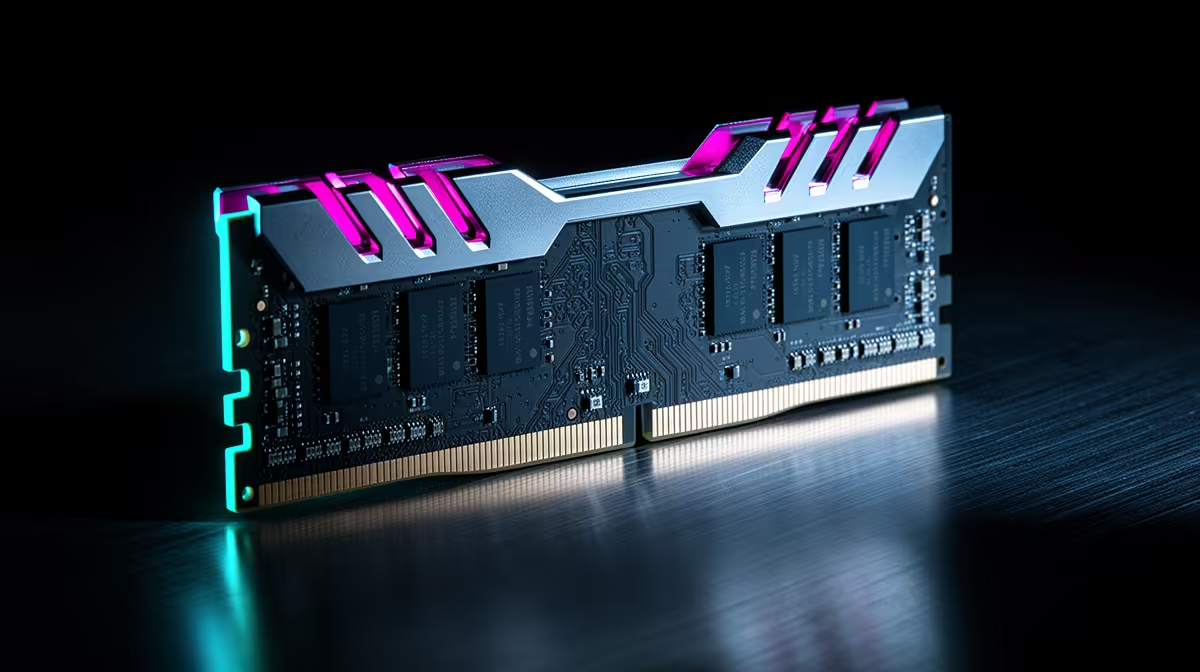
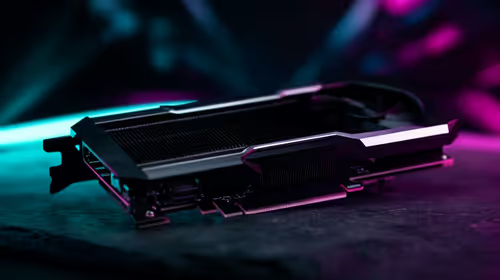
The TEAMGROUP VULCAN 32GB DDR5-6000 kit at R1,460 is a verified memory reference, but it requires a compatible DDR5 motherboard and processor. The MSI A520M-A Pro at R700 is a DDR4-platform board and does not match that kit. The Palit RTX 5060 8GB at R4,800 is a separate GPU reference. Verify current memory generation, supported speed, module layout, firmware and warranties.
Back up profiles and saves before opening the PC, disconnect power and use static-safe handling. Confirm existing module specifications before mixing memory. Retest the same broadcast after installation rather than relying on capacity shown in a system screen.
Stay with 16GB when measurements remain comfortable. Move to 32GB when the complete workload demonstrates repeat pressure and platform compatibility is proven. Compare one-percent-low performance as well as average frames after the memory change.
Sizing a gaming stream build? > Compare Evetech memory after measuring the full session and platform.