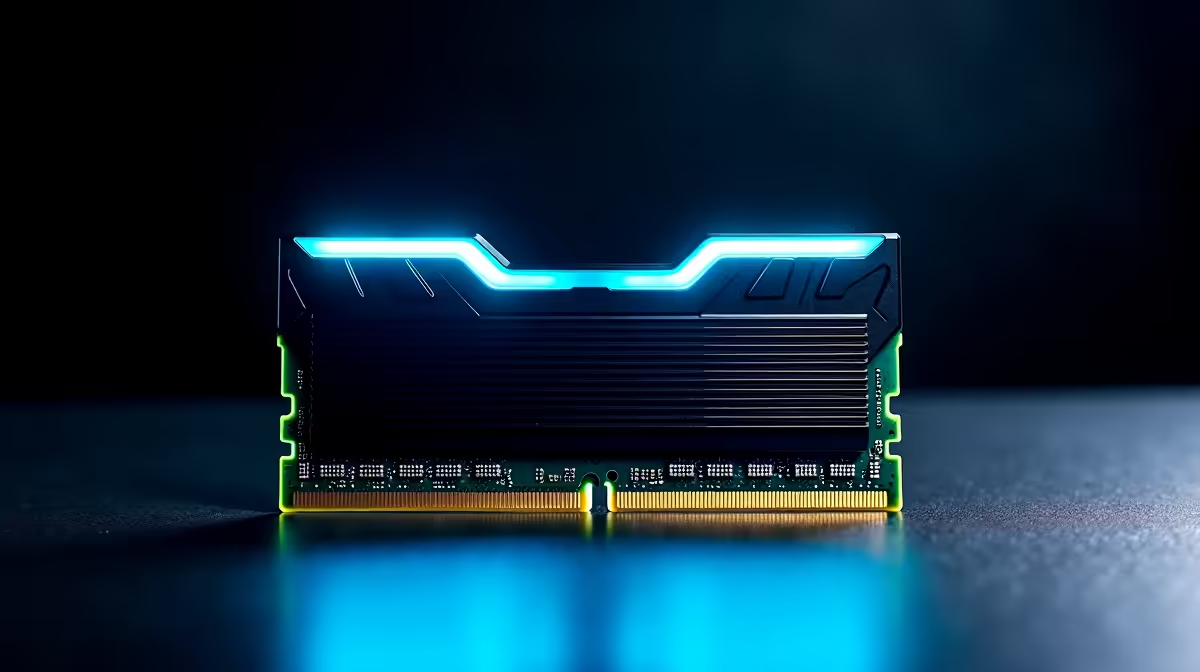
Kingston 16GB current-gen SODIMM at R741 suits a laptop user who wants smoother light gaming after work without jumping straight to a full desktop RAM kit. If your machine only has a modest memory setup, this is the sensible first upgrade because it targets the bottleneck most likely to show up when a browser, chat app, launcher, and game are open together.
Best memory picks for after-hours gaming
For a desktop build, TEAMGROUP VULCAN 32GB current-gen 6000 at R1,460 is the value pick. The 32GB capacity gives more breathing room than a basic 16GB setup, while the 6000 speed is a practical match for a current gaming PC that mainly handles evening play, streaming tabs, and everyday apps.
Kingston FURY 32GB current-gen 6400 at R2,300 makes sense if the PC is a little more performance-focused. You still get 32GB memory, but the 6400 speed gives the setup a sharper spec for players who keep background apps open or want a more responsive desktop around the game.
Home desk upgrade for SA after-work sessions
At a small home desk, the upgrade is worth it when the PC feels fine at startup but starts stuttering once launchers, voice chat, and browser tabs pile up. Kingston 16GB current-gen SODIMM at R741 is the neat laptop path, while TEAMGROUP VULCAN 32GB current-gen 6000 at R1,460 is the better desktop move if the board supports a modern 32GB kit.
Ready to choose the right memory?
Use the gaming room check first: TEAMGROUP VULCAN 32GB current-gen 6000 speed at R1,460 brings its listed spec to the exact buying decision.