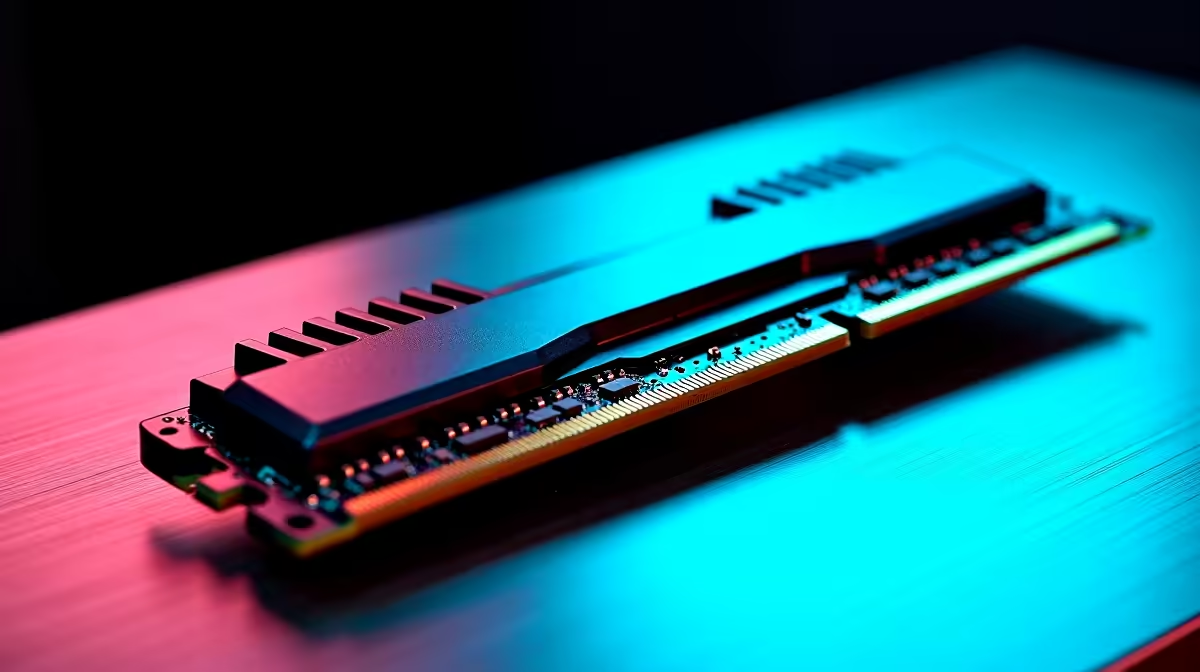
The Kingston 16GB current-gen SODIMM at R741 suits a laptop user who mainly needs Microsoft 365, browser tabs, Teams calls, and smoother day-to-day switching from one RAM kit upgrade. A 16GB move is worth buying when the machine already feels delayed opening spreadsheets, presentations, and mail together, but it is not the only sensible route if the desktop can take a larger 32GB upgrade.
Best first upgrade for office multitasking
For a notebook, the Kingston 16GB current-gen SODIMM at R741 is the cleanest answer because the spec directly targets laptop memory expansion. It is the right buy for a student desk, reception machine, or home admin laptop where the real problem is background tabs and document apps fighting for space.
For a desktop that can use current-gen memory, the TEAMGROUP VULCAN 32GB current-gen 6000 at R1,460 is the stronger value step. You get 32GB memory instead of a smaller laptop-style upgrade, and the 6000 speed gives the system more room for heavy browser sessions, large spreadsheets, cloud sync, and video meetings running together.
SA small-business counter reality
At a shop counter, salon desk, or clinic reception, a slow PC is usually not doing one task. The Kingston FURY 32GB current-gen 6400 at R2,300 makes sense when invoices, email, web dashboards, and customer records stay open all day. The 32GB capacity matters more than chasing a showpiece build.
The Kingston FURY 32GB 5600 at R5,100 and KLEVV CRAS V 32GB 7200 RGB at R6,400 are harder to justify for basic office work unless the PC is also used for heavier creative or enthusiast tasks. The 5600 speed and 7200 RGB specs are real upgrades, but plain productivity usually benefits first from enough capacity.
Ready to choose the right memory?
For the 16gb upgrade running brief, shortlist TEAMGROUP VULCAN 32GB current-gen 6000 speed at R1,460 because its listed spec is the practical check.