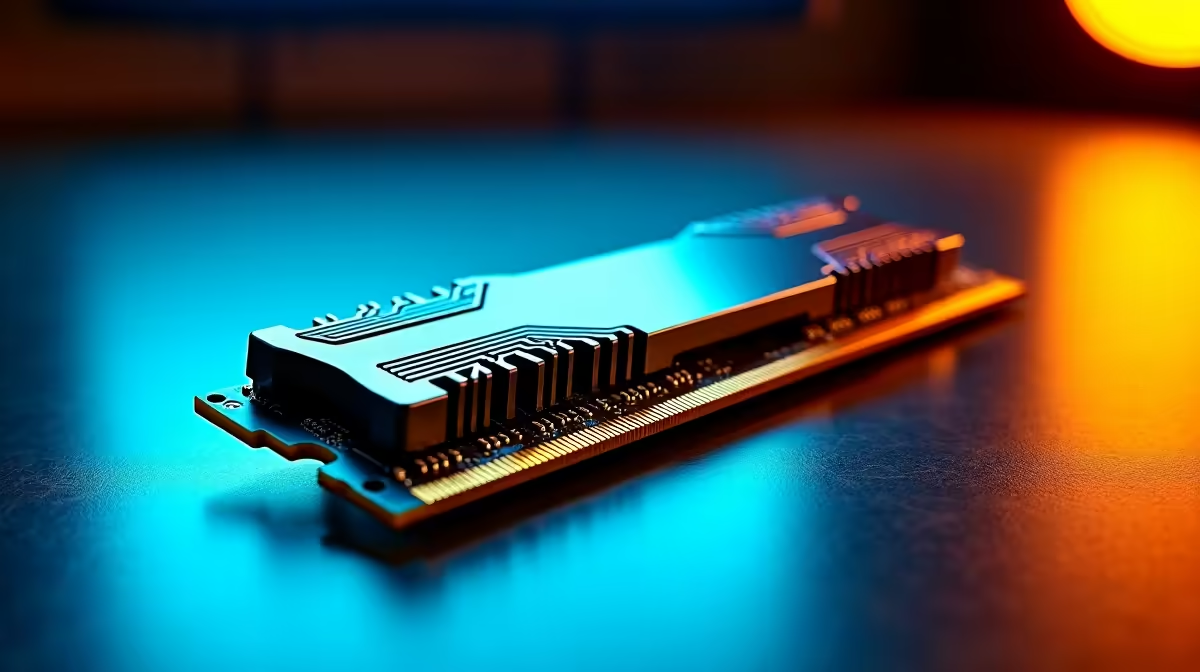
Kingston 16GB current-gen SODIMM at R741 suits a child homework laptop that mainly needs smoother browser tabs, school portals, video lessons, and document work. A 16GB RAM kit can be enough when the device is used for one learner at a time, but a shared machine with many Chrome tabs, Teams calls, PDFs, and parent admin open together will feel more comfortable with 32GB memory.
A practical memory shortlist
For a laptop upgrade, the Kingston 16GB current-gen SODIMM at R741 is the direct, budget-friendly pick. Its key advantage is simple capacity: 16GB gives a basic school laptop breathing room for browser-based learning without pushing the spend into desktop memory territory.
For a desktop study PC, TEAMGROUP VULCAN 32GB current-gen 6000 at R1,460 is the stronger value move. The 32GB capacity matters if siblings share the same desk, leave tabs open, or switch between research, streaming lessons, and light creative work after school.
Kingston FURY 32GB current-gen 6400 at R2,300 is the cleaner step-up when the home PC is also used by adults after hours. It keeps the same practical 32GB capacity while adding 6400 speed, which makes more sense for a newer desktop build than buying only the bare minimum.
SA kids learning corner reality
A small study space in a family home often becomes a shared admin station, not just a school machine. The KLEVV CRAS V 32GB 7200 RGB at R6,400 is more premium than most homework setups need, but its 32GB capacity and 7200 speed fit a newer enthusiast desktop where the same PC handles learning, gaming, and household tasks.
Ready to choose the right memory?
For the memory shortlist decision, TEAMGROUP VULCAN 32GB current-gen 6000 speed at R1,460 gives you its listed spec to measure against the brief.