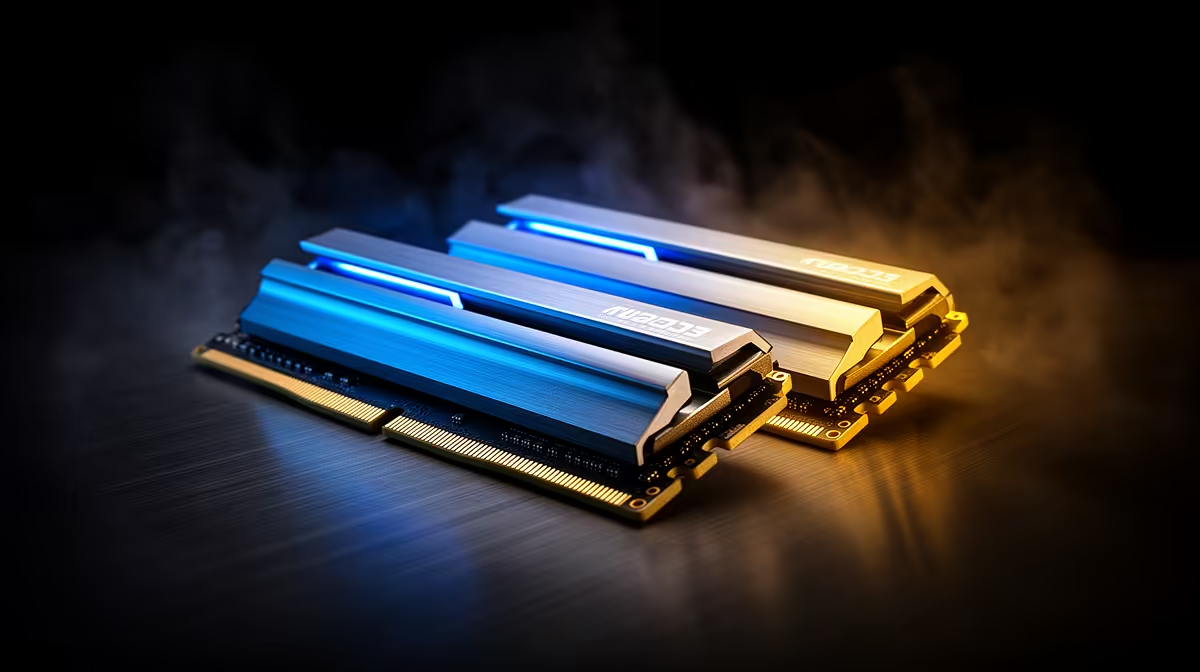
Kingston 16GB current-gen SODIMM at R741 suits a laptop buyer who needs a lower-cost RAM kit upgrade for running OBS with a light browser, chat, and basic recording open.
Start with the right memory size
A 16GB upgrade can cope when the stream is simple, but it is the floor rather than the comfort zone. The Kingston 16GB current-gen SODIMM at R741 makes sense for a notebook that only has one practical upgrade path, especially if the rest of the workload is kept tidy.
For a desktop creator setup, the TEAMGROUP VULCAN 32GB current-gen 6000 at R1,460 is the stronger everyday recommendation. The 32GB capacity gives the recording app, browser tabs, overlays, and background tools more breathing room, while the 6000 speed keeps it in current-gen territory without jumping into premium pricing.
The Kingston FURY 32GB current-gen 6400 at R2,300 is the cleaner pick when the machine is also used for gaming or heavier multitasking between streams. If the build is already pushing higher-end parts, the KLEVV CRAS V 32GB 7200 RGB at R6,400 is the flashier 32GB option, while the Kingston FURY 32GB 5600 at R5,100 is harder to justify on price alone.
Creator desk reality for SA streamers
At a student desk or home creator desk, memory pressure often comes from everything running beside the capture software. A 32GB kit such as TEAMGROUP VULCAN 32GB current-gen 6000 at R1,460 is the more comfortable choice when you want fewer slowdowns while switching between game, chat, browser, and recording controls.
Ready to choose the right memory?
Use its listed spec as the filter for the 16gb upgrade cope brief, with TEAMGROUP VULCAN 32GB current-gen 6000 speed at R1,460 as the first listed match.