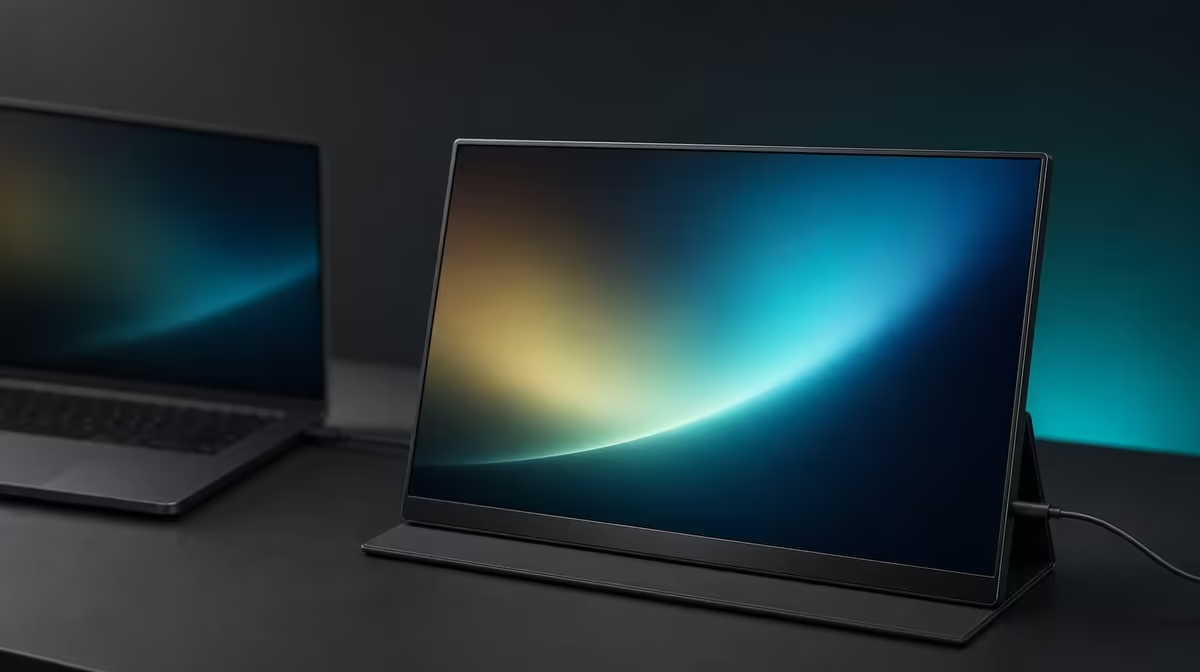
Crossing R7,000 should buy a visible, repeated advantage, not merely a more expensive version of a familiar panel. The value of a 17.3-inch 4K monitor depends on the complete source, room, desk, and travel fit, and the R5,999 UColor J5 proves that this format can sit below the headline threshold.
Quick Answer
Paying more than R7,000 is not automatically necessary for a 17.3-inch 4K portable monitor. The UPERFECT UColor J5 costs R5,999, which is R1,001 below that mark. Its package covers an IPS panel at 3840 x 2160, 400cd/m2 brightness, HDMI and USB-C inputs, a VESA option, 1000:1 contrast, a 10ms response figure, FreeSync, and Low Blue Light.
💸 Correct the price assumption
The J5 belongs at R5,999, not in an over-R7,000 bracket. That creates a meaningful baseline: a dearer monitor must add a capability or practical improvement the buyer can name and use.
Price alone does not prove image quality, compatibility, or portability. Start with exact devices, required inputs, intended rooms, and carrying frequency. Once those needs are known, compare the extra spend with the missing item.
Keep the difference in context. R1,001 is the gap between the J5 and R7,000, while the title asks about spending beyond that point. Any candidate above the threshold should be evaluated against the R5,999 package rather than being assumed better because of its position.
Evetech's portable monitor selection gives buyers current prices and alternatives for making that comparison.
🖥️ Audit what the lower-priced reference includes
The 17.3-inch IPS panel has a native 3840 x 2160 resolution. This offers fine detail and a roomier physical canvas, though suitable scaling is needed for readable text. The larger format also occupies more desk and luggage space than a smaller portable screen.
Its 400cd/m2 rating provides brightness headroom for changing indoor light. Maximum output is not a comfort target, and glare still requires physical control. The 1000:1 contrast figure describes measured light-dark separation under test conditions rather than guaranteed colour accuracy.
HDMI and USB-C give two source paths. USB-C video depends on the host port and cable, while HDMI commonly needs the display's power plan considered separately. A premium alternative should not receive compatibility credit until its exact routes are proven as carefully.
📐 Count mounting and entertainment features
VESA support lets the J5 move into a fixed arm arrangement. Confirm pattern, load, fastener length, and cable freedom before deciding that mounting replaces another purchase. A compatible arm can free desk space and improve height, but it does not reduce the travel footprint.
FreeSync can reduce tearing on a compatible graphics and display path. The 10ms response figure describes panel transition behaviour instead. Together they make the monitor versatile for entertainment, not an automatic elite-speed gaming display.
Low Blue Light provides a warmer mode for extended reading. It should sit alongside room-matched brightness, readable scaling, posture, viewing distance, reflection control, and breaks.
Evetech's monitor range helps compare this portable mixed-use set with fixed monitors that may provide different value at a permanent desk.
🧾 Require a premium to pass a task test
Give every over-R7,000 candidate the same four tasks as the J5: connect to the intended source, render a native-detail workload, remain visible in the actual room, and fit the planned desk or bag. Then test the feature claimed to justify the premium.
If the dearer screen serves a required device the J5 cannot, improves a repeated visual task, or fits the travel routine materially better, the price may be reasonable. If both screens produce similar results in the important work, the R5,999 reference is difficult to ignore.
Do not count unused extras. A VESA plate has value for a mounted desk; FreeSync matters on a compatible gaming path; 4K detail matters when the source and content use it. Features left idle should not be used to defend either price.
Review Evetech's monitor best sellers for a further current comparison and check availability at purchase time. End the search when one monitor passes the needs list and the cost is justified by repeated use, not when the highest price has been reached.
Use a premium ledger with three columns: additional cost, new capability, and repeated task improved. A feature belongs in the final argument only when all three cells are complete. This keeps a vague "better model" impression from carrying a four-figure difference.
Test the larger-format benefit through real layout. Place the source and a 17.3-inch footprint on the desk, open the intended windows, and observe viewing distance plus head movement. Then pack the same footprint. The panel should earn both its working area and its transport space.
Compare picture headroom in the actual room. If the J5's 400cd/m2 output already handles the brightest indoor location after glare control, a dearer screen needs another advantage. If the source connection or mounting plan is the limitation, brightness cannot justify the premium.
Gaming and comfort extras should be kept specific. FreeSync has value on a compatible tearing-prone path. Low Blue Light can support a warmer reading profile. The 10ms figure remains a response characteristic. Count each only where the buyer uses it.
After a full session, repeat the price-blind verdict. If the over-R7,000 candidate produces a clearly better result on a priority task, the premium can be discussed. If the result is equivalent, the R5,999 reference has met the need at a lower figure.
Price comparisons become clearer when every premium has a named outcome. Create rows for source compatibility, usable screen area, native resolution, brightness in the intended room, mounting, and any gaming requirement. Mark the J5 at R5,999 in one column, then add a higher-priced candidate only when its confirmed details are known. The more expensive option should win a row that matters regularly, not simply arrive with a larger total.
The R1,001 gap between R5,999 and R7,000 is also a useful discipline check. A buyer considering more than R7,000 should be able to describe what cannot be achieved with the J5 package. Perhaps the alternative addresses a specific workflow or physical constraint; perhaps it does not. Without that statement, the higher ceiling risks becoming permission to buy unused capability rather than a response to a real limitation.
Run the same exercise backwards. Ask whether the 17.3-inch 4K canvas, 400cd/m2 output, HDMI and USB-C choices, or VESA support would sit idle. If several do, even R5,999 may be too much for the job. Value is not proven by coming in below an arbitrary threshold; it is proven when the chosen display removes enough friction, often enough, to justify its place on the desk and in the budget.
Frequently Asked Questions
Does the UColor J5 cost more than R7,000?
No. The stated local price is R5,999, which is R1,001 below R7,000.
What does R5,999 include?
The purchase covers a 17.3-inch IPS panel with native 4K detail and 400cd/m2 headroom. It also provides HDMI, USB-C, VESA support, 1000:1 contrast, 10ms response, FreeSync, and Low Blue Light.
When could paying above R7,000 make sense?
When a dearer option solves a required compatibility, picture, portability, or positioning need that the lower-priced reference does not.
Is 4K alone enough to justify a premium?
No. Source capability, scaling, brightness, connections, size, and usage frequency still decide practical value.
Who benefits from the larger portable format?
Users who repeatedly need a roomier second workspace or entertainment panel and can accommodate its desk and bag footprint.
Ready to make an over-R7,000 monitor prove its advantage?
Compare Evetech's portable displays against the R5,999 J5 baseline and spend more only for a result your source and routine can use.