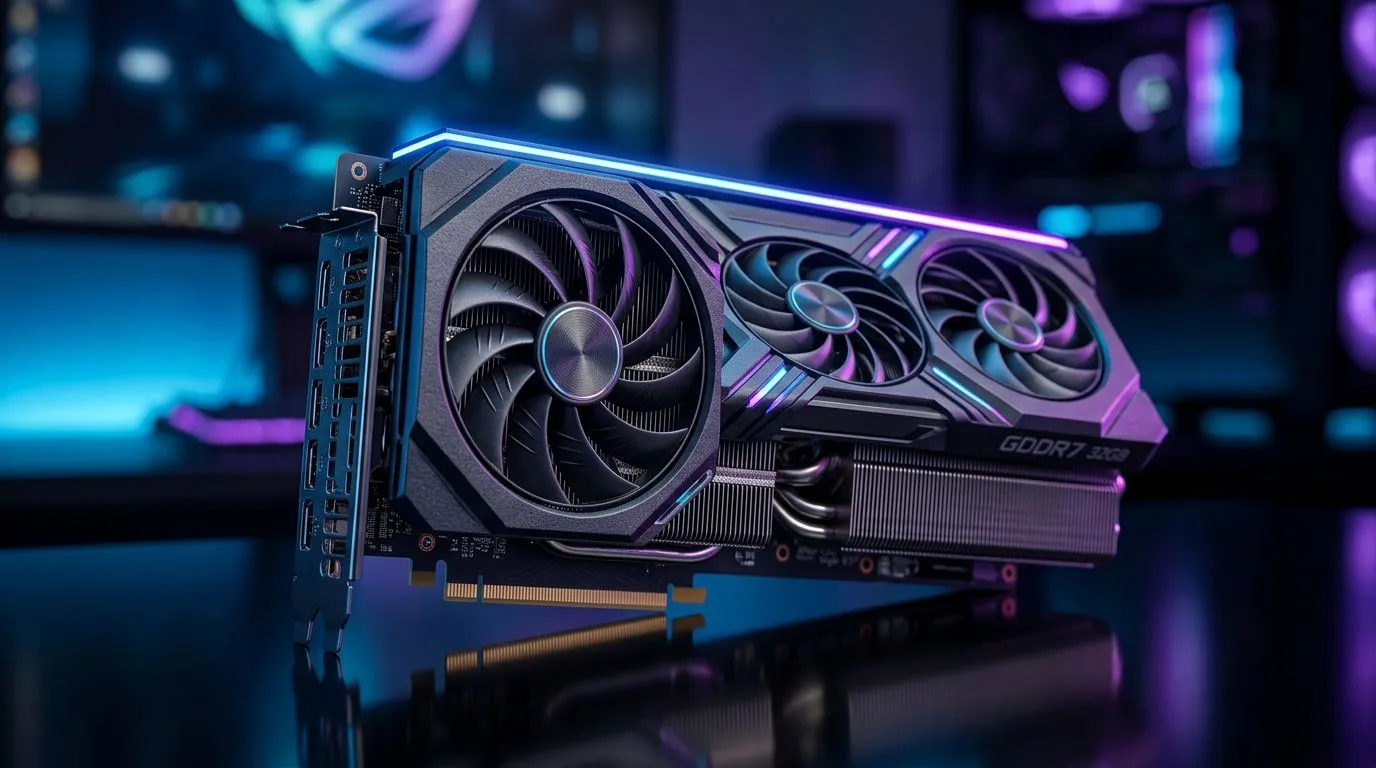
32GB GDDR7 Graphics Cards: Is the Upgrade Worth the Price in SA? (For SA Gamers)
If you’re building or upgrading in South Africa, you’ve probably asked the big question… “Is 32GB GDDR7 actually worth the extra Rands?” With modern AAA games getting heavier, plus creators running higher-res textures, more VRAM can sound like an instant win. 🚀 But the real answer depends on your resolution, game library, and what you do outside the FPS grind.
In this deep dive, we’ll break down where 32GB helps, where it’s just paying for headroom you won’t use yet… and how to make a smarter choice at checkout.
32GB GDDR7 Graphics Cards: What actually improves (and what doesn’t) in SA
32GB VRAM is not automatically “faster”. It’s there to store more graphics data close to the GPU, so the system spends less time shuffling assets around. In plain terms: more VRAM can reduce stutter when you’re hitting texture limits, especially at higher settings and higher resolutions.
Here’s the practical split South African buyers should think about:
Where 32GB GDDR7 tends to matter most 🔧
- 4K gaming (and high texture packs): At 4K, textures and frame buffers get large quickly. If a title (or mod) is pushing VRAM hard, extra memory can help keep frames steadier.
- High-end modding and texture streaming: Popular single-player games with heavy texture mods can benefit when VRAM is the bottleneck.
- Creator workloads: Video editing, 3D scenes, and AI-assisted workflows often scale with VRAM availability.
Where 32GB can be “nice to have” (not essential) ✨
- 1080p competitive gaming: Most esports titles are not VRAM-bound at typical settings. You’ll usually feel the difference more in GPU compute, drivers, and cooling.
- Mainstream 1440p settings without heavy texture mods: Many gamers never touch the VRAM ceiling, so they’re paying for headroom that stays unused.
Quick mindset: If your current GPU is stable and you’re not seeing VRAM-related stutter or texture pop-in, a VRAM-only upgrade may not change your experience as much as a performance-focused GPU would.
32GB GDDR7 Graphics Cards: A simple upgrade checklist before you spend Rands
Before you commit to a 32GB GDDR7 card, do this fast check. It saves money… and helps you avoid “spec shopping”.
Step 1: Identify the bottleneck you’re hitting
If you notice texture streaming issues, hitching, or stutter while VRAM usage climbs, VRAM headroom is worth considering. If your games are instead limited by GPU performance (lower FPS), you’ll feel bigger gains from raw performance rather than memory size alone.
Step 2: Match the card to your resolution
- 1080p: Favour strong GPU performance and frame-time stability.
- 1440p: Consider VRAM if you run heavy texture mods or play newer titles on high settings.
- 4K: VRAM becomes more relevant. If your workload regularly pushes VRAM, 32GB can be justified.
Step 3: Don’t ignore the rest of the system
A “perfect” GPU can still bottleneck on:
- CPU limits in busy scenes
- slow storage (for some streaming workflows)
- insufficient airflow or PSU headroom
If you’re upgrading, it’s often worth checking whether your build can actually feed the card properly.
Productivity Pro Tip ⚡
On Windows, use the PowerToys FancyZones utility to set up custom snap layouts for your monitor. It helps a lot when you’re switching between game capture tools, browser guides, and texture mod folders while you tune settings for smooth VRAM usage. This keeps your workflow organised so you can test changes faster.
32GB GDDR7 Graphics Cards: Price reality in South Africa (and how to shop smarter) 💸
South African pricing changes with stock, supplier availability, and exchange rates. That means you should treat “worth it” as a ratio of your use case to the premium you’re paying.
A smart way to shop:
- Compare similar-tier models within your budget.
- Look for bundle value (where applicable) and consider total system stability.
- Don’t buy the VRAM you don’t use… unless you’re also a creator or you play mod-heavy titles.
If you want to browse options right now, Evetech’s GPU listings make it easy to filter by brand and category:
What to look for on the product page (quick sanity checks) ✅
When you’re evaluating a 32GB GDDR7 card, prioritise:
- Cooling design (temps affect boost behaviour)
- Power requirements (so you don’t run into PSU limits)
- Return policy and warranty clarity (important for higher spend in SA)
If a listing doesn’t clearly state key details, that’s a sign to ask Evetech support before purchasing.
32GB GDDR7 Graphics Cards: Bottom line for SA buyers (worth it or not?) ✅
So… is the upgrade worth the price in SA?
- Worth it if you game at 4K, run heavy texture mods, or do creator workloads where VRAM is a real constraint.
- Not always worth it if you’re mainly on 1080p/competitive, play without demanding texture packs, or your GPU isn’t currently VRAM-limited.
The best upgrades feel like fewer compromises, not just bigger numbers. If you’re spending Rands for smoother frame pacing and fewer texture hiccups, 32GB can make sense. If not, put that budget into performance and platform balance instead.
Ready to Find Your Perfect Match?
The Mac vs Windows debate is complex, but for maximum power, choice, and value in South Africa, Windows is hard to beat. Explore our massive range of laptop specials and find the perfect machine to conquer your world.