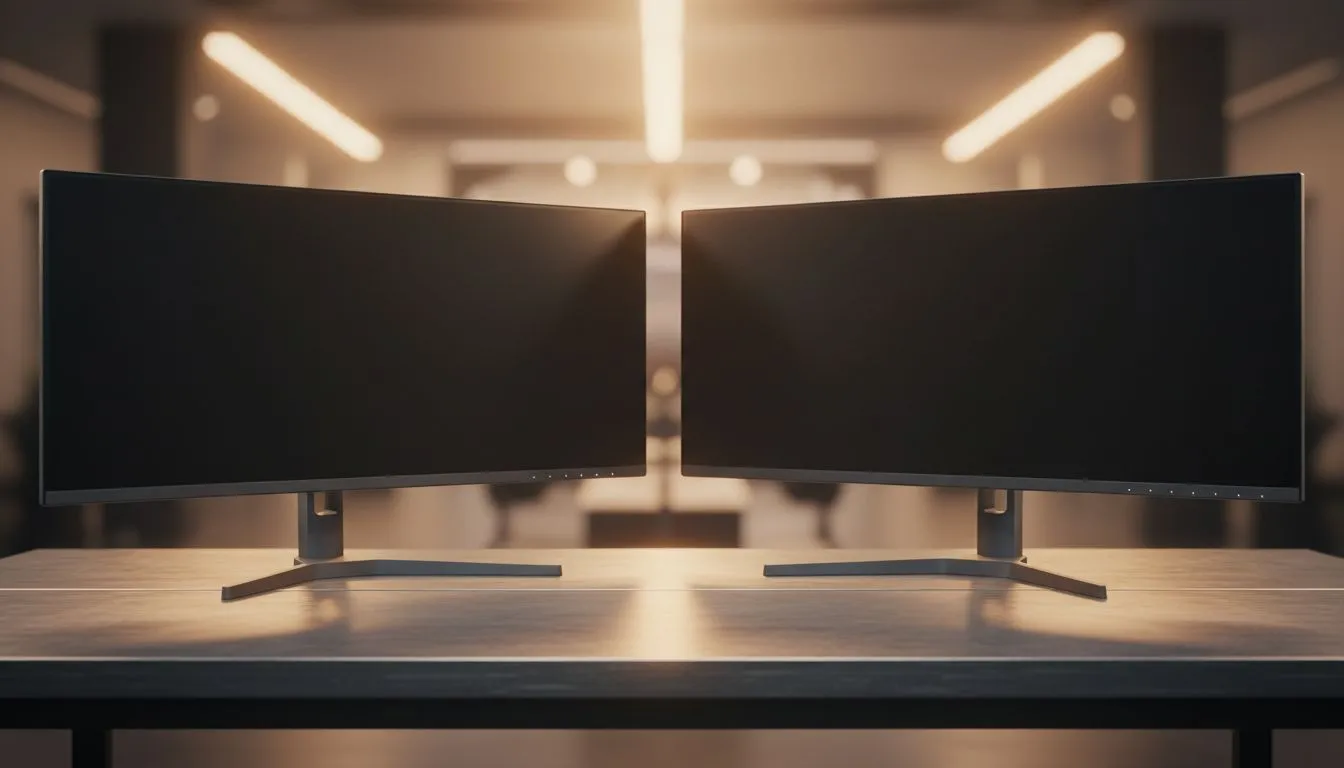
Thinking of upgrading your desk setup? Choosing between a 34-inch vs 49-inch ultrawide monitor: Choose the Right Size for your specific needs. Whether you are dodging bullets in a Cape Town lobby or managing complex spreadsheets in a Sandton office, screen real estate matters. It is not just about the physical width... it is about how the extra pixels impact your productivity and gaming immersion every single day. 🚀
Finding the balance with a 34-inch vs 49-inch ultrawide monitor
Deciding on the perfect display often feels like a tug-of-war between desk space and total immersion. A 34-inch ultrawide typically offers a 21:9 aspect ratio, which provides about 30% more horizontal space than a standard widescreen. This is the "sweet spot" for many South African gamers because it fits on most standard desks without requiring a complete furniture overhaul.
For creative professionals who prioritise colour accuracy and wide viewing angles, selecting IPS panels is a non-negotiable step. These displays ensure that your photo editing or video grading remains consistent across the entire width of the screen.
The 34-inch ultrawide: The versatile champion
The 34-inch model is widely considered the most practical choice for a hybrid setup. It offers enough room to have two windows open side-by-side comfortably. When you are gaming, the 1440p resolution found in most of these models is demanding but manageable for mid-range GPUs.
Because of the width, curved designs are highly recommended to keep the edges of the screen within your natural peripheral vision. If you are doing precision work like CAD or architectural drawing, however, some users still opt for flat displays to avoid any perceived distortion of straight lines.
Productivity Pro Tip ⚡
On Windows, use the PowerToys FancyZones utility to create custom snap layouts for your windows. It's a lifesaver for managing multiple apps on an ultrawide monitor, letting you organise your timeline, preview window, and asset folders perfectly for video editing.
Going big with the 49-inch super ultrawide
If you want to replace a dual-monitor setup entirely, the 49-inch super ultrawide is the way to go. This beast uses a 32:9 aspect ratio, essentially putting two 27-inch monitors into a single, seamless frame. For sim-racing enthusiasts or flight simulator fans, the immersion is unparalleled.
Managing such a massive resolution requires serious hardware. You will want to ensure your monitor supports Adaptive Sync to keep your gameplay smooth. NVIDIA users should look specifically for G-Sync compatibility, while those on Team Red should ensure their display supports FreeSync to eliminate screen tearing during intense moments. ✨
Making the final call for your setup
Before you pull the trigger on a new screen from our massive variety of PC monitors, measure your desk. A 49-inch monitor is over a metre wide and often requires a sturdy VESA mount or a very deep desk to sit at a comfortable viewing distance.
If your budget is around R8,000 to R12,000, a high-end 34-inch monitor offers incredible value. If you have the space and the budget to push closer to R20,000 or more, the 49-inch experience is a significant upgrade that changes how you interact with your PC. 🔧
Ready to Find Your Perfect Match?
The 34-inch vs 49-inch ultrawide monitor debate is complex, but for maximum immersion, choice, and value in South Africa, Evetech is hard to beat. Explore our massive range of monitor specials and find the perfect screen to conquer your world.