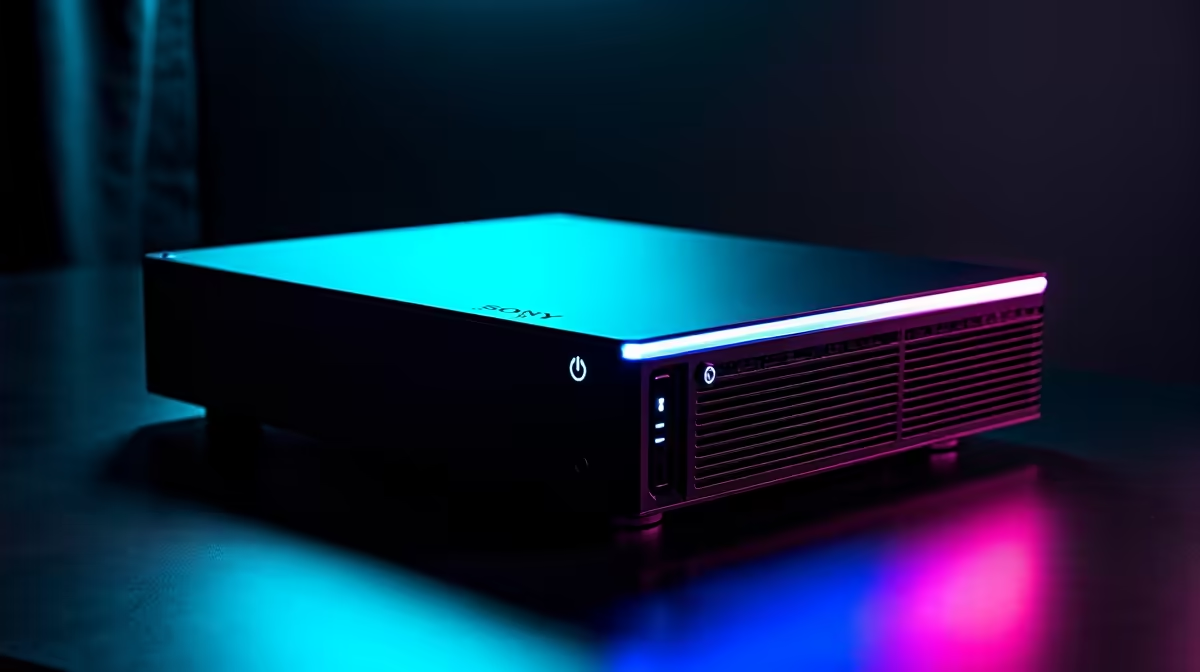
A 4K editing rig can host a small home lab when it has enough memory, storage and network capacity for the planned virtual machines. Its graphics card may sit idle during server tasks. Reuse the computer when lab work happens outside editing hours and downtime will not disrupt paid projects.
Define the lab services
List each virtual machine, container, database and network service. Add memory and storage requirements, then reserve capacity for the editing applications. Check whether the lab needs to stay available while the editor exports video or reboots for a driver update. A shared workstation creates one failure point for both workflows.
The GEEKOM A8 Max combines a Ryzen 9 8945HS processor, 32GB memory and 1TB storage at a verified R12,900 as a compact high-performance reference. The Minisforum UM750L provides a Ryzen 5 7545U processor, 16GB memory, 1TB storage and Windows 11 Pro at a verified R4,600 for a smaller lab tier. Confirm virtualisation support and expansion.
Protect media and lab data
Keep virtual disks away from active footage caches where possible. The WD Blue SN5000 2TB NVMe SSD costs a verified R1,684 for a compatible platform. Check endurance, slot support and backup needs before assigning it to either workload.
A shared rig works for experiments and occasional services. Move the lab to a separate computer when it needs continuous availability, isolated accounts or reboots that conflict with editing deadlines.
Building a home lab beside an editing workflow? > Ask Evetech to compare compact PCs and storage options.