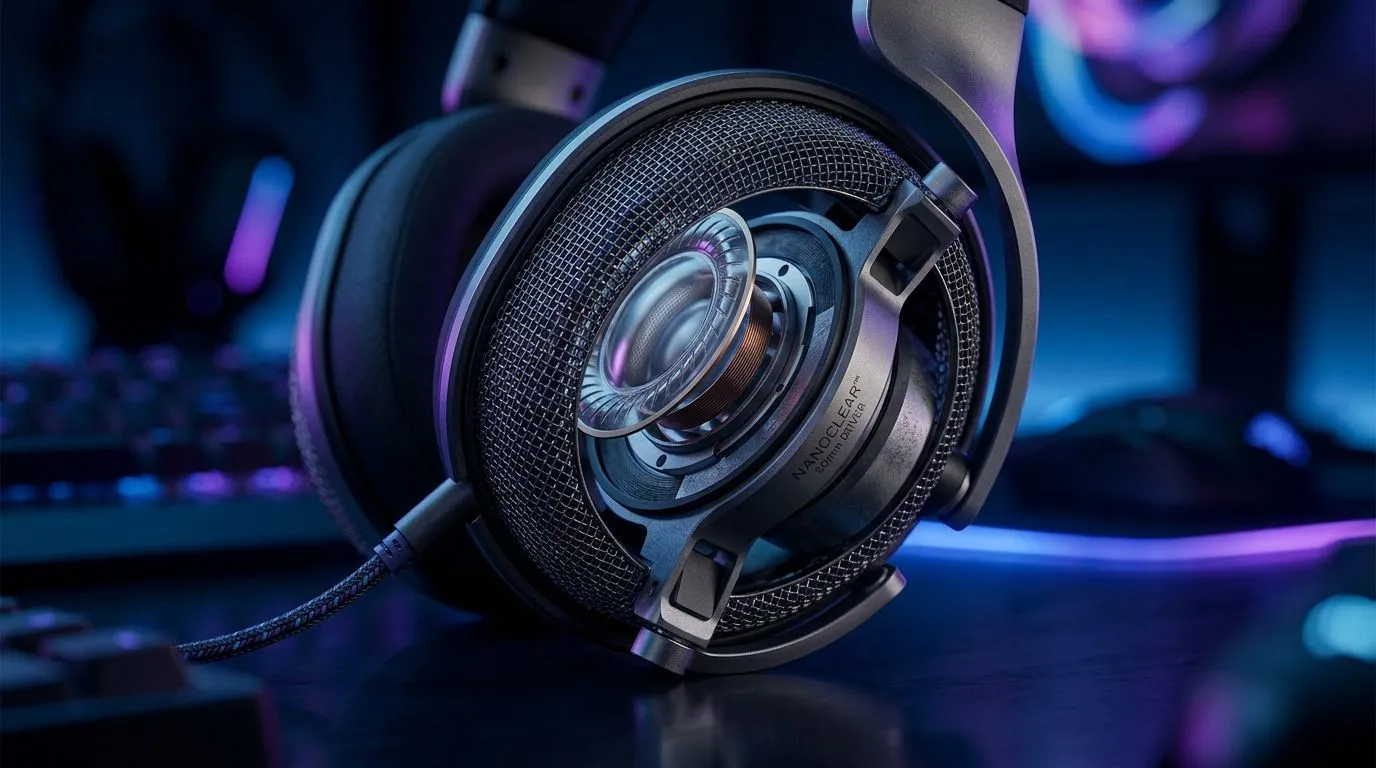
50mm Nanoclear Drivers Explained for Gaming Audio Clarity: Why it matters in real matches
If you’ve ever heard footsteps that suddenly sound “muffled” mid-round, you’re not imagining it. Good drivers make small sounds easier to place, especially in CS2, Valorant, and Warzone. In South African homes, the sound chain can be messy too… cheap adapters, noisy PCs, or a headset that struggles at volume. That’s why many buyers are asking about the latest 50mm Nanoclear driver claims. Let’s break down what “Nanoclear” usually means, how it helps, and how to choose your next headset with confidence. 🔊✨
What are 50mm Nanoclear drivers, in plain terms?
The “50mm” part is the speaker diameter. Larger drivers often move more air, which can help with fuller bass and clearer output at higher volumes, assuming tuning is good. The “Nanoclear” wording is a marketing label commonly used to describe improved driver materials or coatings aimed at reducing distortion and improving high-frequency clarity. In practice, you’re listening for three things:
- Sharper treble detail (gun tails, reload sounds)
- Cleaner mids (voices, audio cues in quieter scenes)
- Less harshness at volume (less “spitzy” sound)
Important note: exact Nanoclear construction details are not always published for every headset model. So rather than claim specific chemistry, we focus on what you should expect to hear and how to verify it.
50mm Nanoclear Drivers Explained for Gaming Audio Clarity: What to listen for during testing
When you test a headset, don’t rely on one music track. Use audio cues that stress imaging and clarity:
- Walkthrough footsteps audio (left-right separation)
- Mixed ambience (rain, crowd noise)
- Single-source clarity (a voice line or marker sound)
Then check these quick signals while gaming:
- Can you track distance changes (near vs far footsteps)?
- Do explosions blur everything, or does the sound stay readable?
- Are high-frequency cues fatiguing after 10 to 15 minutes? ⚡
Quick Listening Test 🔧
Look for a track with both low bass and crisp percussion. If the percussion loses detail when bass hits, the driver tuning may be masking mids. In FPS games, that often shows up as harder-to-place footsteps.
50mm Nanoclear Drivers Explained for Gaming Audio Clarity: Pairing it with the right headset
Drivers don’t work alone. Mic quality, comfort, and software EQ can make or break your experience. If you’re specifically comparing options in Evetech’s lineup, start by narrowing down your headset style first: wireless convenience, wired reliability, or a budget-friendly entry point. For example, the Razer Barracuda X Chroma Wireless gives gamers an easy wireless choice, while the broader Razer headphone range includes multiple tuning styles depending on what you value most.
50mm Nanoclear Drivers Explained for Gaming Audio Clarity: Practical buying checklist before you pay
Before checkout, ask these grounded questions:
- Do you need wireless? If you game late-night, wireless can reduce cable mess around your desk.
- Will you use EQ? Many gamers get better clarity by adjusting treble and presence instead of boosting everything.
- Is your PC sound clean? On-board audio can be fine, but noisy systems can add distortion that makes any “clear” driver sound worse.
- Can you wear it comfortably for hours? If your seal is uncomfortable, clarity drops fast.
In other words… a “50mm Nanoclear” label is only useful if the full setup supports it. Choose the headset that feels right, then tune for your game.
Ready to Find Your Perfect Match?
The Mac vs Windows debate is complex, but for maximum power, choice, and value in South Africa, Windows is hard to beat. Explore our massive range of laptop specials and find the perfect machine to conquer your world.