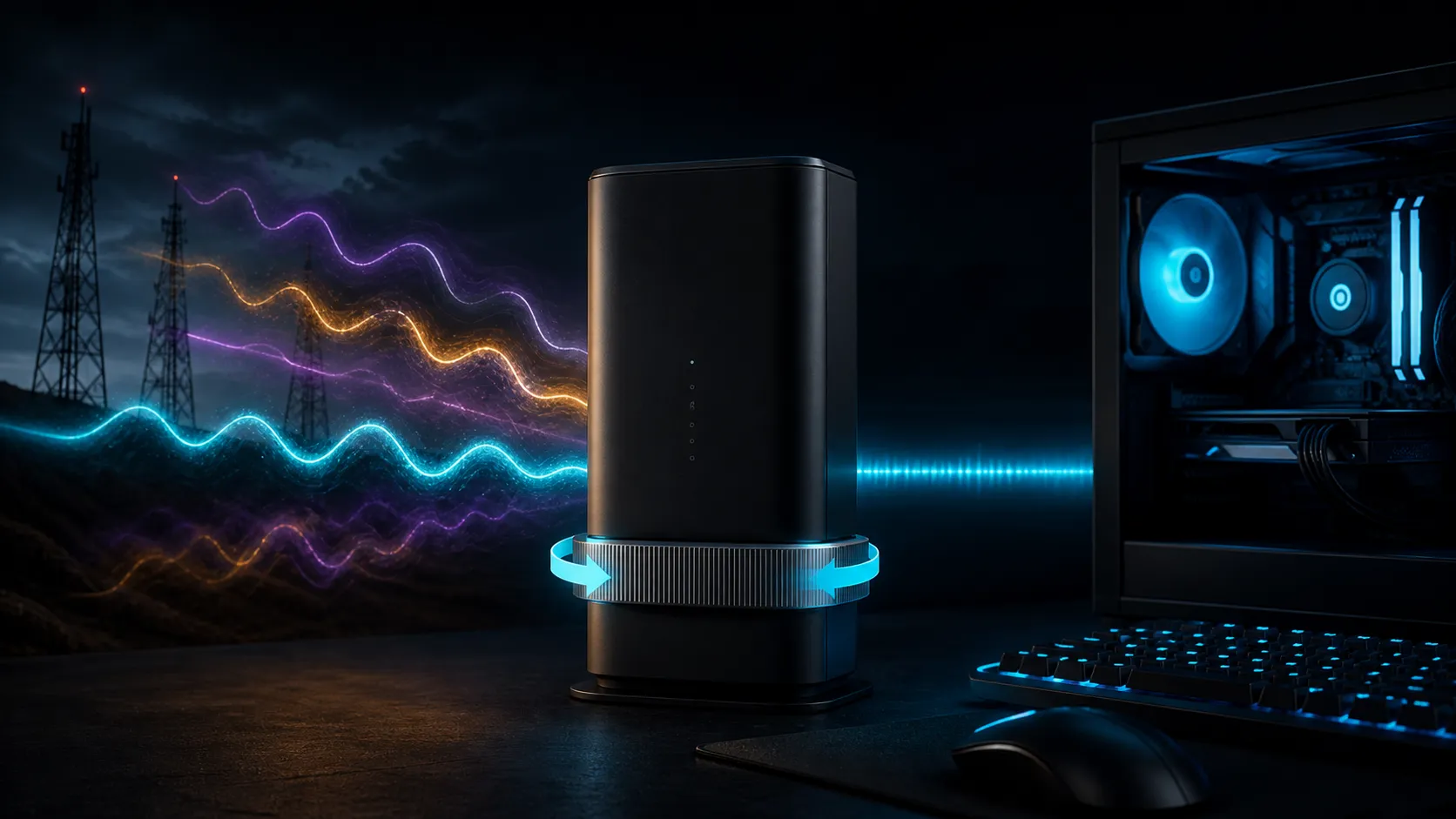
5G router band locking South Africa advice must start with a warning: there is no single best gaming band for every operator, tower or suburb. A manual selection can steady a modem that keeps moving to a worse radio layer, but it can also remove useful fallback and aggregation. Lock only after repeated measurements show a consistent winner.
Quick Answer
Spend R0 by logging the router's current bands, RSRP, RSRQ, SINR, latency, loss and throughput across busy and quiet periods. Test documented manual selections one at a time, and keep Auto as the rollback. If a lock produces lower jitter and fewer disconnects repeatedly, keep it and review after network changes. Compare wireless routers only if the existing firmware lacks a required documented control.
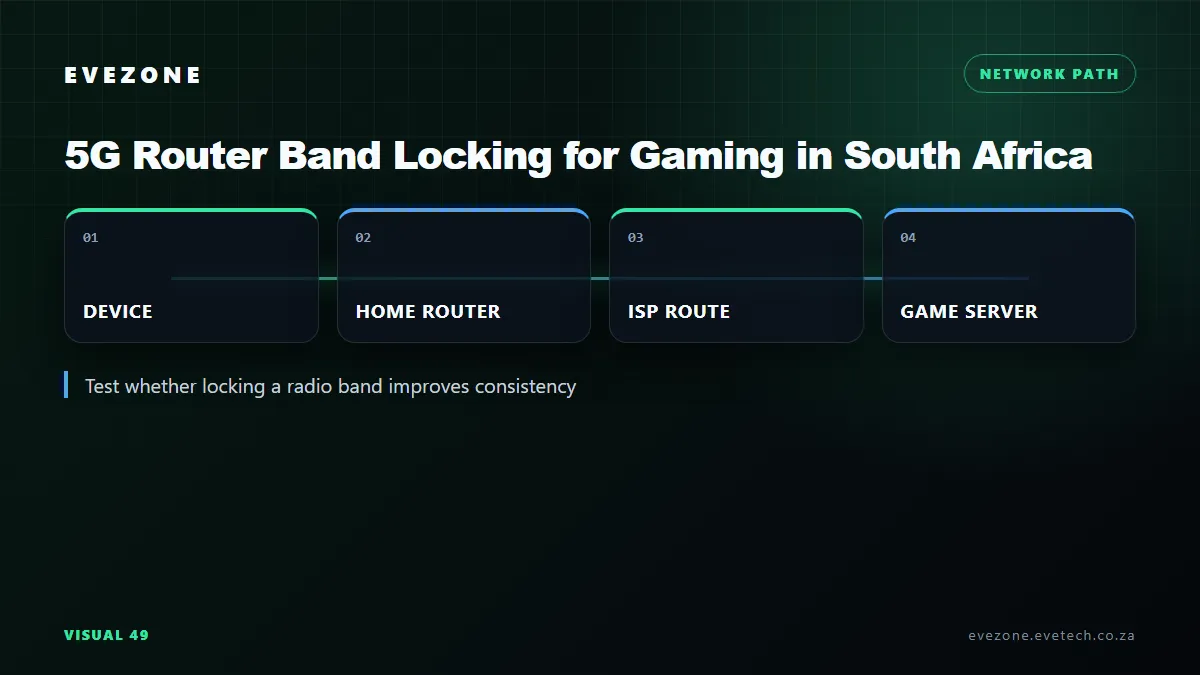
📶 Understand What the Lock Changes
In Auto mode, a mobile router chooses among the supported and available radio bands according to its modem, firmware and network conditions. Teltonika's RUTX50 documentation describes Auto as choosing the best connectivity conditions, while Manual restricts the modem to selected bands. This is the basic trade: adaptability versus control.
Read the model's supported-band table before selecting anything. A menu can display regional capabilities that differ across hardware variants, and an imported unit may not support the operator combination expected locally. Firmware availability also follows the exact revision, not merely the retail family name.
A band lock limits frequencies. A cell lock targets a particular radio cell using identifiers such as channel and physical cell information. Network-mode selection, such as 5G or 4G automatic versus 4G-only, is another separate control. Do not mix these settings during one comparison because the result will not reveal which change mattered.
5G can operate in standalone or non-standalone arrangements. On non-standalone service, LTE can participate as an anchor, so an aggressive LTE restriction may also affect the 5G session. Use only combinations that the exact router and operator support. Hidden commands copied from another modem can break connectivity or persist after a reboot.
📊 Measure More Than Signal Bars
RSRP estimates received reference-signal power. RSRQ adds a view of signal quality, while SINR compares the desired signal with interference and noise. The strongest RSRP is not always the most usable connection if quality is poor or the cell is congested.
Record active bands and all available radio metrics at the same physical position. Then measure idle latency, jitter, packet loss, upload and download performance. A gaming result needs stability, not only a peak speed-test number. Run several minutes of pings and one actual game session where possible.
Repeat in the evening and a quieter period. Telkom notes that 5G performance depends on factors including walls, network load, signal strength, distance, terrain, device and the local network. A band that wins at 06:00 can be crowded at 20:00. The decision needs several samples rather than one screenshot.
Place the router consistently during tests. A small rotation or window position can change radio quality, especially with external antennas. Do not move the device while also changing band selection. If the connection feeds a gaming PC over Wi-Fi, run a direct Ethernet test so the local radio does not obscure the mobile link.
🎯 Know When Manual Selection Can Help
Band locking is worth testing when the router repeatedly flips between connections and each switch coincides with a disconnect, packet-loss burst or large latency change. It can also help when Auto consistently prefers a strong but congested layer while another documented band is weaker but more stable.
The evidence should repeat. A manual setting that improves one speed test but worsens evening loss is not a gaming win. Compare median latency, worst spikes and disconnect count across similar periods. Keep the setting only when it improves the measures that caused the problem.
It is less useful when every available band shares the same congested backhaul, the indoor signal is fundamentally poor, or the issue sits on local Wi-Fi. In those cases, position, antenna suitability, operator choice or wired LAN quality may matter more. Current network adapters can help only when the client link is the proven bottleneck.
⚠️ Respect the Trade-Offs
Restricting the modem can disable a band that provides fallback during maintenance or changed propagation. It may also prevent carrier aggregation combinations that deliver better capacity. When the network adds a site or retunes bands, yesterday's lock can become worse without any router fault.
Power interruptions deserve a separate check. Confirm whether the documented selection persists after a normal restart and whether the router returns to Auto after a factory reset. A gaming setup should recover predictably without hidden steps, especially when it provides the household's primary connection.
Keep the SIM plan in scope as well. Device support for a band does not mean the tariff, coverage product or operator provisioning permits every mode. Confirm the current operator conditions directly and avoid turning a local test into a broad coverage claim.
Keep a written rollback: Auto band selection, automatic network mode and the original APN. Recheck after firmware updates, operator notices or a sudden performance change. Do not flash unofficial firmware simply to expose band controls; recovery and security costs outweigh an uncertain ping improvement.
If the current router has no documented selector, first optimise position and test another operator at R0 where a suitable SIM is already available. Compare wireless networking equipment only after defining the needed bands, Ethernet ports, antenna support and firmware feature. Product pages should be checked for the exact hardware revision because menus can differ.
For gaming, a stable 4G connection can sometimes feel better than variable 5G, but that is a local test result, not a national rule. Never promise a particular band, operator or technology will deliver a fixed millisecond value.
Frequently Asked Questions
Which 5G band is best for gaming in South Africa?
There is no universal best band. Operator deployment, site load, signal quality and router support differ at every location.
Does the strongest signal give the lowest ping?
Not always. Interference, quality and congestion can make a weaker measured signal more stable than the strongest one.
Is band lock the same as cell lock?
No. Band selection restricts frequencies, while cell locking targets one radio cell and requires separate identifiers and firmware support.
Can a lock disable carrier aggregation?
Yes. Restricting available bands can remove combinations the modem would otherwise aggregate, reducing capacity or fallback.
How often should I retest?
Retest after firmware changes, operator network work, a persistent performance shift, or at least when the original busy-period pattern changes.
Trying to steady a 5G gaming link?
Build an Auto baseline, test only documented bands with the router fixed in place, and keep the selection that wins on latency consistency rather than peak speed.