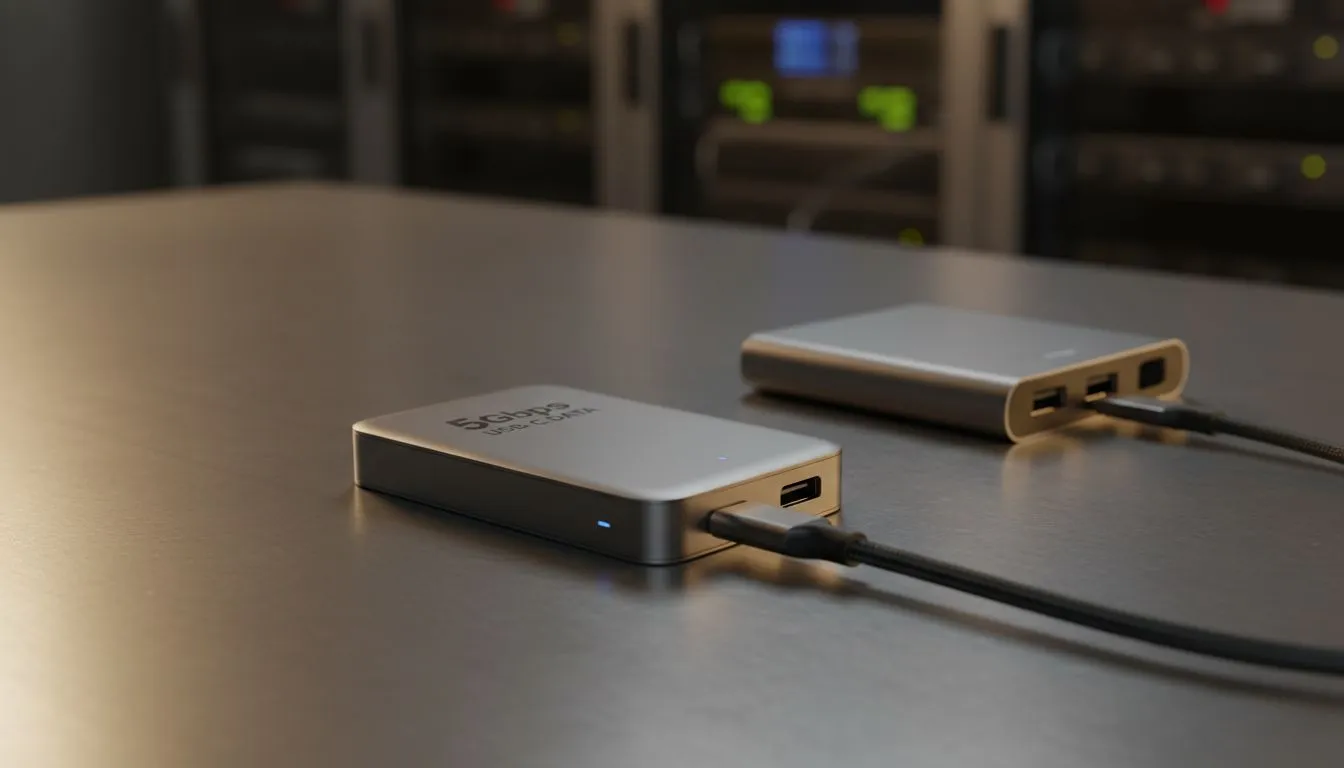
Is 5Gbps USB-C Data Enough for Your External SSDs? Let's Dive In, Mzansi!
Ever felt that familiar pang of impatience waiting for a massive game to transfer, or a crucial video project to render from an external drive? You’re not alone. In South Africa's fast-paced tech landscape, every millisecond counts. With USB-C becoming the standard, many of us are plugging in external SSDs, but a burning question remains: Is that common 5Gbps USB-C data speed actually cutting it for your needs? Let's unpack it. 🇿🇦
Understanding 5Gbps USB-C Data: The Basics
When we talk about 5Gbps USB-C data, we're generally referring to USB 3.2 Gen 1 (previously known as USB 3.0 or USB 3.1 Gen 1). This standard offers a theoretical maximum throughput of 5 Gigabits per second. To put that into perspective, 5Gbps translates to roughly 625 Megabytes per second (MB/s) in real-world terms, after accounting for overheads. Sounds fast, right? For many years, this was the gold standard for external storage, offering a significant leap over older USB 2.0 speeds.
But here's the kicker: "theoretical maximum" is the operative phrase. Actual performance depends on a cocktail of factors: the quality of your cable, the controller in your external SSD enclosure, and most importantly, the drive itself.
The External SSD Landscape: SATA vs. NVMe Performance
Not all external SSDs are created equal. The type of drive inside your enclosure fundamentally dictates its potential speed.
SATA External SSDs
Many affordable external SSDs still utilise SATA drives internally. These drives typically max out at around 550 MB/s for sequential reads and writes. This is well within the capabilities of a 5Gbps USB-C connection. In fact, if you're using a SATA-based external SSD, a 5Gbps USB-C data connection will likely be more than enough to achieve its maximum performance. You won't see a noticeable speed bump by connecting it to a faster port, as the drive itself is the bottleneck.
NVMe External SSDs
This is where things get interesting. NVMe (Non-Volatile Memory Express) SSDs are designed for lightning-fast performance, often reaching speeds of 3,500 MB/s or even higher for PCIe Gen 3 drives, and upwards of 7,000 MB/s for PCIe Gen 4.
If you're using an external NVMe SSD with a 5Gbps USB-C data connection, you'll immediately hit a bottleneck. Your super-speedy NVMe drive will be throttled down to the 625 MB/s limit of the USB connection. While still significantly faster than a traditional hard drive, you're leaving a lot of performance on the table.
Gaming & Creative Workloads: Is 5Gbps Enough?
For Gamers 🎮
- Loading Times: For storing and playing modern games, a 5Gbps USB-C data connection paired with a SATA SSD is generally adequate. You'll experience significantly faster loading times compared to a traditional HDD, making those open-world adventures feel much smoother. For many budget-conscious gamers, this setup offers a fantastic balance of speed and cost.
- Game Transfers: Moving large game files between drives will be reasonably quick. However, if you're constantly shuffling 100GB+ titles, the difference between 600 MB/s and 1000 MB/s (from a faster USB standard) becomes noticeable.
For Creative Professionals
- Video Editing: If you're editing 4K or 8K video directly from an external drive, especially with multiple streams or complex effects, 5Gbps USB-C data might feel restrictive. Scrubbing through timelines, rendering previews, and exporting final projects will be quicker with an NVMe drive connected via a faster interface like 10Gbps USB-C (USB 3.2 Gen 2) or even 20Gbps (USB 3.2 Gen 2x2) or Thunderbolt.
- Large File Transfers: Graphic designers, photographers, and developers dealing with massive asset libraries will find 5Gbps perfectly usable for daily tasks, but potentially frustrating for initial backups or migrating entire projects.
Optimise Your Workflow ⚡
When transferring large batches of small files, compression can sometimes speed up the process by reducing the number of individual I O operations. For single large files, ensure your external SSD is formatted correctly (NTFS for Windows, APFS for Mac) and that your enclosure supports UASP for maximum efficiency.
When 5Gbps USB-C Data is Perfectly Adequate
- Budget-Friendly Storage: If you’re looking for an affordable way to expand your laptop or desktop storage with good performance, a SATA SSD in a 5Gbps USB-C enclosure is a smart choice.
- Archiving & Backup: For storing photos, documents, and general backups where instant access isn't critical, 5Gbps offers plenty of speed.
- Older Systems: If your computer only supports USB 3.2 Gen 1 (5Gbps), then pairing it with a faster external SSD won't yield any additional benefits beyond that limit.
- Everyday Use: For general file storage, casual gaming, and non-intensive creative tasks, you'll be more than happy with the performance.
When to Consider Faster USB-C Options
If you’re a professional dealing with uncompressed 4K+ video, high-resolution RAW photo editing, or are a competitive gamer who demands every possible millisecond of loading speed, then investing in an external NVMe SSD enclosure with at least a 10Gbps USB-C (USB 3.2 Gen 2) connection, or even a 20Gbps (USB 3.2 Gen 2x2) or Thunderbolt 3/4 setup, is highly recommended. These faster interfaces allow your NVMe drive to truly shine, unlocking its full potential.
Maximising Your USB-C Setup with Docking Stations
Often, our laptops or desktops don't have enough ports, or the right kind of ports, for all our peripherals. This is where a quality docking station becomes invaluable. A good docking station can expand your connectivity, providing multiple USB-C ports (some offering 10Gbps or even Thunderbolt), USB-A ports, Ethernet, HDMI, and more, all through a single connection to your host device.
Whether you need a simple hub to connect a few peripherals or a powerhouse station for a multi-monitor setup and high-speed external storage, Evetech has you covered. You can explore a wide range of docking station options to suit your specific needs. For those on a tighter budget, there are excellent affordable docking stations under R1000 that still offer robust connectivity. If you're looking for something more premium, consider our selection of docking stations under R2000, offering advanced features and higher bandwidth. We even stock reliable brands like Promate docking stations known for their quality and performance.
The Verdict for South African Tech Enthusiasts ✨
So, is 5Gbps USB-C data enough for external SSDs? The answer, like most things in tech, is "it depends." For the vast majority of users, especially those with SATA-based external SSDs or those primarily using their drives for general storage and gaming, 5Gbps is perfectly sufficient and offers excellent value. However, if you're pushing the boundaries with high-end NVMe drives and demanding creative workloads, you'll want to explore faster USB-C or Thunderbolt options to unleash your SSD's full potential.
Ultimately, understanding your external SSD's capabilities and your workflow demands is key. Choose wisely, and enjoy those snappy transfer speeds!