A 750W power supply is worth buying for a Docker host only when the complete hardware load requires that capacity. Containers do not set PSU wattage. CPU, GPU, drives, memory, networking and cooling determine electrical demand, while Docker performance depends on resource allocation and storage.
Calculate host power and containers separately
List every physical component and connector, follow GPU guidance and include reasonable headroom. Then inventory container images, concurrent services, memory limits, storage growth and network exposure. A small CPU-only development host may not need the same PSU as a GPU-enabled workload.
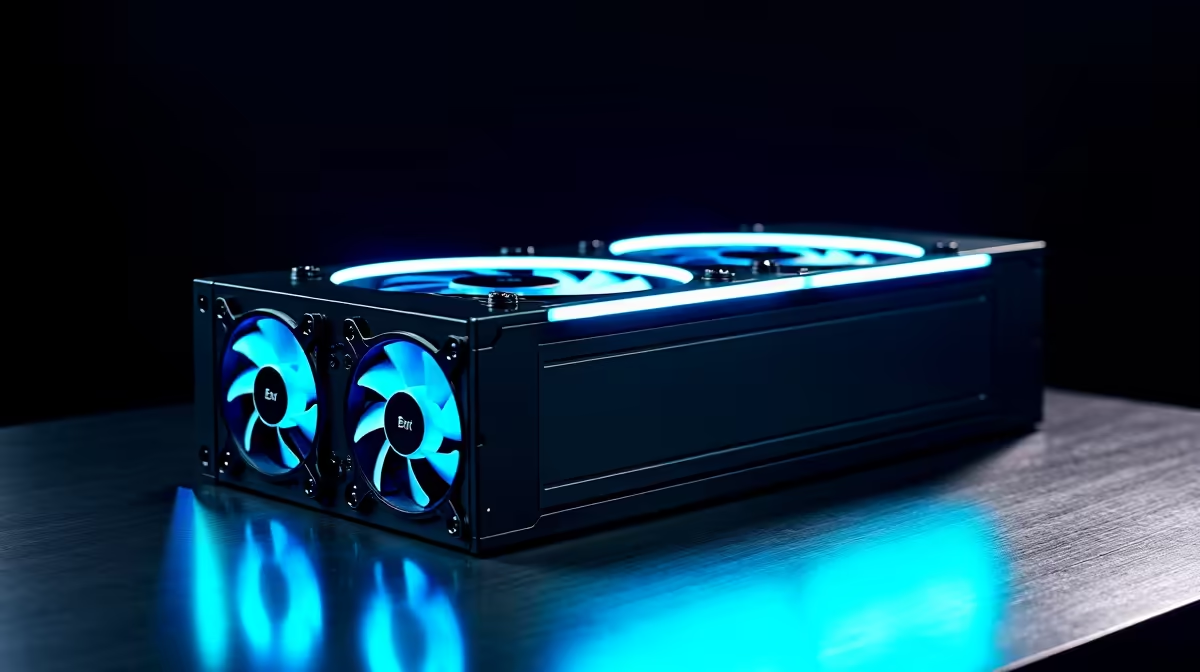
The DeepCool PF750 750W at R550 is a verified PSU reference, not proof of suitability for a particular Docker computer. Confirm current protection features, efficiency information, dimensions, connector set, cable requirements, GPU guidance and warranty against the exact build.
Use only cables supplied or approved for the unit, keep intake ventilation open and never service the enclosure. Secure container administration, patch images and keep persistent data in independent versioned backups. Test restoration instead of relying on container recreation alone.
Buy 750W after the component calculation passes. Container reliability also requires adequate CPU, memory, storage, network isolation and documented recovery, none of which unused power capacity supplies. Record service limits so one container cannot exhaust the host during deployment.
Powering a Docker host? > Compare Evetech PSUs against the physical build and service map.