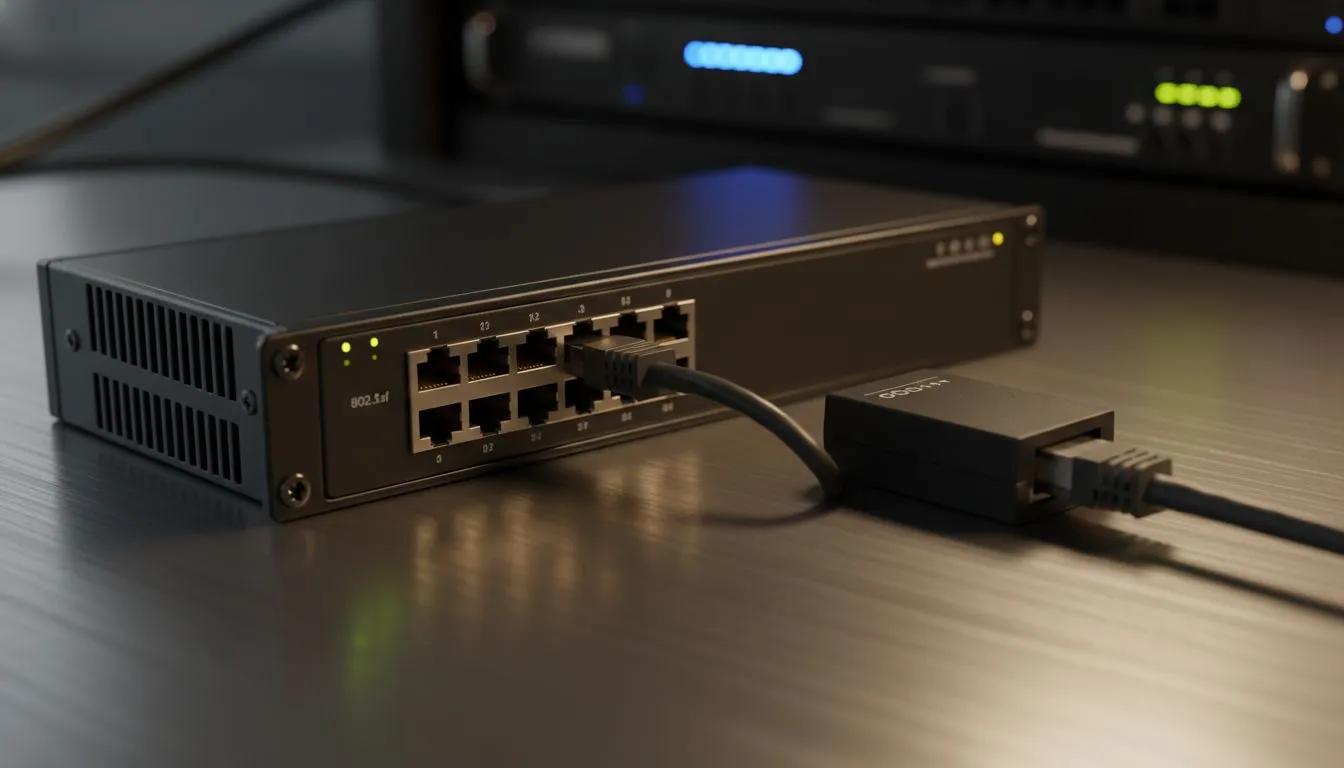
Setting up a modern network in South Africa often means dealing with a clutter of power adapters and messy wall sockets. Power over Ethernet (PoE) solves this by sending electricity and data over a single LAN cable. But when you start shopping, you will see different technical codes. This 802.3af vs 802.3at: Beginner Guide to PoE Standards will help you understand which one you need for your security cameras, access points, or VoIP phones without wasting money on the wrong hardware.
Understanding the Basics of Power over Ethernet ⚡
PoE is a technology that lets network cables carry electrical power to compatible devices. In a typical South African home or office, this means you can mount a Wi-Fi booster in the hallway ceiling or a camera on the exterior wall without needing a dedicated plug point nearby. It keeps the installation clean and professional.
When building your network, browsing a wide selection of network switches is the first step to identifying which standard fits your specific devices.
802.3af: The Standard PoE
The 802.3af standard, often just called "PoE", was the first major version released to the public. It provides up to 15.4 Watts of DC power at the switch side. Because some power is naturally lost over the length of the ethernet cable, the device actually receives about 12.95 Watts.
This is perfectly fine for basic devices like:
- Standard IP static cameras.
- Most Voice over IP (VoIP) phones.
- Basic wireless access points.
For those looking for value and performance in these categories, reliable Cudy PoE switches offer a great entry point into the world of PoE without breaking the bank or requiring complex configurations.
802.3at: The Beefier PoE+ Standard
As technology evolved, devices became more power-hungry. Enter 802.3at, commonly known as PoE+. This standard can deliver up to 30 Watts at the switch, ensuring the device gets at least 25.5 Watts after potential line loss.
You will typically need 802.3at for:
- Pan-Tilt-Zoom (PTZ) security cameras that require motors to move.
- High-performance Wi-Fi 6 or Wi-Fi 7 access points.
- Video-enabled IP phones with large colour screens.
If you require more robust features and higher power budgets for these devices, exploring premium managed switches ensures your high-bandwidth hardware stays powered and stable during peak usage periods.
Cable Quality Matters ⚡
When using PoE+ (802.3at), always opt for high-quality Cat6 copper cables rather than cheaper CCA (Copper Clad Aluminium) alternatives. CCA cables have higher resistance, which can cause heat buildup and power drops over longer distances... potentially damaging your equipment or causing intermittent connection drops in the heat of a South African summer.
Compatibility and Power Budgets
One of the best things about these standards is backward compatibility. An 802.3at (PoE+) switch can power an 802.3af device perfectly fine. However, an older 802.3af switch cannot provide enough juice for a PoE+ device... it simply won't turn on or will reboot constantly under load. 🔧
Always check the "Power Budget" of your switch. This is the total amount of power the switch can distribute across all ports combined. If you have an 80-watt budget and four PoE+ cameras drawing 20 watts each, you have hit your limit! 🚀
Ready to Power Up Your Network?
Choosing between 802.3af and 802.3at doesn't have to be a headache. Whether you're setting up a home lab or a small business in SA, we have the hardware to keep you connected. Explore our massive range of network switches and find the perfect match to simplify your setup.