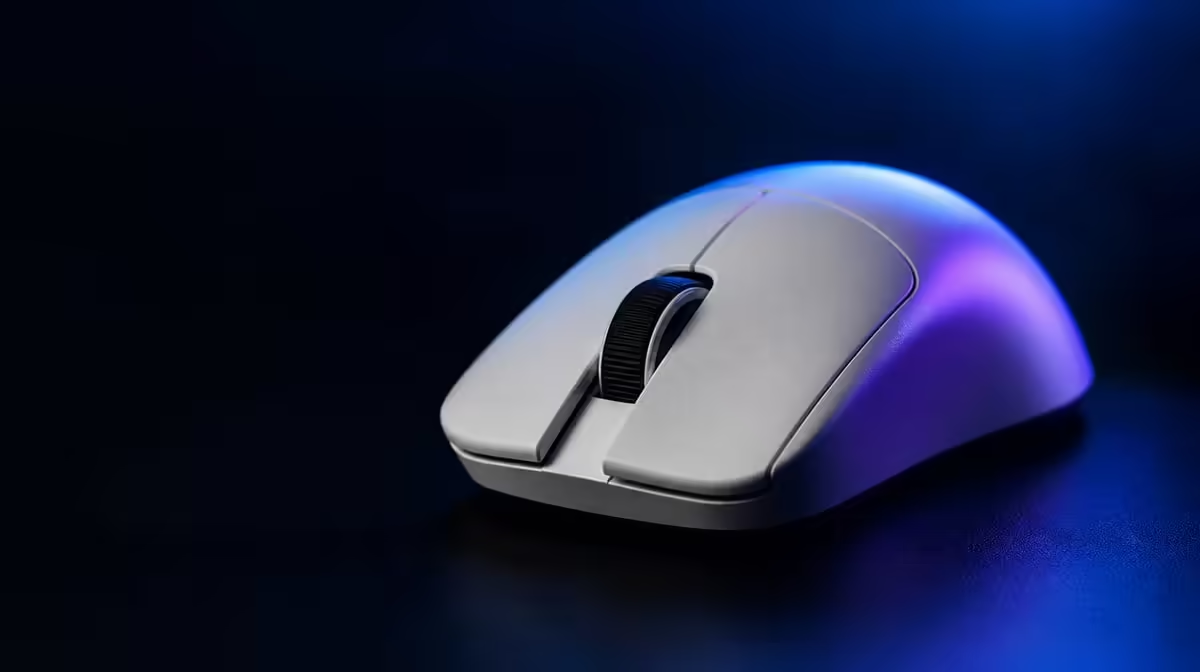
An 8kHz mouse is worthwhile only when more frequent reports improve the complete gaming path without making it less consistent. The value of an 8kHz gaming mouse depends on the processor, game, display, USB route and player, not the rate in isolation. The G305 X SUPERLIGHT gives buyers the ceiling and asks them to test it.
Quick Answer
Test 8kHz against a stable 1000Hz baseline with identical DPI, connection, game scene and display settings. At R1,499, the G305 X SUPERLIGHT offers up to 8kHz reporting, a Hero 44K sensor and tri-mode connectivity; the maximum is worth using when it produces a repeatable control improvement without harming frame-time consistency or endurance planning.
🔹 Understand what 8kHz changes
Report rate describes how frequently the mouse can send updates. It does not set cursor sensitivity, improve the sensor surface or increase display refresh. Those are separate parts of the input chain.
Use one DPI and in-game sensitivity throughout the comparison. Otherwise, a different movement scale can be mistaken for a reporting benefit.
Evetech's Logitech gaming mouse page helps place the G305 X SUPERLIGHT beside related control options.
Build a rate ladder
Start at 1000Hz and move through supported higher settings one stage at a time. Run ten rapid turns and ten micro-corrections at each. Record the spread of results rather than the best attempt.
If a middle setting performs as well as 8kHz, keep both profiles and compare them during real play.
🔹 Test the system under load
Higher reporting can add processing work. Use a game scene that already stresses the PC and observe frame-time stability along with input feel.
Keep background activity comparable. A quiet training room may hide behaviour that appears during a busy match, particle-heavy scene or creator workload running beside the game.
Hold the USB path constant
Use the same receiver placement or wired route. If the connection changes while the report rate changes, the result cannot identify which variable mattered.
After establishing one stable USB path, label it in the setup notes and return to it for future tests.
🔹 Include the display and game
A high-refresh display and a game that handles frequent input consistently may expose changes differently from another setup. Test each title separately rather than creating a universal "8kHz" profile.
Evetech's broader gaming mouse category can help compare report-rate capability with shape, buttons and connection modes.
Watch worst-case consistency
Average results can hide short interruptions. Note the least consistent moments and whether they repeat. Competitive control benefits from a stable floor, not one exceptional trace.
Do not retain the maximum after a single smooth match. Repeat on another day before replacing the baseline.
🔹 Price the complete R1,499 package
The G305 X SUPERLIGHT also reaches 44,000 DPI, tracks up to 678 IPS, offers six programmable buttons and is rated beyond 130 battery hours. An 8kHz verdict should not erase those other features.
A player who prefers a lower report rate can still value the sensor range, connection choices and control layout. Conversely, a buyer interested only in 8kHz should compare the complete system cost and performance.
Use Evetech's accessory best-seller list for wider purchase context, then check the live product choice before ordering.
Measure battery behaviour
Record charge use over several sessions at the winning rate and connection. The rating is a planning baseline, while the configured profile determines the user's real charging routine.
Set a stop rule
If 8kHz does not improve a repeatable task, introduces unstable frame behaviour or complicates endurance without benefit, return to the lower setting. The test has still succeeded by finding the appropriate profile.
Re-run after system changes
A processor, USB, display or game update can alter the result. Keep the 1000Hz baseline and original test scene so the comparison can be repeated quickly.
Compare latency claims with player results
The shorter interval between possible reports is a technical distinction, but the player needs a useful outcome. Use blind or shuffled profile tests where practical so the setting name does not decide the verdict before movement begins.
Ask the player to rank control consistency, micro-correction and rapid turns without knowing which rate is active. Repeat enough trials to reduce lucky guesses. A profile that cannot be identified reliably may still be technically different, but its purchasing value should be scored cautiously.
Include different game engines
Run at least two games if the player expects one profile to serve both. Input handling and processor load can vary, so an 8kHz success in one title does not settle another.
Keep separate notes and allow different winning rates. The mouse can store a deliberate game-specific strategy without forcing every title to use the maximum.
Check the wireless environment
Receiver placement and surrounding radio activity can affect a wireless result independently of report rate. Establish a clear route before the rate ladder and repeat the baseline if the receiver moves.
If wired operation is part of the tri-mode comparison, arrange the cable so it does not alter swipes. Connection mode and report frequency should be isolated wherever possible.
Price the display dependency
A report-rate upgrade should be considered alongside the display and frame delivery the player already has. Do not divert budget from a component that creates a larger current constraint merely to enable a mouse ceiling.
Build two equal-total setups: one around the G305 X SUPERLIGHT at R1,499 and another around a focused mouse with any saving moved elsewhere. Test the complete outcomes rather than comparing device numbers.
Create an ownership audit
After thirty days, check which report profile remains active, how often it is changed and whether the player can still reproduce the original benefit. Note charging frequency and any game-specific exceptions.
This audit reveals whether 8kHz became a functional part of the setup or a launch-day experiment. Both outcomes inform the next purchase.
Compare 8kHz with another upgrade
Build a second equal-budget setup in which a focused mouse uses a stable lower report rate and the remaining money improves another input or display constraint. Run the same competitive scene.
The 8kHz option earns priority when its measured input benefit outweighs the alternative improvement. This keeps the R1,499 purchase tied to complete-system results.
Document the active report path
Record connection mode, receiver or cable route, USB position and game profile. A report rate is not a standalone setting; its delivery path needs to remain repeatable.
After moving the PC, restore these conditions before judging whether 8kHz behaviour changed.
Repeat the original 1000Hz comparison before diagnosing the maximum. If both rates degrade together, investigate the new system or game conditions rather than treating 8kHz as the isolated cause.
Keep the rate decision tied to the exact PC. Another player or machine should repeat the ladder rather than inheriting a setting chosen under different processor and display conditions.
Frequently Asked Questions
Is 8kHz automatically better than 1000Hz?
No. It allows more frequent reports, while the full system and game determine whether that becomes a useful improvement.
Does report rate change DPI?
No. DPI controls movement scale; keep it fixed during the rate test.
Can 8kHz affect game performance?
Higher reporting can add system work, so frame-time consistency should be monitored.
Why test a busy scene?
It shows whether the PC sustains the rate under conditions closer to real competitive play.
Must the maximum be used to justify the mouse?
No. Sensor behaviour, connection choice, buttons and endurance can remain valuable at a lower rate.
How should battery life be checked?
Use the more-than-130-hour rating as context and record actual charge movement under the chosen mode and report setting.
Ready to test 8kHz on the system that will use it?
Compare gaming mice at Evetech, preserve a 1000Hz baseline and raise reporting only while aim, frame timing and endurance remain coherent.