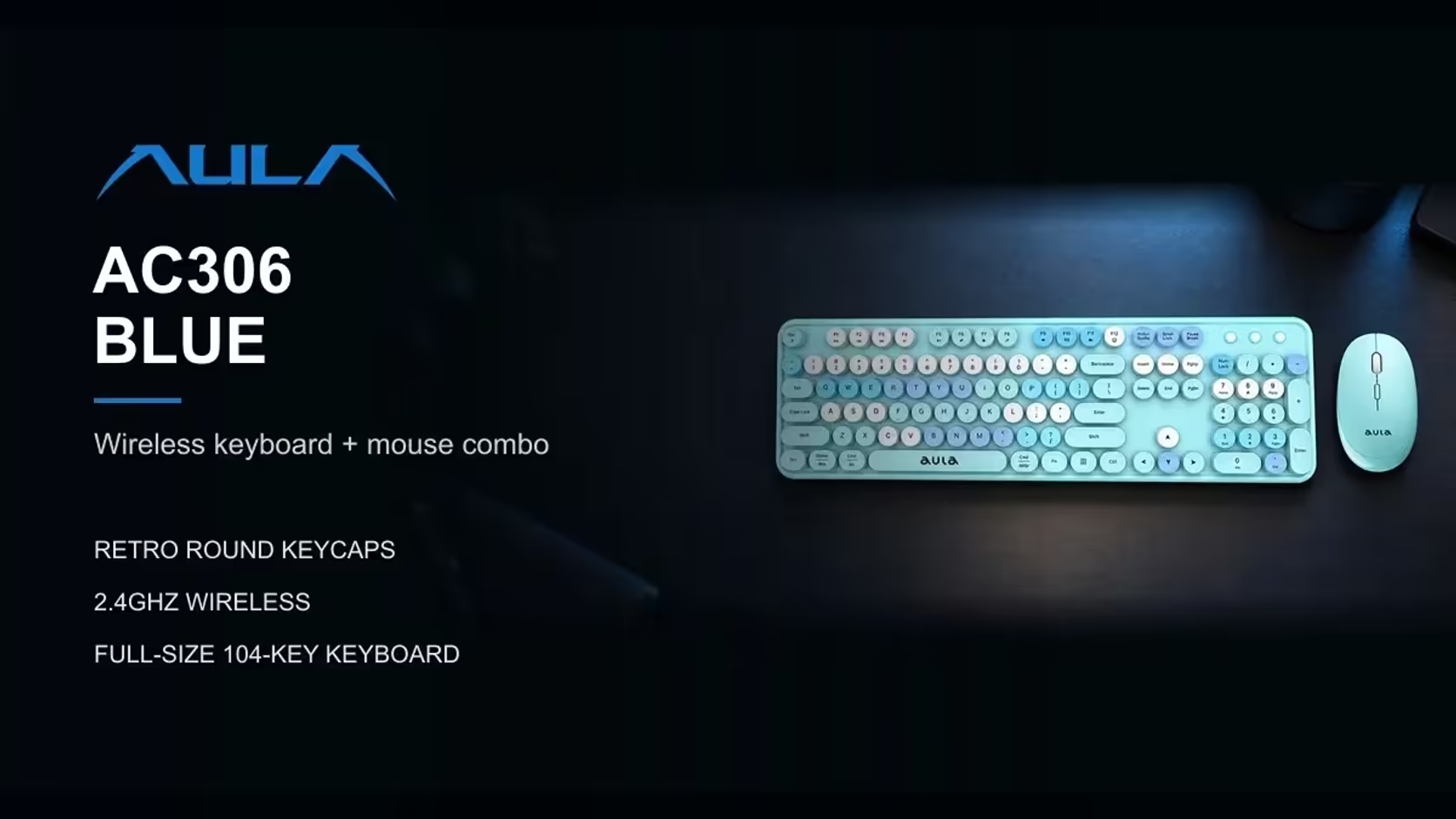
Most wireless keyboards now ship with a built-in battery and a charging cable. The AULA AC306 goes the other way: its keyboard and mouse each take one AA cell. That choice divides opinion, and both sides have a point. There is no lead to find and no evening where you realise the keyboard needs charging before tomorrow's work, but there is a cell to replace now and then. This piece weighs up the AA battery wireless keyboard approach and shows how the AC306 is designed to stretch each cell.
Quick Answer
The AULA AC306 swaps a charging cable for one AA battery in the keyboard and one in the mouse, so there is no lead on the desk but cells need replacing from time to time. On/off switches on both devices, and a mouse that sleeps after about 8 seconds idle, help each AA last between swaps. A low-power indicator on the keyboard warns you before it goes flat. Evetech asks R239 for the set, whichever colour you choose.
🔋 How the set is powered
The AC306 needs two AA cells in total: one for the full-size keyboard and one for the mouse. Neither has a built-in rechargeable pack or a charging port. Check the packaging as you unpack it to see what is included, and keep a spare pair in a drawer so a flat cell never holds up your work.
Each device has its own on/off switch. The keyboard also carries Num Lock, Caps Lock and low-power indicator lights, and it has no backlight, so the only things drawing power are the keys, the radio link and those small indicators. The mouse adds one more saving: it drops into sleep after about 8 seconds without use, and a click or a scroll wakes it.
⚖️ The upside of AA power
No cable, no charging routine
With a sealed battery, a keyboard is only as good as your memory. Forget to charge it and it dies mid-document. With AA power, a flat cell is fixed in seconds by swapping in a fresh one. There is no waiting for a charge and no cable trailing from the desk to a USB port while you work.
No worn-out internal battery
Built-in rechargeable cells lose capacity over the years, and when they fade, the device often has to be replaced or opened up. An AA-powered device simply takes a new cell. That is a genuine advantage for a set you intend to keep on a home desk for a long time.
Easy for anyone in the house
Almost every household already knows how to change an AA. There is nothing new to learn, which suits a family desk, a grandparent's computer or a learner's study corner.
🧾 The downside, honestly
You will buy cells
Disposable AAs are an ongoing small cost and they create waste. If you go through them quickly, that adds up over a year.
Rechargeable AAs are an option to consider
Many people pair AA devices with rechargeable cells and a charger to cut waste. AULA's listing does not say whether it recommends rechargeable or disposable cells for the AC306, so if you go that route, keep an eye on the low-power indicator and see how the set behaves.
No top-up while you work
A cable-charged keyboard can often be used while it charges. An AA device cannot top itself up, so when a cell is flat, it needs swapping before you carry on. Keeping spares within reach removes most of the pain.
🛠️ Features that stretch each cell
The AC306 builds in several habits that make each AA last longer:
- On/off switches on both devices. Switch them off when you finish for the evening, over a weekend, or before packing the set into a bag.
- Mouse sleep after about 8 seconds. Idle time between clicks and scrolls is not wasted.
- No keyboard backlight. Lighting is one of the biggest power draws on a wireless keyboard, and the AC306 leaves it out.
- One shared receiver. Both devices use a single 2.4GHz USB receiver, which stores in a slot under the mouse.
Reading the warning light
The keyboard's low-power indicator is your cue to change its cell. For the mouse, the usual sign is a pointer that lags or stops responding even after a click to wake it. If a fresh AA does not bring either device back, that points to a fault rather than a flat cell.
Compared with a wired set
A wired keyboard and mouse never need cells at all, and they never drop a connection. What the AAs buy you is freedom: the full-size 104-key keyboard can sit where it suits you, and the 4-button mouse can move without a cable dragging across the desk. For a tidy home office, a shared family computer or a desk that doubles as a dining table, that freedom is often worth the occasional battery swap.
It also helps on a desk that gets cleared often. A cable-free set can be lifted off in one go, keyboard under one arm and mouse in a pocket, with the receiver tucked away inside the mouse so nothing is left dangling from the computer. Put everything back, switch both devices on and you are working again without re-plugging a thing.
Whichever of its four colours you choose, the AC306 keeps the same round retro keycaps over a quiet membrane. Evetech lists it with a 1 Year Local Warranty. Evetech groups it with the other keyboard and mouse combos; wired alternatives for a work desk are in the office keyboard category.
Frequently Asked Questions
How many AA cells does the set need?
Two: one in the keyboard and one in the mouse.
What is the main advantage of AA power?
A flat battery is fixed in seconds with a fresh cell, and there is no charging cable on the desk.
And the main drawback?
You need to buy or recharge cells, and a flat device must have its cell swapped before you carry on.
Which features make each cell last longer?
On/off switches on both devices, mouse sleep after about 8 seconds and a keyboard with no backlight.
Will the keyboard warn me before it goes flat?
Yes. It has a low-power indicator light.
What do AAs offer over a wired set?
Freedom to place the keyboard and move the mouse without cables, at the cost of occasional battery changes.
Would you rather swap a battery than hunt for a cable?
Browse the combo sets at Evetech and weigh up which power style suits the way you work.