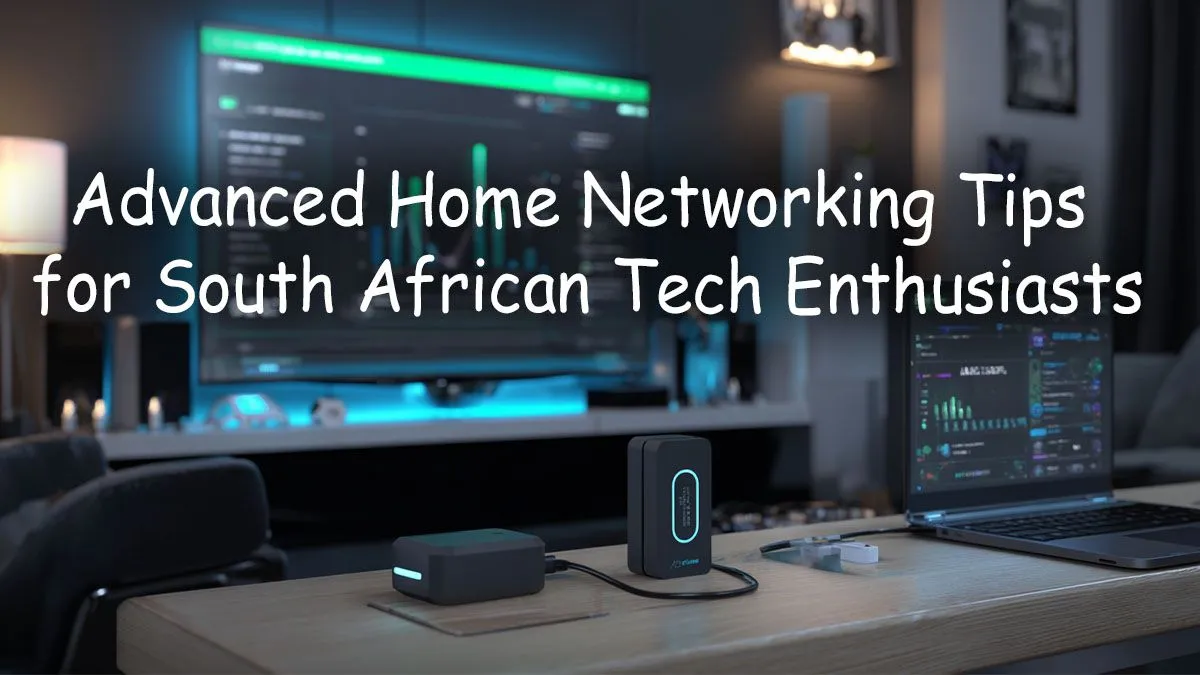
Is your fibre connection feeling a bit... sluggish? You’re paying for high-speed internet, yet lag spikes ruin your game and buffering plagues your 4K streaming. Welcome to a common problem across South Africa. The culprit often isn't your ISP; it's your home network. It’s time to stop accepting mediocre Wi-Fi and unlock the true potential of your connection with these pro tips for advanced home networking in South Africa. Let's get your network running at peak performance. 🔧
Beyond the Basics: Elevating Your Home Network
The free router that came with your fibre installation is designed to be "good enough" for basic browsing. But for a modern South African household juggling multiple smartphones, a smart TV, laptops, and a gaming PC... "good enough" quickly leads to network congestion and frustration. These ISP-provided units often lack the processing power and advanced features needed to manage heavy traffic effectively.
For a truly stable experience, the first step in building an advanced home network is upgrading to a dedicated piece of hardware. High-performance models offer superior range, more powerful processors for handling many devices, and crucial features like Quality of Service (QoS). Investing in one of the latest powerful wireless routers is the single biggest improvement you can make to your home networking setup in South Africa.
Mastering Wi-Fi: Placement, Channels, and Coverage
Even the best router will perform poorly if it's set up incorrectly. Thick brick walls and metal appliances can severely weaken a Wi-Fi signal. The goal is to place your router in a central, elevated location, away from obstructions, to ensure the signal can travel freely.
Tackling Dead Spots
For larger or multi-story homes, a single router might not be enough to eliminate Wi-Fi "dead spots." You have two main options here:
- Range Extenders: These are simple, affordable devices that pick up your existing Wi-Fi signal and rebroadcast it. While effective for covering a small, specific area, a simple wireless range extender essentially creates a second network and can cut your potential speed in half. They are best for low-bandwidth devices like smart home plugs or speakers.
- Mesh Systems: A mesh network uses multiple nodes that work together to create a single, seamless, and powerful Wi-Fi network across your entire home. You can move from one room to another without your device ever disconnecting. This is the gold standard for a modern, advanced home network.
Wi-Fi Wizardry ⚡
Download a free Wi-Fi analyser app on your smartphone (like 'WiFi Analyzer' for Android or 'AirPort Utility' for iOS). It will show you all the Wi-Fi networks nearby and which channels they're using. Log into your router's admin settings and manually switch your 2.4GHz and 5GHz bands to the least crowded channels. This simple trick can dramatically reduce interference and improve stability.
Pro-Level Tweaks for a Lag-Free Experience 🚀
Once your hardware and placement are sorted, it's time to dive into the settings to truly optimise your network for gaming and streaming.
Prioritise Your Traffic with QoS
Quality of Service (QoS) is a feature on most modern routers that lets you tell the network which data is most important. You can set it to prioritise traffic from your gaming PC or console, ensuring that your game data gets through even if someone else starts streaming a movie in the next room. This is a non-negotiable for any serious online gamer looking for a competitive edge.
Upgrade Your PC's Connection
Your router can be the fastest in the world, but it won't matter if your PC can't keep up. For desktop PCs that aren't connected via an Ethernet cable, the internal Wi-Fi card is critical. If you're still using an older standard, you won't benefit from the speed of a new Wi-Fi 6 router. Installing a high-speed wireless adapter is an easy and affordable upgrade that ensures your rig gets the fastest connection possible.
Building Your Ultimate South African Home Network
Creating a robust and reliable home network doesn't have to be complicated. By starting with a solid router, optimising its placement, and using advanced settings like QoS, you can eliminate lag and enjoy the full speed you're paying for. A stable connection is the foundation of modern entertainment and productivity.
Whether you're battling it out in a competitive match, streaming the latest series, or on a crucial video call, these advanced home networking tips will ensure your connection never lets you down. Taking control of your complete wireless networking setup is an investment that pays off every single day. ✨
Ready to Banish Lag for Good?
A fast, stable home network is no longer a luxury—it's essential. Stop battling with bad connections and build a setup that just works. Explore our massive range of networking components and find the perfect gear to conquer your digital world.