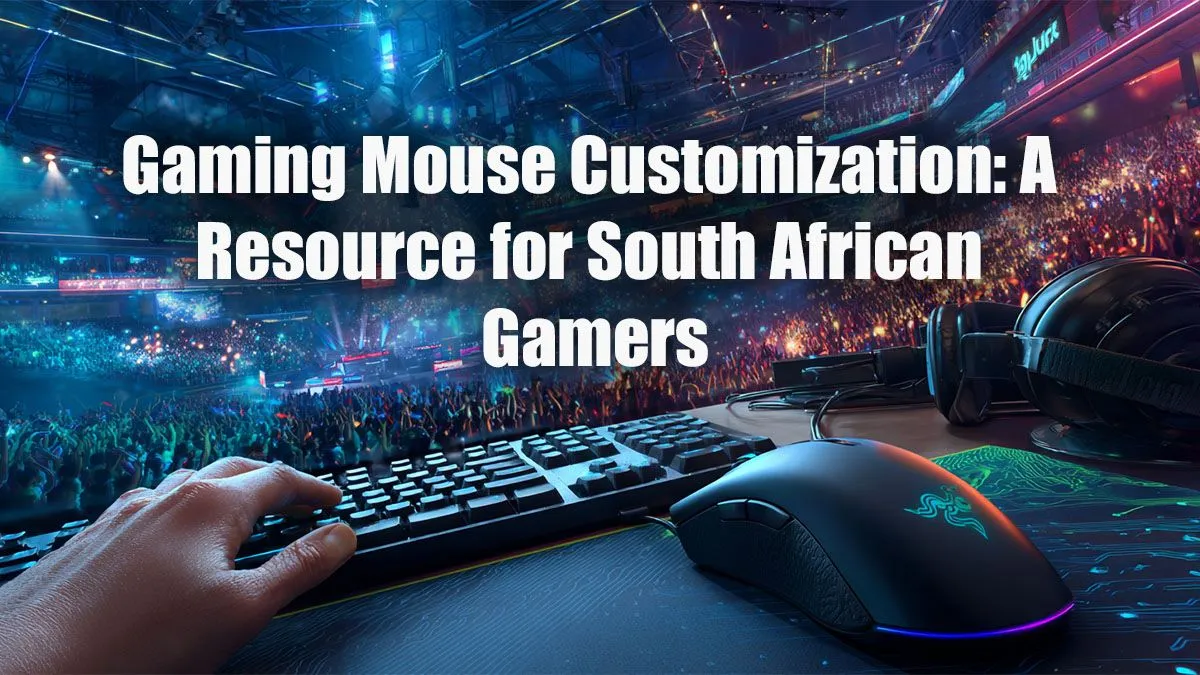
So, you’ve got the rig, the mechanical keyboard, and a lightning-fast internet connection. But are you still whiffing easy shots in Valorant or losing duels in Apex Legends? The culprit might be right under your hand. Your mouse. Proper gaming mouse customization isn't just for the pros; it's the secret to unlocking your true potential. This guide is for South African gamers ready to stop blaming lag and start landing headshots. 🎯
Why Gaming Mouse Customization is a Must
Think of your gaming mouse as a high-performance sports car. You wouldn't drive it off the lot without adjusting the seat and mirrors, right? The same goes for your mouse. The default settings are a one-size-fits-all solution that fits almost no one perfectly.
By diving into your mouse's software, you can tailor its performance to your specific grip, playstyle, and even the games you play. Optimising your settings translates directly to better accuracy, faster reaction times, and more comfortable marathon gaming sessions. It all starts with choosing from a solid selection of gaming mice and then making it truly yours.
Dialing in the Core Settings: DPI & Polling Rate
This is where the real magic begins. Understanding DPI and Polling Rate is the first step in our gaming mouse customization guide.
What is DPI (Dots Per Inch)?
DPI is simply a measure of how sensitive your mouse is. A higher DPI means your cursor moves further on screen for a small physical movement of the mouse. Pro FPS players often use a lower DPI (like 400-800) for more precise aiming, while others might prefer a higher DPI for quick turns in fast-paced games. There's no "best" DPI... only what's best for you.
Experiment! See what feels right. Does your aim feel shaky? Lower the DPI. Does it feel like you’re dragging your mouse through mud? Bump it up.
Find Your eDPI ⚡
a consistent feel across different games, calculate your eDPI (effective DPI). The formula is simple: Mouse DPI x In-Game Sensitivity = eDPI. Many pros aim for an eDPI between 200 and 400 for tactical shooters. This helps build consistent muscle memory, which is key to improving your aim.
Understanding Polling Rate
Polling Rate, measured in Hertz (Hz), is how often your mouse reports its position to your computer. A higher polling rate means less input lag. Most gaming mice today support 1000Hz, meaning they report their position 1000 times per second. For competitive gaming, setting this to the highest stable value is a no-brainer. Whether you choose a reliable wired mouse for its rock-solid connection or one of the incredible, low-latency modern wireless gaming mice, a high polling rate ensures your movements are translated to the screen almost instantly.
Advanced Customization: Buttons, Weights & Macros 🔧
Ready to go deeper? Premium features allow for even more granular control. This level of gaming mouse customization can give you a significant edge.
Programmable Buttons & Lift-Off Distance
Most gaming mice come with extra buttons beyond the standard left, right, and middle-click. Don't let them go to waste! Map them to crucial in-game actions like melee attacks, grenades, or push-to-talk. This keeps your fingers on the WASD keys and your head in the game.
Lift-off distance (LOD) is how high you can lift your mouse off the mousepad before the sensor stops tracking. A low LOD is crucial for players who frequently lift and reposition their mouse at low DPIs.
You can find great customisable options at every price point. There are solid gaming mice under R1000 that offer basic button mapping, while mice in the sub-R2000 bracket often add more advanced software features.
Weight Tuning Systems
Does your mouse feel too light and floaty, or too heavy and sluggish? Some premium models above R2000 come with small, removable weights. This lets you adjust not only the total weight but also the centre of balance. It might seem small, but finding that perfect, balanced feel can make your mouse feel like a true extension of your arm.
Taking the time to properly set up your gear is what separates good players from great ones. Your journey to better performance starts with this essential gaming mouse customization.
Ready to Find Your Perfect Match?
A perfectly customised mouse is your best teammate. It’s time to find the hardware that will unlock your true potential and help you climb the ranks. Explore our best gaming mouse deals and find the perfect machine to conquer your game.