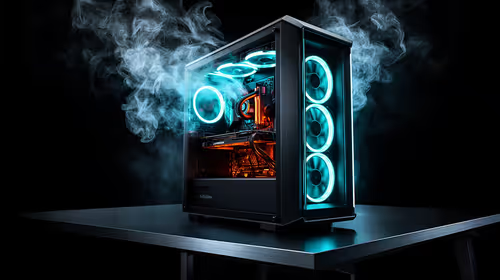
An AI upscaling rig is excessive for routine Canva design. Canva runs through a browser or app and places no need for a dedicated local AI workstation. A specialised rig becomes useful when the designer runs local upscalers on large batches, owns the input files and can measure time saved.
Count local upscaling jobs
List image dimensions, batch size, model and delivery deadlines. Check whether the current service already provides acceptable output. Local AI tools depend on GPU support and graphics memory, while Canva layout work may remain comfortable on a modest laptop. Keep client images and usage rights clear before sending them to any cloud or local model.
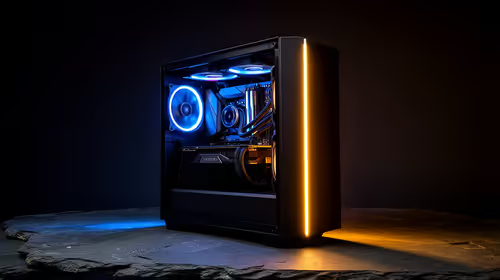
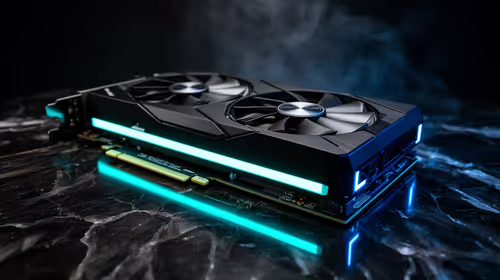
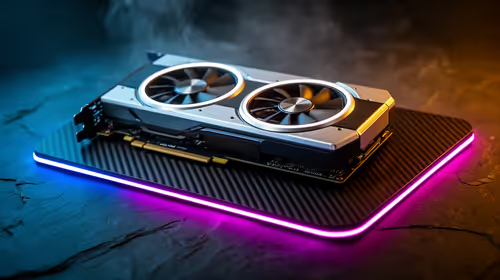
For compact design work, the GEEKOM A8 Max has a verified R12,900 price with 32GB of memory and 1TB of storage. For a compatible tower, the Leadtek RTX 2000 Blackwell 16GB workstation graphics card carries a verified R12,000 price. The PNY RTX PRO 4000 24GB is verified at R16,700 for larger professional graphics memory.
Upscale a representative batch
Run the exact local model on approved images, then compare time, graphics-memory use and output defects with the existing workflow. Import the results into Canva and complete the normal export. Back up originals and inspect text, faces and edges at full size.
Buy the rig when repeated local batches repay the hardware and produce better deliverables. Canva-only work should use a balanced creator computer.
Adding local AI to a design workflow? > Ask Evetech to compare creator PCs and workstation GPUs for the tested model.