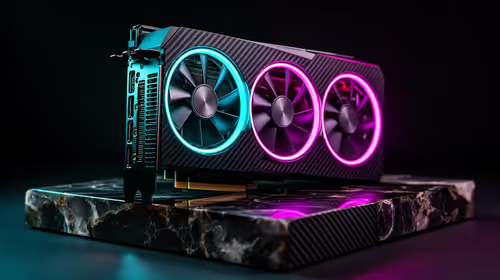
The Palit RTX 5070 Infinity 3 12GB at R9,000 gives an AI upscaling esports rig a verified graphics foundation for supported games. An esports player should choose from the target resolution, competitive frame rate and game engine rather than buying an oversized UPS as the seed hint suggests. Upscaling helps only when the title and settings support it.
Build for the competitive frame target
The AMD Ryzen 7 7800X3D at R4,800 provides a confirmed gaming-focused processor for a compatible AM5 motherboard, cooler and memory platform.
The Kingston Fury Renegade 32GB DDR5-6400 kit at R2,300 offers verified memory capacity for a board that supports its speed. The AOC 27-inch QHD IPS 200Hz monitor at R3,200 supplies a confirmed high-refresh display target for a balanced competitive setup.
Tune latency before chasing visual polish
Run the main tournament game at native resolution and record frame-time behaviour, then enable the supported upscaling mode and compare clarity during fast movement. Keep frame generation separate from ordinary upscaling when judging input response. Use Ethernet where possible, disable distracting overlays and confirm the monitor runs at its intended refresh rate in Windows. Buy the graphics tier that holds the required minimum frame rate during real matches.
A high-refresh display deserves a matching cable and Windows setting before any upscaling comparison begins.
Targeting competitive play with upscaling? > Give Evetech the game, resolution and minimum frame-rate goal.