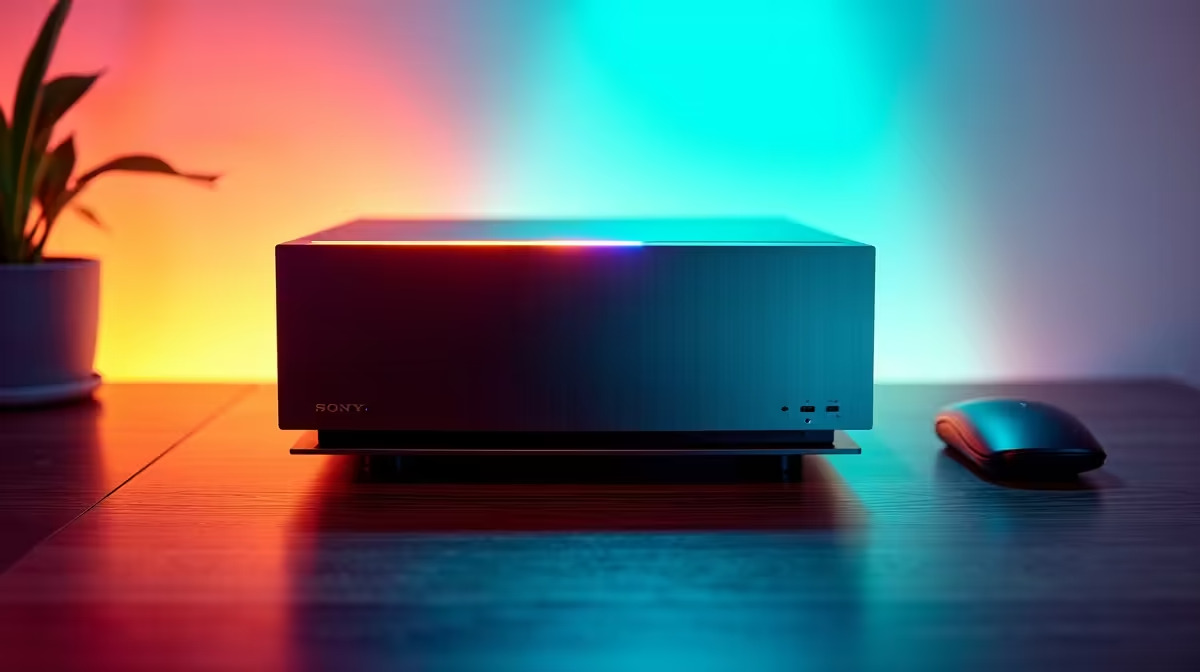
An AI upscaling rig can easily cope with family use and homework, but it is usually far more specialised than those tasks require. Browsing, documents, online learning and video calls need a responsive, dependable computer. Dedicated graphics capability matters only if upscaling is a frequent separate workload with supported software.
Design for the household first
List user accounts, school applications, browser load, video calls, printers and displays. Confirm parental controls and storage for each person. If media upscaling is genuinely needed, specify the application, input resolution, model and acceptable completion time. Test that workload without letting it dictate every part of an otherwise ordinary family computer.
The Minisforum UM750L mini PC with Ryzen 5 7545U, 16GB memory and a 1TB SSD is factpack-verified at R4,600. The ASUS ExpertBook P1503 laptop with Core i5-13420H, 8GB memory and a 512GB SSD appears at R9,858. Verify operating-system support, ports, upgradeability, display needs and warranty before choosing between fixed and portable use.
Create separate accounts, enable automatic updates and keep schoolwork in recoverable backups. A premium GPU should not replace spending on a comfortable display, reliable network or backup storage. Buy specialised upscaling hardware only when repeated media jobs prove its value. For homework and shared household tasks, a balanced mini PC or laptop is normally the simpler and more supportable answer.
Choosing a shared home computer? > Compare verified mini PCs and laptops with Evetech around accounts, school tools and mobility.