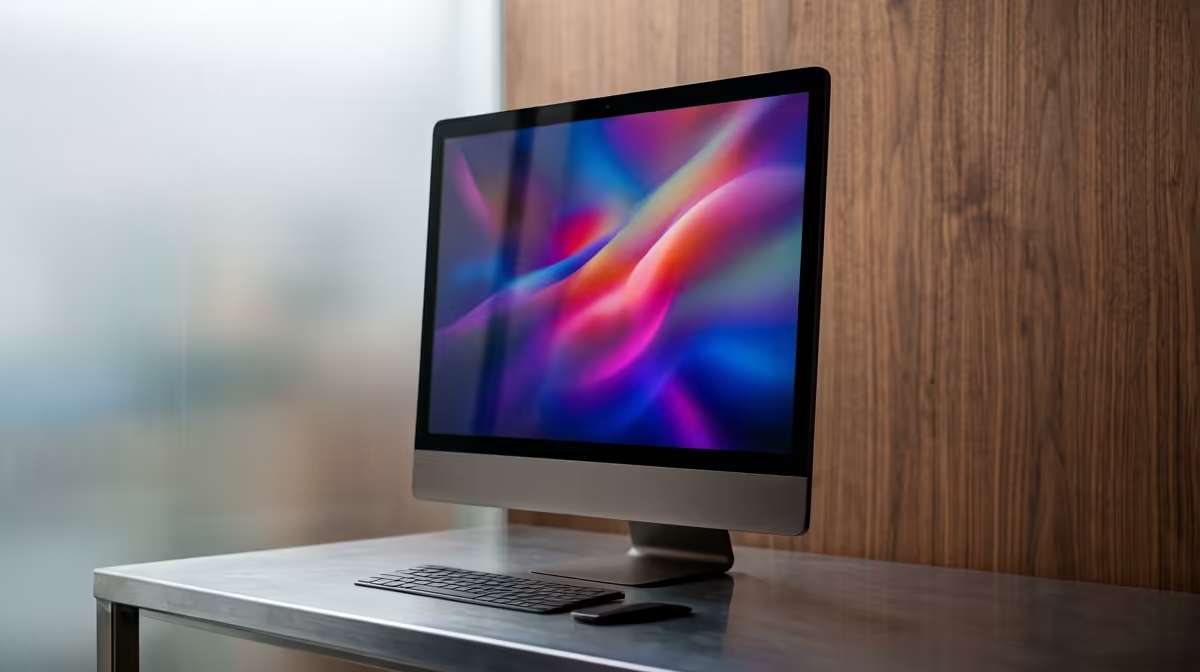
So, you’ve just unboxed your sleek new All-in-One PC. The excitement is real! But before you dive into that first epic gaming session or creative project, what’s next? A truly great experience goes beyond just plugging it in. This all-in-one PC setup checklist is your guide to ensuring you don’t miss a single step, transforming your new machine from just a box to the heart of your workspace or gaming den. Let's get it done right. ✨
First Steps: Positioning Your AIO for Success
Before you even touch that power button, let's get the physical setup right. A complete AIO PC checklist starts with the foundation.
First, where will it live? Ensure your desk or table is sturdy and offers enough space not just for the AIO, but for your keyboard, mouse, and any other peripherals. Good airflow is also crucial. Most AIOs have vents on the back or top, so avoid pushing it flush against a wall. Leaving a few centimetres of space helps with heat dissipation, keeping your components cool and happy.
Finally, double-check that you have all the included accessories… the power brick, keyboard, and mouse. Nothing's worse than getting halfway through your setup to find something missing.
The Digital Unboxing: Software Setup Essentials
With your AIO securely in place, it’s time to power it on. 🚀 The initial boot will guide you through the Windows setup process. Take your time here to connect to Wi-Fi and sign in with your Microsoft account.
Once you’re at the desktop, the real optimisation begins.
- Run Windows Update: Go to Settings > Update & Security and run all available updates. This is non-negotiable for security and stability.
- Update Your Drivers: While Windows Update handles a lot, it's smart to check for the latest graphics drivers directly from NVIDIA, AMD, or Intel, especially for gaming.
- Remove Bloatware: Manufacturers often pre-install trial software. Uninstall anything you don’t need to free up resources. A cleaner system is a faster system.
Completing Your AIO PC Setup: Peripherals & Comfort
Now we get to the fun part of customising your space. While the included keyboard and mouse are a good start, upgrading them can massively improve your daily experience. But the most important peripheral is… you. Ergonomics are key to avoiding strain.
Ergonomic Win 💡
Your eyes should be level with the top third of the screen. Most AIOs have limited height adjustment, so a simple monitor stand or even a stack of sturdy books can save you from neck strain during long sessions.
Taking a moment to adjust your chair and screen height is a small step in your AIO setup that pays off big time in comfort.
Getting Online: The Core of Your AIO Experience 🔧
Your All-in-One is only as good as its connection to the world. Deciding between a wired or wireless connection is a key part of any modern PC setup checklist.
For maximum speed and stability, especially for competitive gaming or downloading huge files, a physical connection is king. You can explore a great selection of stable wired networking options to ensure you get every megabit you pay for.
However, if you value a minimalist desk with fewer cables, today’s Wi-Fi is incredibly powerful. We stock a wide range of reliable wireless networking solutions to keep your setup clean and connected. You can find excellent routers and adapters from popular brands like TP-Link, which are known for solid performance, or browse some great value options from Cudy that provide fantastic connectivity without breaking the bank.
A quick South African pro-tip: invest in a good surge protector or even a small UPS (Uninterruptible Power Supply).
Find Your Perfect All-in-One PC
Ready to upgrade or start fresh with a clean, powerful setup? Explore South Africa's best range of All-in-One PCs for work and play.Shop AIO PCs at Evetech