Quick Answer
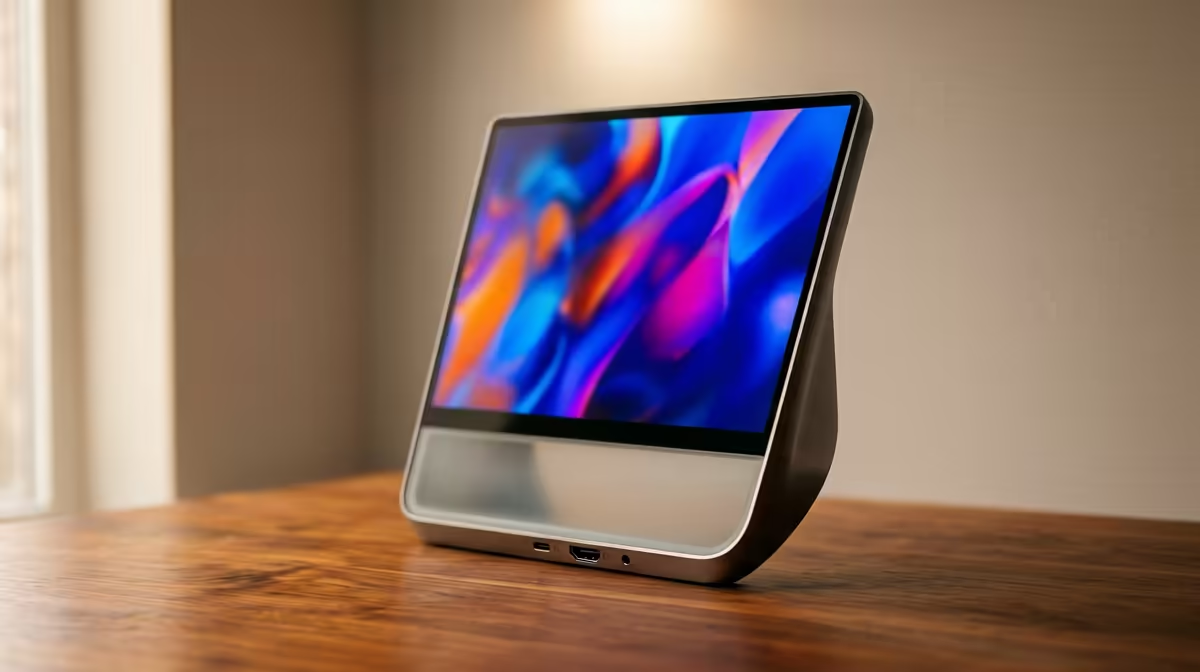
All-in-One PCs are neat for reception desks, student rooms, and home offices, but they are not the best route for gaming upgrades. SA buyers should choose them for space saving and simple setup, not for future GPU flexibility.
What matters most
A practical AIO shortlist usually starts around R8,000-R12,000 for basic work and moves toward R15,000-R25,000 for Core i5 or Ryzen 5, 16GB RAM, and 512GB SSD configurations. Most panels are 60Hz, so they suit documents, browsing, video calls, and admin more than high-refresh gaming. Keep the decision tied to the actual desk, room, and daily workload rather than one headline feature. For Evetech buyers, the better choice is the one that fits the PC, monitor, warranty route, and setup space without forcing avoidable extras.
Best-fit buyer profile
The main win is fewer cables and a clean desk. The trade-off is limited repair flexibility, fewer upgrade paths, and weaker graphics than a tower PC at the same money. If the setup is used after work or class, also consider noise, heat, cable clutter, and how easily the product can be supported locally. A slightly less flashy choice that solves the real problem is often the better buy.
SA buying checks
Check dimensions, connection standards, included cables, delivery timing, and whether the item matches the rest of the build. A R1,000 saving can disappear quickly if you need adapters, extra fans, a stronger PSU, or a different case. For gaming, also connect the decision to a real target such as 1080p 144Hz, 1440p 165Hz, or quiet everyday use.
FAQ
Are All-in-One PCs good for students?
Yes, when the work is research, Office apps, video calls, and browser tabs. A laptop is better if the student moves between campus and home.
Can an All-in-One PC be upgraded?
Usually only RAM and storage are realistic. CPU and graphics upgrades are normally not practical.
Should I buy an AIO or desktop tower?
Buy the AIO for neatness and low clutter. Buy a tower when gaming, repairs, and long-term upgrades matter.