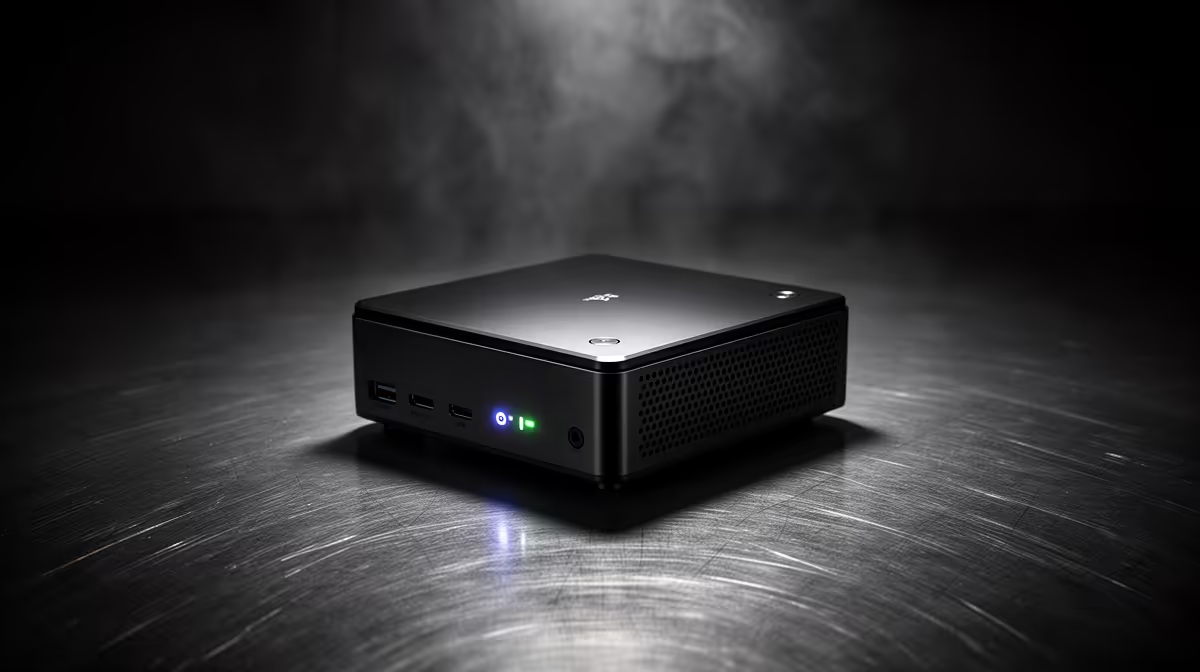
The Minisforum NAB6 Lite i5 8GB/512GB at R4,150 suits Pinetown buyers who want a low-cost, always-on mini pc for a counter, router shelf, study corner, or basic office screen. It gives you enough storage for documents, browser work, admin apps, and lightweight media use without turning the workspace into a cable-heavy tower setup.
Best always-on picks for compact daily use
For a stronger everyday machine, the UM750L 16GB/1TB at R4,600 is the value standout. The 16GB memory helps when several browser tabs, email, spreadsheets, and messaging tools stay open all day, while the 1TB storage gives more breathing room for files, downloads, and shared office folders.
The NINKEAR M7 16GB/512GB at R4,650 is a neat middle option when you want the same 16GB memory but do not need a full terabyte. It makes sense for a reception desk, student desk, or small admin station where speed and tidy placement matter more than storing a large media library.
Pinetown fibre router cupboard or small-business counter
For a device that can sit near a fibre router, payment point, or back-office monitor, the NINKEAR M8 16GB/1TB at R8,350 gives a higher storage ceiling than smaller 512GB options. The NINKEAR L12 PRO i9 at R8,150 is the more performance-focused pick when the desk setup needs extra processing headroom for heavier multitasking.
The GEEKOM A8 Max 32GB/1TB at R12,900 is the premium compact choice here, especially if 32GB memory matters for heavier multitasking. The HP AIO 22 at R10,036 is better when the screen itself is part of the purchase, but it takes over more desk space than a small box tucked beside a monitor.
Ready to choose the right mini pc?
Use Minisforum NAB6 Lite i5 8GB/512GB at R4,150 as the mini pc shortlist benchmark, then check whether its listed spec matches the space, workload, and upgrade path.