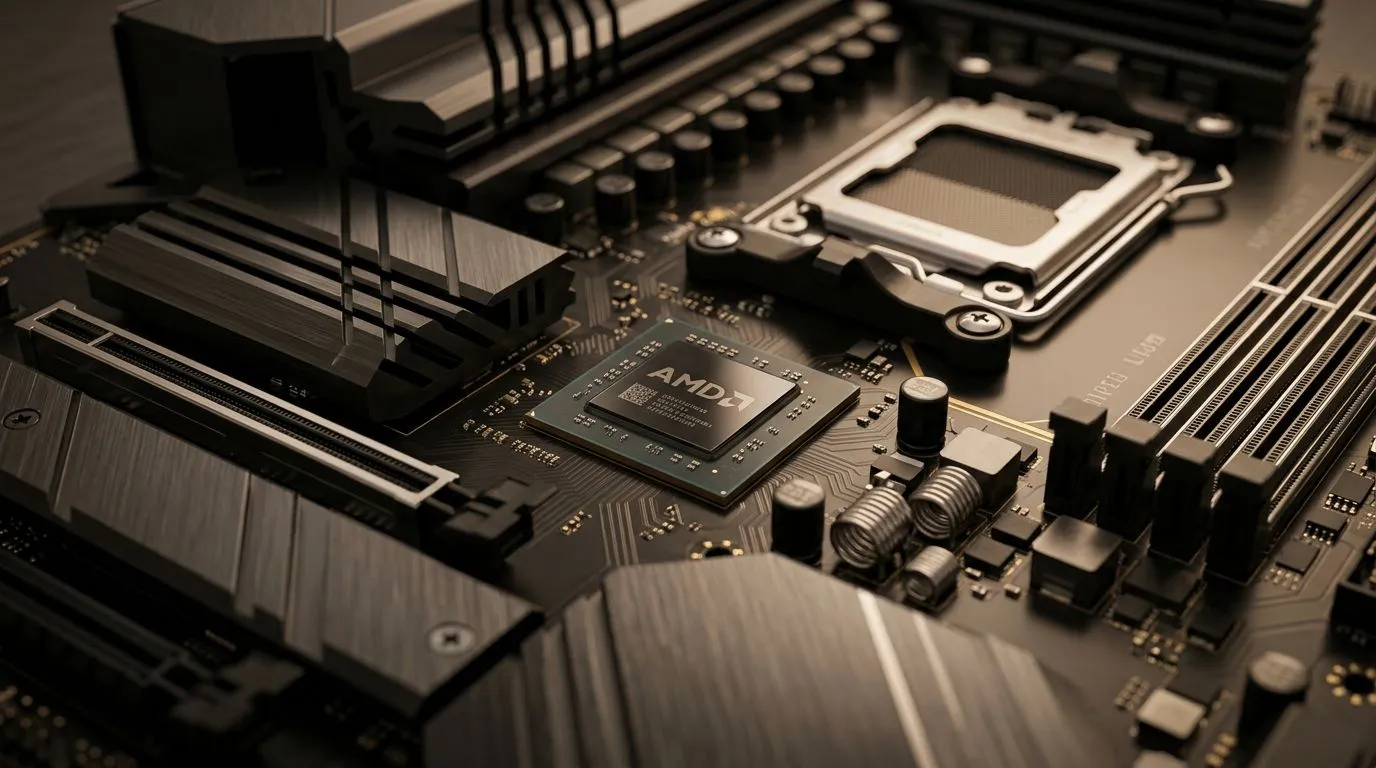
AMD B850 Chipset: Everything You Need to Know for Your Ryzen Build (South African Guide) 🚀
So you’re planning a Ryzen build, and you keep seeing the AMD B850 chipset mentioned on forums and in build threads… but what does it actually mean for you in day-to-day gaming and everyday tasks? 🤔
In South Africa, the “best” board is the one that keeps your system stable, gives you the right connectivity for your gear, and doesn’t waste your budget. In this guide, we’ll break down what the AMD B850 Chipset: Everything You Need to Know for Your Ryzen Build really affects, and how to choose confidently.
AMD B850 Chipset: What it changes in a Ryzen build 🔧
Chipsets aren’t glamorous, but they’re the foundation. With the AMD B850 chipset, you’re basically choosing the “rules” for connectivity and expansion on your motherboard. That includes how many storage devices you can plug in, how many USB ports you get, and what kind of upgrade path you have as your setup evolves.
The practical impact: slots, ports, and upgrade comfort
When you’re gaming in South Africa, you care about:
- Storage speed and convenience (NVMe drives for faster installs and map loads)
- USB headroom for controllers, headsets, DACs, external drives, and RGB hubs
- Thermals and stability (VRMs, cooling options, and board layout)
- Budget allocation (spending more on a better GPU or keeping funds for future RAM upgrades)
The tricky part? Most of these choices show up in the motherboard spec sheet, not the marketing. That’s why we recommend you choose your board by what you’ll actually use.
What to look for before buying the B850 board
Here’s a simple checklist before you commit:
- NVMe slots: Aim for at least 2 if you plan to add another SSD later.
- USB configuration: Ensure you have enough fast USB (especially if you use an external drive or VR gear).
- M.2 heatsinks: Useful for sustained performance, especially in hot SA summers.
- VRM quality: You don’t need “luxury” for every build, but a solid board helps maintain stable boosts.
- Wi‑Fi and Bluetooth (optional): If you don’t want cables through your office, prioritise boards with decent wireless support.
Motherboard Matching Pro Tip ⚡
On an AMD Ryzen build, don’t overspend on a premium board if you aren’t using the extra M.2 slots or high-end networking. Instead, redirect that money into a better GPU or a higher-capacity SSD. A balanced build almost always feels faster in real games, because load times and stutter matter as much as FPS peaks.
AMD B850 Chipset: Choosing the right motherboard for your build ⚙️
Your motherboard decision should match your usage. Are you building for competitive shooters, open-world titles, content creation, or a bit of everything? The board you choose changes the “quality of life” more than you think.
Gaming-focused builds: prioritise connectivity and thermals
For gamers, the biggest wins usually come from:
- Enough USB ports for your entire setup
- Good M.2 cooling support for consistent SSD performance
- Stable power delivery for smooth boosting
- BIOS features for easy tuning (even if you never overclock)
Productivity or streaming: plan for expansion
If you’re also editing, rendering, or streaming:
- Consider boards with more storage expansion
- Look for reliable audio/USB performance if you use external capture or DAC setups
- Ensure your layout supports your GPU size and keeps airflow sensible
The “don’t get burned” checklist
Before checkout, quickly verify:
- Does the board support your current RAM speed and your target upgrades?
- Do you have enough M.2 slots for your long-term plan?
- Will your GPU and cooling solution fit without blocking headers?
AMD B850 Chipset: Quick comparisons with other motherboard options 🧠
You may also be deciding between AMD and Intel boards, especially when pricing shifts in SA electronics channels. If you’re comparing options, the important part is matching your chipset choice to your Ryzen CPU and your connectivity needs.
If you’re staying AMD, browsing dedicated AMD motherboard options can help you compare B-series and feature tiers quickly. You can start here:
If you’re still weighing Intel alternatives (maybe because of pricing or availability), here’s the Intel motherboards category for cross-checking ports, storage options, and price brackets:
And if your priority is value for a Ryzen build without overpaying, it’s worth looking at budget-friendly options too. For guidance on cost-conscious builds, see:
AMD B850 Chipset: Build examples for real South African budgets 💸
A lot of people ask: “What’s a sensible plan if I want good performance, but I’m not trying to build a museum piece?”
Example 1: “I just want stable gaming” build 🎮
- Aim for a motherboard with strong VRM support and solid M.2 support
- Put most of your budget into GPU and RAM capacity
- Choose storage based on how many games you keep installed
Example 2: “Upgrade-friendly” build ✨
- Pick a B850 board with at least 2 M.2 slots
- Leave room for future RAM expansion
- Ensure you have enough USB to avoid constantly unplugging devices
Example 3: “Streamer-lite” build
- Prioritise good port layout and stable system power
- Keep storage fast for recording and editing workflows
- Don’t ignore thermals… SA heat is real
AMD B850 Chipset: Final buying guide before you click “Add to cart” ✅
If you remember nothing else, remember this:
The AMD B850 Chipset: Everything You Need to Know for Your Ryzen Build starts to matter most when you compare motherboard specs side-by-side. Look at storage expansion, USB practicality, M.2 cooling, and overall build quality.
And if you want the easiest path to the right choice, start with the motherboard category that matches your platform, then filter down to the feature set you’ll actually use.
Ready to Find Your Perfect Match?
The Mac vs Windows debate is complex, but for maximum power, choice, and value in South Africa, Windows is hard to beat. Explore our massive range of laptop specials and find the perfect machine to conquer your world.