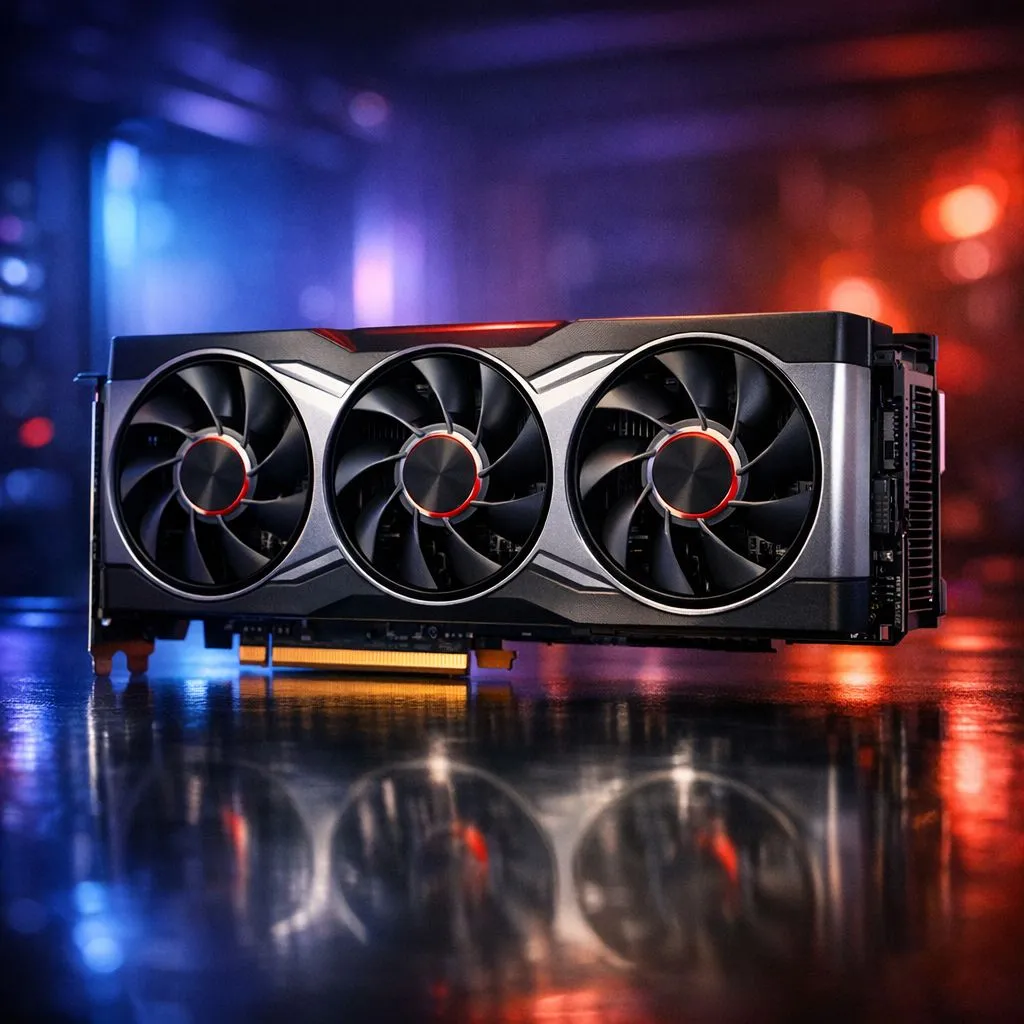
Troubleshooting AMD graphics driver issues in South Africa
Imagine you are deep into a final-circle clutch in Warzone... the tension is high... and suddenly your screen freezes. The dreaded "AMD Driver Timeout" error message pops up. It is a vibe killer for any South African gamer. While Team Red offers incredible value, AMD graphics driver issues can occasionally disrupt your flow. Don't worry... most of these glitches are easy to diagnose and fix. 🔧
How to identify common driver conflicts
The first step is knowing if your hardware is failing or if the software is acting up. Common symptoms include flickering textures, system hangs, or the Adrenalin software failing to launch. Often, Windows Update tries to install an older driver over your new one. This causes a major conflict. If you suspect your current hardware is simply showing its age, you might want to browse our latest Radeon Graphics Cards to see how modern RDNA architecture handles stability.
The DDU Method ⚡
When drivers get messy, a standard uninstall isn't enough. Use Display Driver Uninstaller (DDU) in Windows Safe Mode. It completely wipes every trace of old files and registry keys. This ensures your fresh driver installation is actually "clean" and free from previous bugs.
Step-by-step guide to fix driver timeouts
Start by disabling "Fast Startup" in your Windows power settings. This sounds counter-intuitive... but it prevents Windows from loading cached driver data that might be corrupted. Next, ensure your chipset drivers are up to date. Many users forget that the motherboard needs to talk to the GPU correctly. If you have tried every software fix and things still feel shaky, it might be time for a reliable hardware refresh. You can explore our full range of graphics cards to find a card that fits your budget and performance needs. 🚀
Considering a platform switch?
Sometimes, a specific game engine just does not play nice with your current setup. Many local gamers who want a "set and forget" experience often look toward the green team. You can check out the latest GeForce Graphics Cards if you want to try different driver architecture. Brands like MSI are particularly popular in SA for their robust cooling... which is essential when the summer heat hits 30 degrees Celsius in your gaming room. ✨
Final checks for a stable system
Before you call it quits, check your power supply. A GPU that does not get enough "juice" during a spike will often report a driver error instead of a power error. Ensure your cables are seated properly and that your PSU can handle the load. A little bit of maintenance goes a long way in keeping your frame rates high and your frustration levels low.
Ready to Upgrade Your Gaming Experience?
Troubleshooting can be a mission, but your hardware shouldn't be. Whether you are sticking with Team Red or switching to Nvidia for maximum stability in South Africa, we have the stock you need. Explore our massive range of graphics card specials and get back into the game today.