Quick Answer
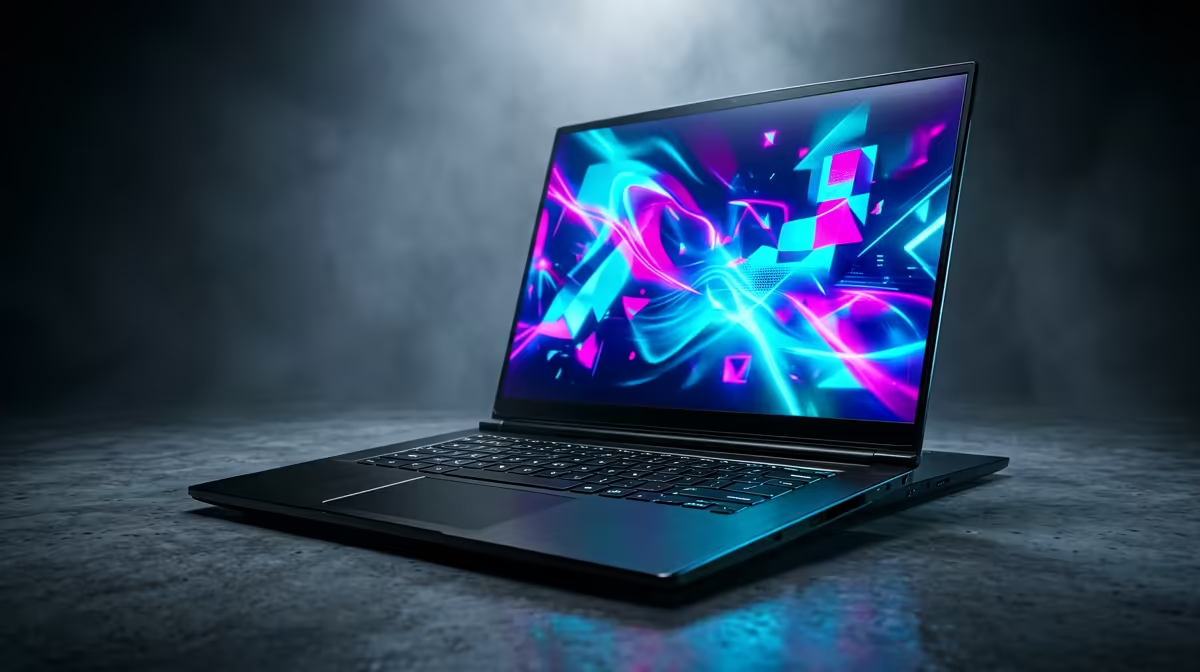
Yes, the right gaming laptop can handle the job when the rest of the setup is matched to realistic settings and screen targets. The cleaner SA buying route is to compare price, support, and one real performance number before premium extras. Keep the connected parts in view: screen, GPU, CPU, airflow, storage, desk space, and local warranty support.
What Matters Most
Set the entry line by workload, not by the cheapest listing. For gaming laptops, R12,000 to R20,000 for entry gaming laptops; study laptops start around R8,000 is a practical planning band, and examples like Lenovo LOQ, ASUS TUF Gaming, MSI Katana, Acer Nitro, HP Victus help anchor the comparison.
Use this target as the sanity check: 16GB RAM, a 512GB or 1TB SSD, and an RTX 4050 or RTX 4060 class GPU. If the cheaper option misses that target, it is not a saving; it is a likely replacement later.
Where To Spend First
The balanced tier should solve a visible annoyance, such as noise, storage pressure, weak ports, poor fit, or unstable performance. A useful gaming laptop should be judged against GPU wattage, which can shift performance by 15 to 30 percent between similar laptop names.
For local use, also consider warranty handling, delivery timing, adapter needs, and whether the setup stays tidy in a bedroom, study, or shared flat.
Before Checkout
Avoid paying for specs you cannot use. If the platform, desk, screen, or software will not expose the benefit, that money belongs in the next real bottleneck.
Before ordering, write down the current bottleneck and the next likely upgrade. If the gaming laptop does not help that list, move the budget to the connected component that will.
FAQ
What price range should SA buyers expect for this gaming laptop?
Use R12,000 to R20,000 for entry gaming laptops; study laptops start around R8,000 as a planning band. Live pricing changes with stock and exchange rates, so confirm the exact Evetech model before checkout.
Which spec matters most for SA gaming and work setups?
Start with 16GB RAM, a 512GB or 1TB SSD, and an RTX 4050 or RTX 4060 class GPU. Then check fit, cooling, warranty support, and whether the spec improves the screen, software, or room where the setup will be used.
Is the premium gaming laptop tier worth it?
Yes when it gives a weekly benefit such as lower noise, more capacity, steadier performance, or longer useful life. No when the balanced tier already meets the target and the extra spend would help another component more.
Practical SA buyer check
Check GPU wattage, RAM, SSD size, and cooling before trusting the GPU name.