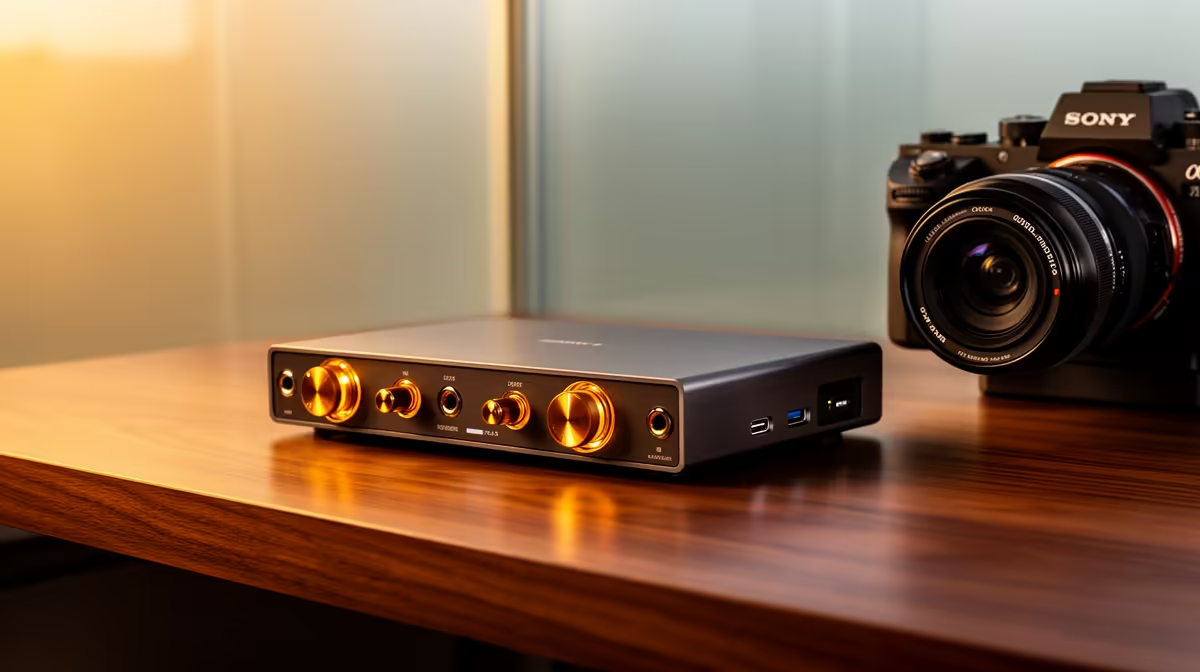
An audio interface is not worth buying for a home lab unless the lab specifically tests microphones, instruments, voice systems or audio software. It does not improve virtual machines, containers, storage or network experiments. Define the experiment before adding specialist inputs to the rack.
Separate lab compute from audio work
List the services, virtual machines and devices that run together. Check processor, memory, storage and network requirements first. If an audio project exists, count the microphones and outputs, note phantom-power needs and confirm driver support for the host operating system.
No audio-interface SKU or verified interface price appears in the supplied product facts. Before purchasing elsewhere, compare input count, preamps, direct monitoring, USB routing, driver support, warranty and local servicing. Borrow one for the first experiment when possible.
The Minisforum NAB6 Lite mini PC is listed with a Core i5-12600H processor, 8GB memory and a 512GB SSD at R4,150. It is the more relevant factpack option for a compact general lab. Verify virtualisation support, operating-system inclusion, memory expansion, network ports and storage needs before purchase.
Document every service, keep configuration backups and test recovery after updates. Add the interface only when an audio workload proves that onboard or USB microphone audio is insufficient. Unused inputs do not make a lab more capable.
Building a compact home lab? > Compare Evetech mini PCs by processor, memory, storage and connectivity.