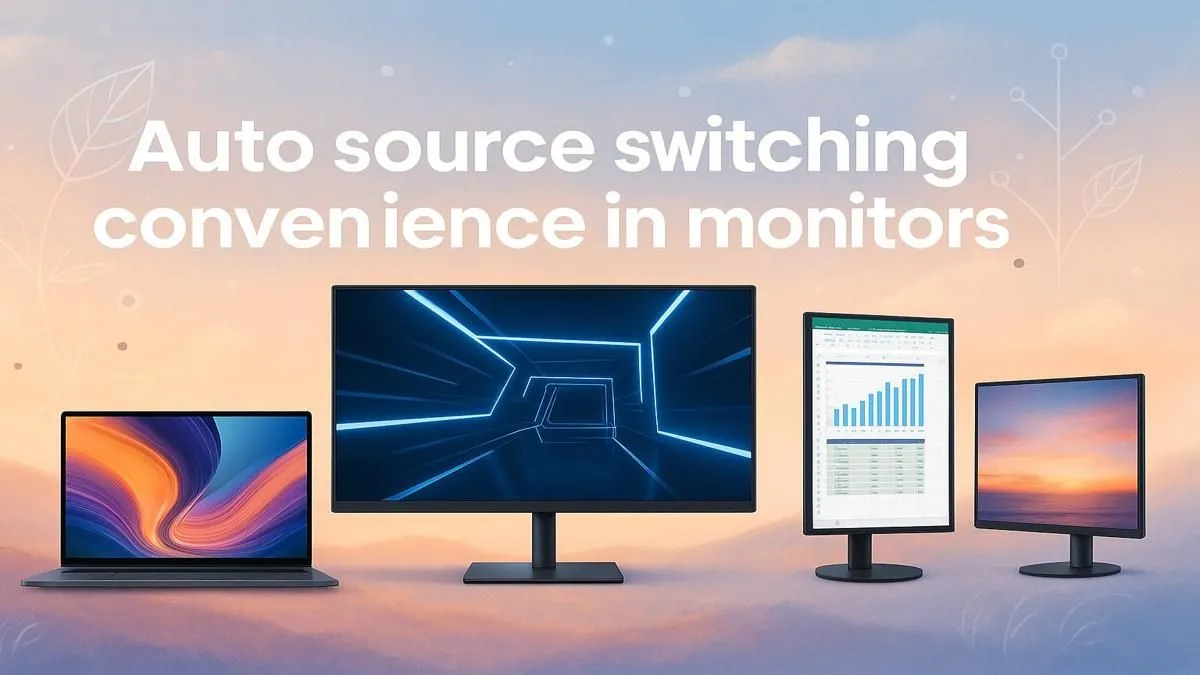
Tired of fumbling behind your desk, blindly searching for your monitor’s tiny input button? You’ve just finished a long day on your work laptop and want to jump straight into a game on your PC. That awkward pause while you mash buttons is a real vibe killer, hey? What if your screen just… knew? An auto source switch monitor promises exactly that: seamless, hands-free transitions between your devices, making your setup feel smarter and more streamlined. ✨
What is an Auto Source Switch Monitor?
At its core, an auto source switch monitor is a display with a clever bit of built-in logic. Instead of you manually telling it which input to use (like HDMI 1, HDMI 2, or DisplayPort), the monitor actively scans its ports for a live signal. When it detects a device that’s just been powered on or woken up, it automatically switches to that source.
Think of it as the display equivalent of a smart plug. Your PC goes to sleep, and you turn on your PlayStation? The monitor detects the new signal from the console and flips over instantly. Turn the console off, and it reverts to the PC. This simple feature removes a small but constant point of friction for anyone using more than one device with the same screen. It’s a small detail that elevates the entire user experience across all kinds of PC monitors.
The Real-World Benefits for Your Setup
So, is this feature just a gimmick, or does it genuinely improve your day-to-day use? For many South Africans juggling work and play, the convenience is undeniable.
For the Hybrid Worker & Student
This is where an auto source switch monitor truly shines. You can have your powerful gaming desktop connected via DisplayPort and your work or university laptop connected via USB-C. When you plug in your laptop to start the day, the monitor switches over automatically. When you unplug it at 5 PM, it seamlessly flips back to your PC, ready for a gaming session. No menu-diving required.
For the Console + PC Gamer 🚀
If your desk is home to both a PC and a console like a PS5 or Xbox Series X, you know the struggle. An auto source switch monitor eliminates the need to grab the remote or reach for the monitor buttons. Fire up your console, and the screen is ready. It makes jumping into a quick match on your favourite console game completely effortless, especially on the latest high-refresh-rate gaming monitors that deliver an ultra-smooth experience.
For the Multi-Device Household
Even for a shared family computer setup, this feature is a lifesaver. Connecting a media player, a secondary laptop, or even a tablet is simple. The monitor with automatic input switching intelligently follows whoever is actively using a device, making it perfect for a busy, multi-purpose environment. This is especially useful on immersive curved monitors that serve as the central hub for entertainment.
Is Auto Source Switching Always Perfect?
While it feels like magic, the technology isn't flawless. Sometimes, a monitor's auto-detect can be a bit too aggressive. For example, a laptop that briefly wakes up to check for notifications might "steal" the focus from your main PC.
The good news? Nearly every monitor that has this feature also gives you the option to turn it off in the On-Screen Display (OSD) menu. This gives you the best of both worlds: full automation when you want it, and manual control when you don’t. If the feature ever becomes annoying, a permanent fix is just a few button presses away.
Cable Management Pro Tip 🔧
reliability of auto-switching can depend on your cables! Use high-quality, certified HDMI 2.1 or DisplayPort 1.4 cables to ensure a stable signal. A faulty cable can cause intermittent signal drops, which might confuse your monitor and trigger an unwanted switch. Investing in good [monitor accessories](https: www.evetech.co.za PC-Components buy-monitor-accessories-368.aspx) is always a smart move.
What Else to Look For
The auto source switch feature is a fantastic quality-of-life upgrade, but it shouldn't be the only thing on your checklist. Remember to prioritise the fundamentals that make a monitor great:
- Resolution & Panel Quality: Whether you're a creative professional needing perfect colour accuracy or a gamer chasing high frame rates, the panel comes first. Don't sacrifice image quality for convenience. The crisp detail of modern 5K and 4K monitors is often a top priority.
- Connectivity: Make sure the monitor has the ports you need. A USB-C port with Power Delivery is a massive bonus for laptop users, as it can charge your device and carry the video signal with a single cable.
- Built-in KVM Switch: Some advanced monitors take source switching to the next level with a built-in KVM (Keyboard, Video, Mouse) switch. This allows you to control two different computers with a single keyboard and mouse, with the monitor switching your peripherals along with the video input.
So, is an Auto Source Switch Monitor Worth It?
For the vast majority of people who connect more than one device to their screen, the answer is a resounding yes. It’s a feature that, once you have it, you’ll wonder how you ever lived without. It removes a small, daily annoyance and makes your entire setup feel more integrated and intelligent. While you might not find this feature on smaller portable monitors, it's becoming a standard on many mid-range and high-end desktop displays.
The best part? You often don't have to pay a massive premium for it anymore. As the technology becomes more common, you can find this ultimate convenience feature included in many of the best PC monitor deals in South Africa.
Ready to Banish the Button-Mashing?
An auto source switch monitor is a huge quality-of-life upgrade for any multi-device setup. Explore our incredible range of PC monitor deals and find the perfect screen to streamline your workflow and your play.