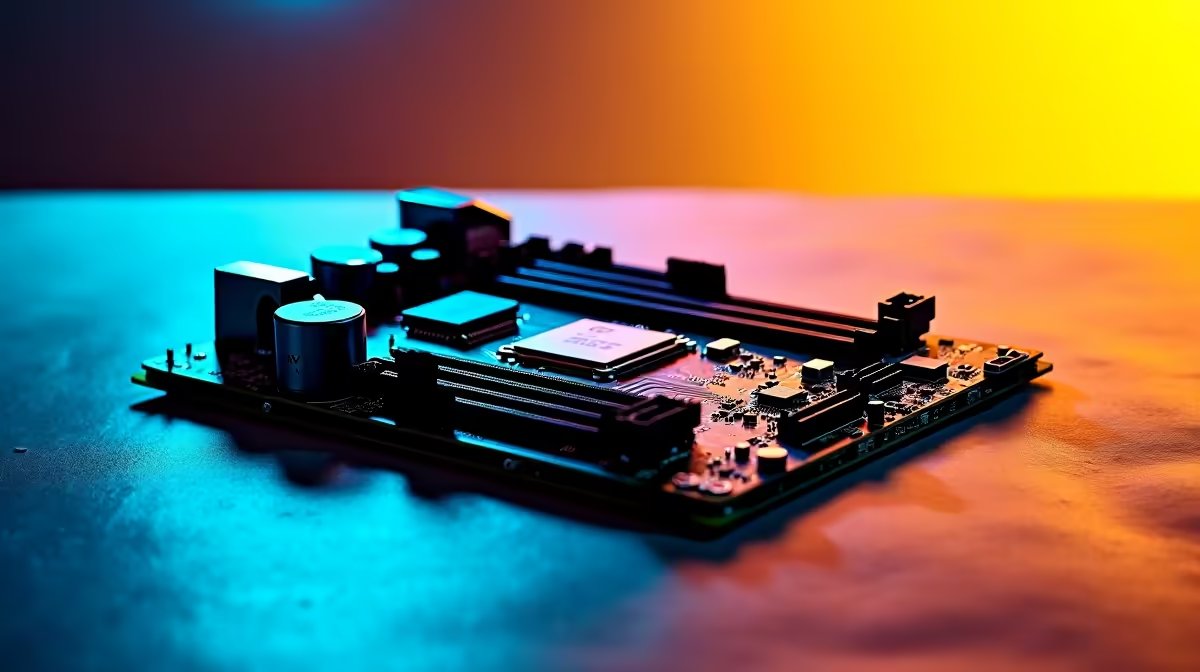
MSI A520M-A PRO at R700 suits a basic kids learning corner where the motherboard only needs to support schoolwork, browsing, and a simple desktop build without paying for gaming-room extras.
Practical motherboard picks for a learning setup
For a low-cost study PC, the MSI A520M-A PRO at R700 is the sensible starting point. The A520M name points to a compact, entry-level board class, which is enough when the machine is mainly for homework documents, online lessons, and controlled screen time rather than heavy upgrades.
The ASUS Prime B850M-F WiFi at R2,300 is the more comfortable step-up if the desk needs cleaner networking. Its WiFi naming matters in a study corner because it can reduce cable clutter around a shared family desk, especially where the router sits in another room.
If you want a board with more long-term breathing room, the ASROCK B850 Pro RS at R2,850 and MSI B850 Gaming Plus at R2,900 both move into the B850 tier. That makes more sense for a family PC that may later become a light gaming or creative homework machine, while the ASUS TUF Z890-Pro at R5,000 is better kept for a higher-end build than a child-focused workstation.
SA kids learning corner reality
A study nook in a South African home usually needs reliability, tidy cabling, and enough headroom for browser tabs, video calls, and school portals. For that balance, the ASUS Prime B850M-F WiFi at R2,300 is easier to justify than jumping straight to the ASUS TUF Z890-Pro at R5,000.
Ready to choose the right motherboard?
Use MSI A520M-A PRO at R700 as the motherboard shortlist benchmark, then check whether its listed spec matches the space, workload, and upgrade path.