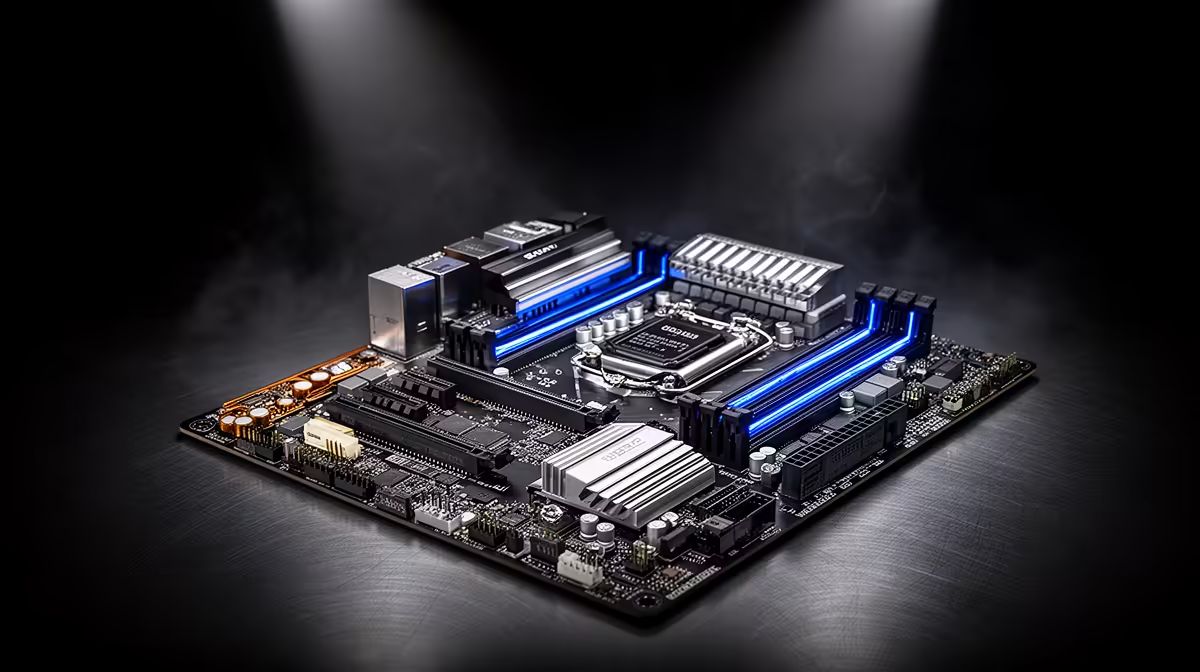
ASUS Prime B850M-F WiFi at R2,300 suits an SA student or workstation buyer who wants a current B850 motherboard for MATLAB without jumping straight to a premium board. The board choice matters less than matching the platform to the CPU, memory and storage you plan to use, but a stable current-gen board is still the right starting point for heavier coursework, modelling and data work.
Practical motherboard picks for compute work
The ASUS Prime B850M-F WiFi at R2,300 is the sensible middle option because the B850 platform gives you a newer base than entry A-series boards while keeping the price controlled. For a student desk or home study setup, that is usually a better fit than overbuying on a board before the rest of the build is decided.
MSI B850 Gaming Plus at R2,900 is the stronger pick if the same PC must handle study, gaming and longer sessions at the desk. The B850 spec keeps it in the same modern class as the ASUS Prime B850M-F WiFi, while the higher R2,900 price makes sense when you want more headroom in the build.
ASROCK B850 Pro RS at R2,850 sits close to the MSI B850 Gaming Plus at R2,900, so it is worth considering when you want a B850 board but prefer to keep the budget just under that mark. MSI A520M-A PRO at R700 is the cheapest listed route, but its A520M spec makes it better for a basic build than a heavier compute-focused PC.
SA student desk reality
For a compact student desk, the ASUS Prime B850M-F WiFi at R2,300 is the cleanest recommendation because the B850 spec gives the build a fresher platform without pushing into ASUS TUF Z890-Pro territory at R5,000. The ASUS TUF Z890-Pro at R5,000 is the premium option here, but it only makes sense when the rest of the PC is being built around that Z890 class.
Ready to choose the right motherboard?
Use MSI A520M-A PRO at R700 as the motherboard shortlist benchmark, then check whether its listed spec matches the space, workload, and upgrade path.