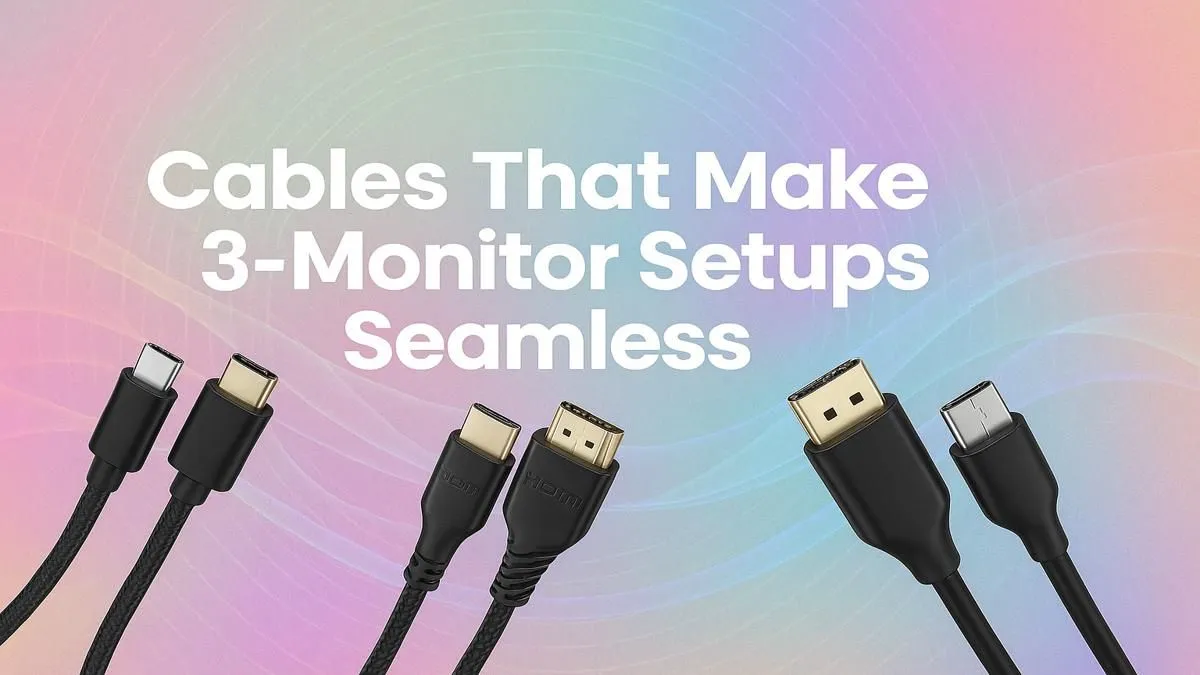
So, you're finally building that dream three-monitor command centre. 🚀 Absolute scenes! Whether for panoramic Warzone drops or next-level productivity, it's an awesome upgrade. But hold up… before you get lost in the pixels, there's a small but mighty detail that separates a clean setup from a chaotic one: the cables. Choosing the best cables for your 3-monitor setup isn't just about connecting things; it’s about unlocking your hardware’s full potential.
Choosing the Right Cables for Your Triple Monitor Setup
First things first, let's talk ports. Your graphics card and monitors will primarily feature two types: HDMI and DisplayPort. While both get the job done, they aren't created equal, especially for high-performance gaming.
DisplayPort (DP) is generally the top choice for PC gamers. A single DP 1.4 cable can handle a 4K resolution at 120Hz or even 8K at 60Hz, giving you all the performance your high-end monitors crave. HDMI 2.1 is a powerful contender and essential for consoles like the PS5, but for a PC-centric 3-monitor setup, prioritising DisplayPort is usually the smarter move. To find the perfect fit for your needs, you can browse a range of comprehensive cable solutions to ensure you get the right specs.
Matching Cables to Your Hardware 🔧
Before you click "add to cart," take a moment to play detective. Check the back of your graphics card. How many DisplayPort outputs does it have? How many HDMI? Do the same for all three of your monitors. There’s nothing worse than unboxing your new screens only to realise you don’t have the right connections.
For example, if your GPU has two DisplayPort outputs and one HDMI, that dictates your cable purchase. Mismatching can lead to lower refresh rates or resolutions on one of your screens. For professional or branded setups, ensuring consistency with something like quality HP display cables can provide peace of mind and certified performance. Getting the cables right for a triple monitor setup from the start saves a lot of headaches.
Measure Twice, Buy Once
Before you buy, use a piece of string to trace the path from your PC's port to each monitor's input, adding a little slack. This ensures you buy cables that are long enough without creating a massive 'kabel-nes' (cable nest) behind your desk.
Cable Length and Management for a Clean Look
The best cables for a 3-monitor setup are also the ones that fit your space perfectly. A cable that's too short is useless, and one that's too long creates clutter. Measure the distance for each monitor, especially the one furthest from your PC. It's wise to buy cables that are slightly longer than you need to allow for routing them neatly.
Pairing your cables with sleeves or Velcro ties is the final step to achieving that clean, pro-level look. Tidy cabling doesn't just look good; it improves airflow around your components and makes future upgrades or troubleshooting much easier. Investing in durable options like these reliable Promate cables means they'll withstand all the plugging and re-routing you can throw at them. Now your setup is ready for its close-up. ✨
Get Your Setup Connected
Ready to build your perfect multi-monitor battlestation? We have every cable you could possibly need to ensure a flawless, high-performance connection. Shop our full range of cables now at Evetech and bring your setup to life.